Gemini Omni 1.1 Flash, the newest version of Google's Omni video model, is now live on OmniRender and is the default model for every account. It gives you four resolutions from fast 360p drafts to 4K, first and last frame control, image and video references, and scenes you can extend to 40 seconds. There's no new tier and no upgrade fee: open the studio and it's already selected.
Google DeepMind released Gemini Omni 1.1 Flash on August 27, 2026, about three months after the original Omni Flash debuted at Google I/O. The first version was about generating and editing a clip. This one is about directing it: deciding where a shot starts and ends, keeping a character or product consistent, and carrying a scene past the 10-second mark. New to Omni? Start with What is Gemini Omni?
What's new in Gemini Omni 1.1 Flash
Gemini Omni 1.1 Flash keeps everything the original did well (native sound, dialogue with lip sync, editing with a plain sentence) and adds four new ways to control the result. Here's how it compares with the first version.
| Feature | Gemini Omni Flash | Gemini Omni 1.1 Flash |
|---|---|---|
| Resolutions | 720p | 360p, 720p, 1080p, 4K |
| Inputs | Text, conversational edits | Text, images, first and last frame, up to 3 video clips |
| Scene extension | No | 10-second steps, up to 40 seconds |
| Sound and dialogue | Yes, lip-synced | Yes, lip-synced |
| Length per generation | 3 to 10 seconds | 3 to 10 seconds |
Scenes up to 40 seconds
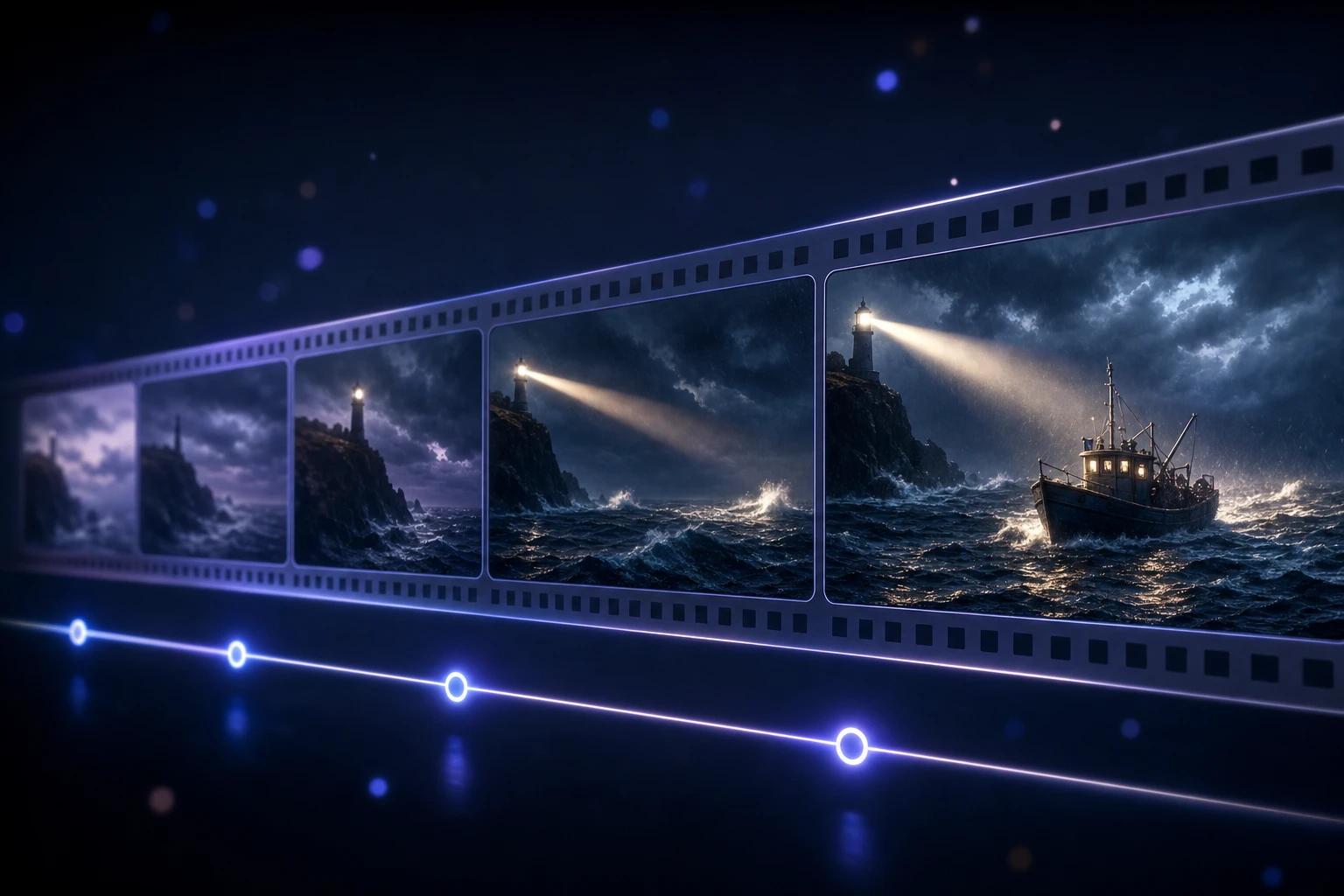
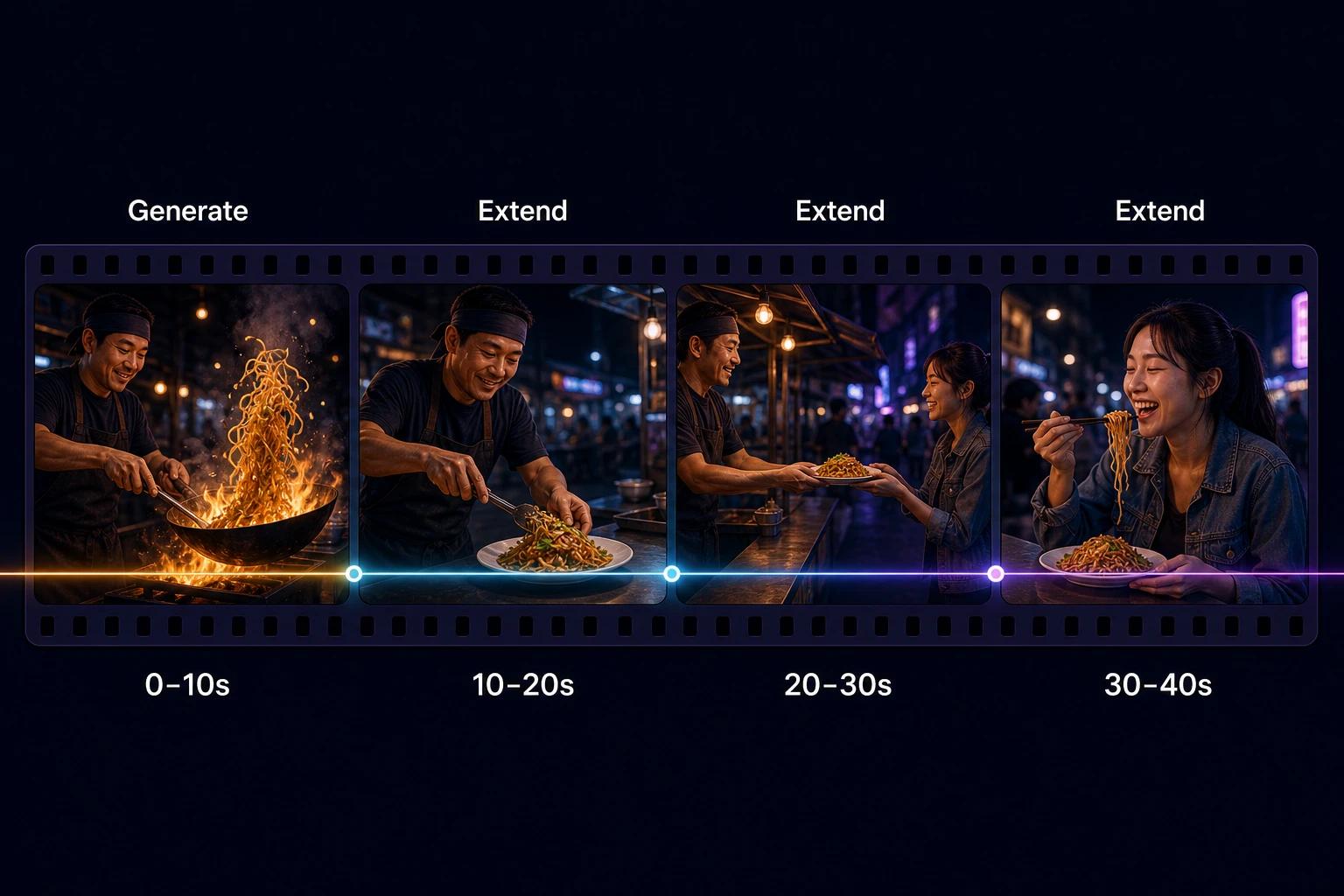
Any clip can now be extended in 10-second steps, up to 40 seconds in total. Each extension reads up to the last 10 seconds of footage, so motion, characters and audio carry over from one segment to the next. You describe what happens next; Omni continues from the final frame. Extensions always add to the end of a clip, not the middle.
First and last frame
Give Omni two images and it generates the shot that connects them. It's the most precise way to get a transition, a product reveal, an orbit around a subject or a seamless loop (use the same image as both frames).
Image and video references
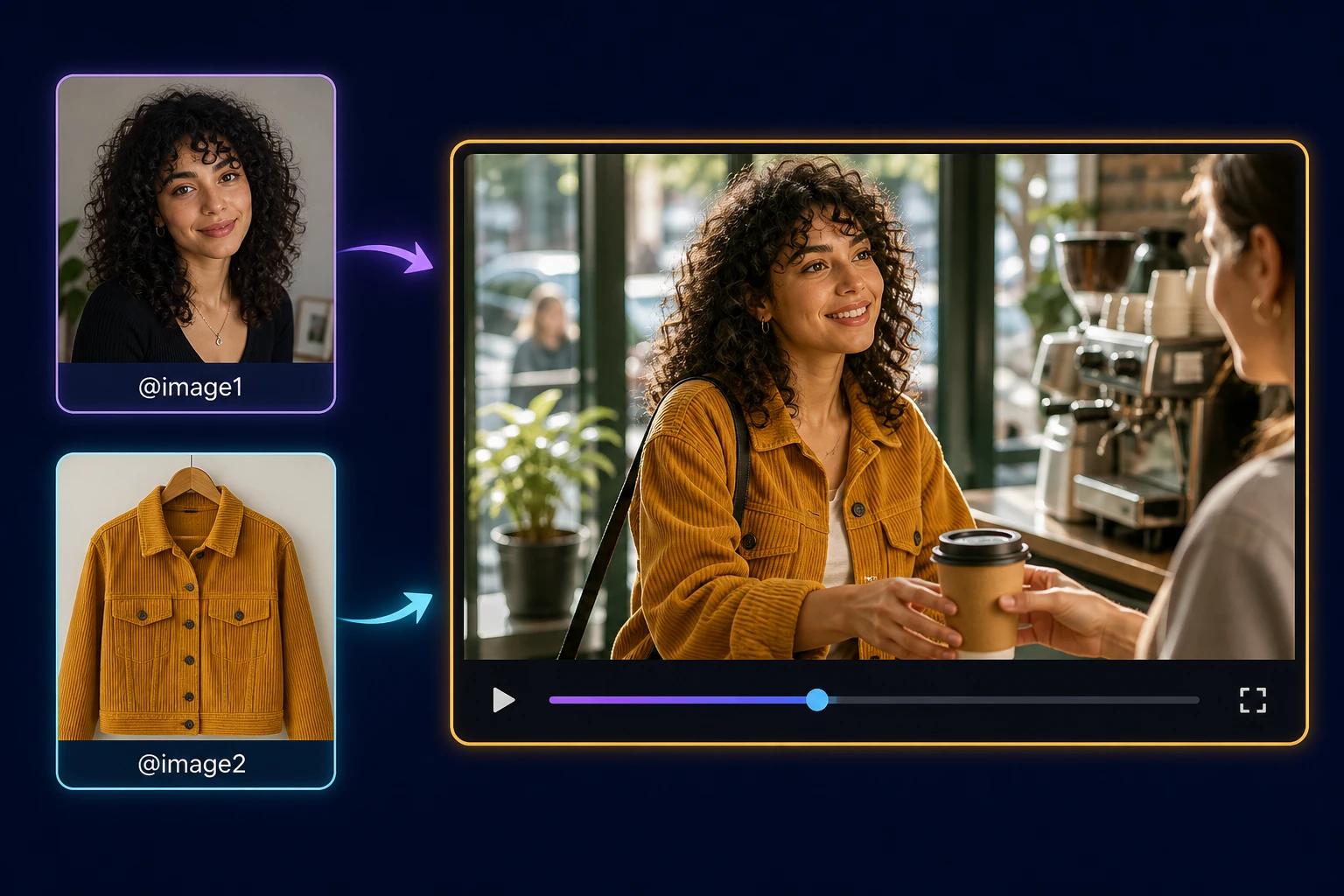
Upload a character, a product or an outfit as an image, or add up to three short video clips (up to 3 seconds each), then tag them in your prompt. Omni keeps the look consistent across shots. Audio inside a video reference is ignored, so add sound through the prompt.
From 360p drafts to 4K
You now choose the resolution per video. 360p renders up to 60% faster than 720p and costs a fraction of it, which makes it ideal for testing prompts. 720p is the everyday choice. 1080p and 4K are upscaled from the native render for final delivery.
How to use Gemini Omni 1.1 Flash on OmniRender
There's nothing to switch on. If you already have an account, your next video uses 1.1 Flash. If you don't, you can make your first one in a few minutes:
- Sign up free at omnirender.ai. No waitlist, no card, no download.
- Check the model. In the prompt box, open the Video model selector. Gemini Omni 1.1 Flash is already selected; the original Gemini Omni Flash is still listed if you want to compare.
- Add references (optional). Click + References to add images or up to three short clips, then tag them in your prompt with @. For a controlled shot, choose First → last frame and upload two images.
- Write your prompt. Describe the shot, the subject, the action, the setting and the sound. Our prompt guide has 32 examples to copy.
- Pick ratio, resolution and length. Test your prompt at 360p, then generate the final version at 1080p or 4K.
- Generate, then refine with a sentence ("make it rain") or extend the scene in 10-second steps.
The full step-by-step walkthrough is in How to use Gemini Omni Flash.
Pricing: the same plans, more model
1.1 Flash costs nothing extra. Credits scale with resolution, so a 360p draft uses a fraction of a 4K render, and each scene extension bills one extra 10-second segment.
| Plan | Price | Credits per month | Roughly |
|---|---|---|---|
| Free | $0 | 160 | Up to 3 videos at 360p |
| Creator | $14/month | 2,800 | Up to 56 videos |
| Studio | $49/month | 10,000 | Up to 200 videos |
| Agency | $99/month | 22,000 | Up to 440 videos |
Paid plans include a commercial license, and no plan adds a visible watermark. Prefer to pay once? Credit packs of 10,000 credits ($50) or 20,500 credits ($100) never expire. Details on the pricing page.
What happens to the original Omni Flash?
It stays available as a model option, and existing projects keep working exactly as before. Use it if you want to match the look of earlier videos; for anything new, 1.1 Flash is the better choice.
4 prompts to try the new features
Each of these shows off one thing the original Omni Flash couldn't do. Copy them, then make them yours.
1. A 40-second scene. Generate the opening, then extend three times, one sentence per step:
Low-angle shot of a lighthouse keeper climbing a spiral staircase at dusk, lantern in hand, wind howling outside. Warm lamplight, cold blue windows, cinematic. Footsteps echo on iron steps.Extend 1: He reaches the top and lights the great lamp; the beam sweeps across a stormy sea.
Extend 2: The camera follows the beam out to a small fishing boat fighting the waves.
Extend 3: The boat turns toward the light. Close on the captain's relieved face. Thunder fades into the sound of rain.2. First and last frame. Upload a photo of a closed shop door as the first frame and the busy shop interior as the last:
The camera glides through the door as it swings open and drifts across the bakery to the counter in one continuous shot. Morning light, steam rising from fresh bread, a bell rings as the door opens.3. Image references. Add a portrait as image 1 and a product shot as image 2:
@[image1] unboxes the sneakers from @[image2] on a park bench, laces them up and jogs off down the path. Golden hour, handheld, upbeat acoustic music. Keep her face and the shoe design exactly as in the references.4. Draft cheap, finish in 4K. Run this at 360p until the motion is right, then generate the final version at 4K:
Macro shot of a single drop of coffee falling into a full cup in slow motion, a crown of liquid rising and settling. Dark background, soft rim light. A soft, deep plop, then silence.Want more? The Gemini Omni prompt guide covers the prompt formula, camera moves and 32 tested examples.
Gemini Omni 1.1 Flash FAQ
When was Gemini Omni 1.1 Flash released?
Google released it to general availability on August 27, 2026. It's live on OmniRender now as the default video model.
Is Gemini Omni 1.1 Flash free on OmniRender?
Yes, within the free plan: 160 credits a month, enough for up to 3 videos at 360p, with no card needed. 720p, 1080p and 4K come with the Creator, Studio and Agency plans.
How long can a Gemini Omni 1.1 Flash video be?
Each generation is 3 to 10 seconds. With scene extension you can grow a clip in 10-second steps to 40 seconds.
Is the 4K output native?
No. Omni renders natively at 360p or 720p, and 1080p and 4K are upscaled from that render. Google describes it as crisp 4K upscaling, and it's built for final delivery.
Do I need to do anything to switch?
No. 1.1 Flash is the default for every account. The original Gemini Omni Flash stays in the Video model selector if you need it.
Where else can I use Gemini Omni 1.1 Flash?
Google also offers it in Google AI Studio and the Gemini API (model ID gemini-omni-1.1-flash), in Google Flow for AI Plus, Pro and Ultra subscribers, and in the Gemini app, where scene extension is available on those plans. OmniRender gives you the full set of controls without a Google subscription.
Ready to try it? Create a free account and make your first 1.1 Flash video, or read more on the Gemini Omni 1.1 Flash page.