An AI film generator can turn a prompt or image into a moving scene, but each tool handles sound, motion, and continuity differently. Here are five options for creators, starting with OmniRender, plus the trade-offs to check before you build a workflow around one.
We analyzed 55 YouTube comments about AI film generation and found that 15% mentioned prompt structure for scene continuity.
1. OmniRender
OmniRender is an independent, browser-based app for making short videos from text and image references. It uses Gemini Omni models, but OmniRender has its own plans and studio, separate from Google's underlying technology.
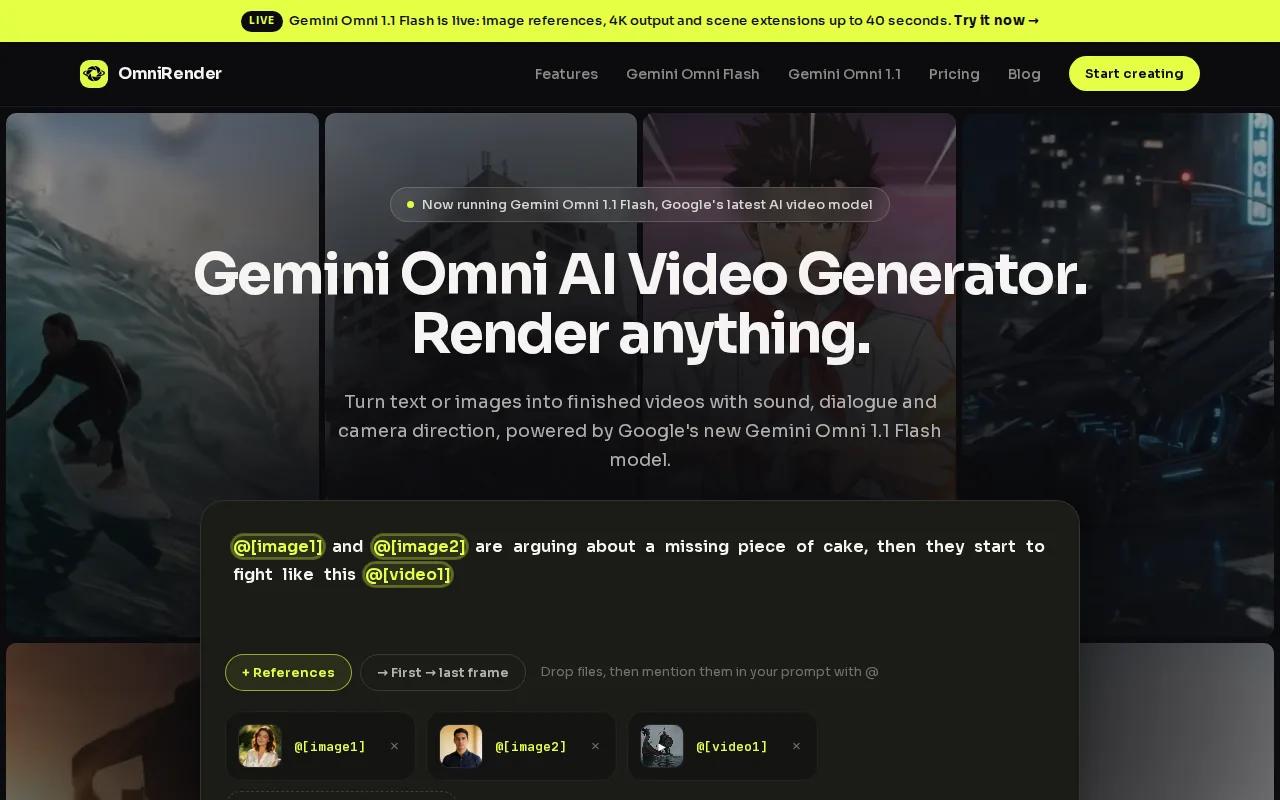
It suits social creators, brand marketers, small video teams, and independent filmmakers who need a short clip with sound. The model can generate music, sound effects, and lip-synced dialogue with the video. You can also keep characters consistent, edit a clip through a prompt, then extend a scene.
For a product ad, attach a product photo and describe the action, camera move, and sound. A creator making a vertical Short can choose a 9:16 frame. If the first take is close but needs a change, describe that edit rather than rebuilding the whole prompt. See OmniRender’s plan details before choosing a workflow.
Check current plan details, resolution limits, and credit costs before making a batch. Commercial-use rights for free versus paid access are unclear here, so confirm the current terms before using generated videos commercially.
OmniRender is a fit when sound and character continuity belong in the same short-form workflow. The model and app are distinct: Gemini Omni is the underlying technology, while OmniRender provides the browser-based creation flow.
2. Runway: flexible text-to-video and region animation
Runway is an AI video tool with text-to-video generation and region animation. Its Multi-Motion Brush lets you direct movement in selected areas, while camera controls cover moves such as pan, tilt, and zoom.
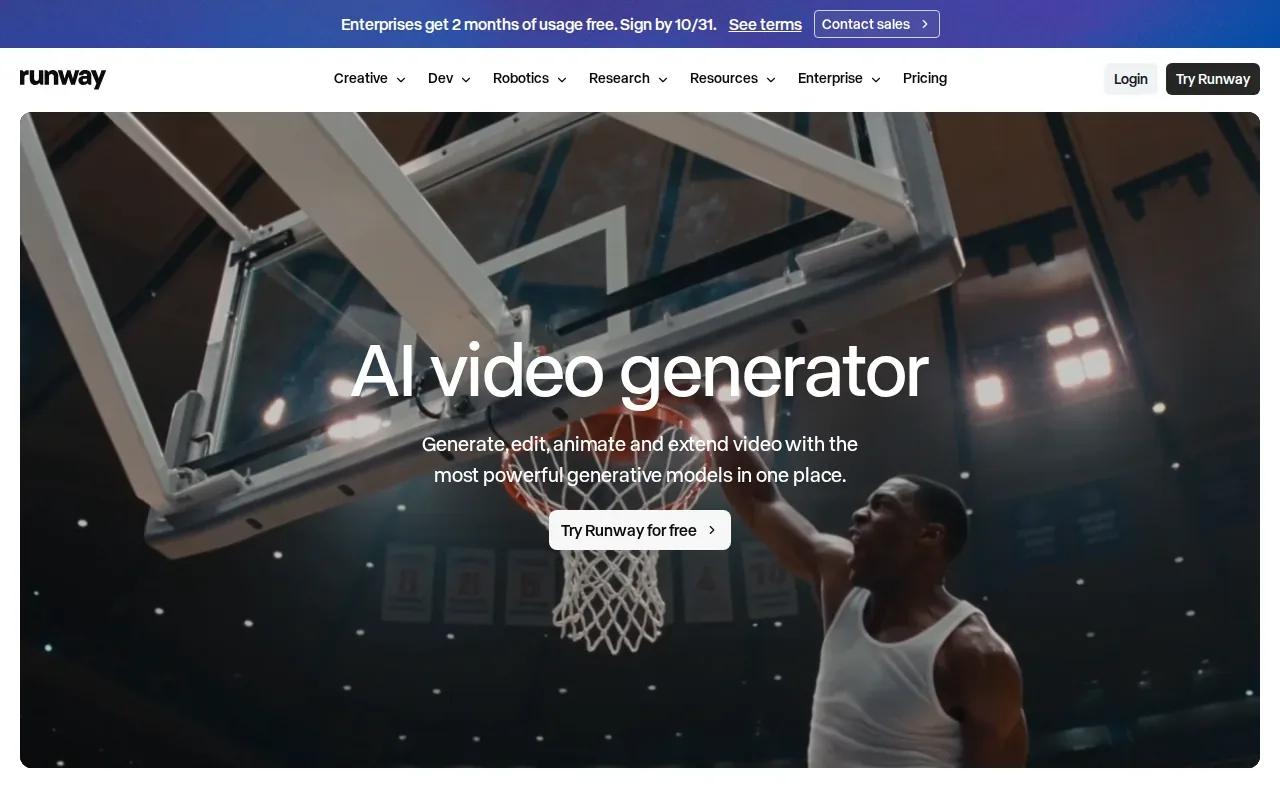
That control can help when a shot needs a specific motion rather than a general prompt. You might want a person to stay still while a background element moves, or need to guide a camera across a scene. Runway also supports custom AI model training, which may suit a workflow that calls for a trained visual style or subject.
Its listed base output is 720p. The Standard plan starts at $15 per month and includes 625 credits. Since generation uses credits, compare the plan allowance with the number and length of clips you expect to make.
Runway is worth considering if shot-level movement control is central to your process. For a creator who mainly needs a ready-to-post short with synced speech and music, compare how much editing remains after generation.
3. Kling AI: short shots with convincing physical motion
Kling AI uses credit-based video generation and is suited to filmmakers making many short shots where motion needs to feel weighted. That can matter in an action insert, a moving product shot, or a scene where a person turns or shifts position.
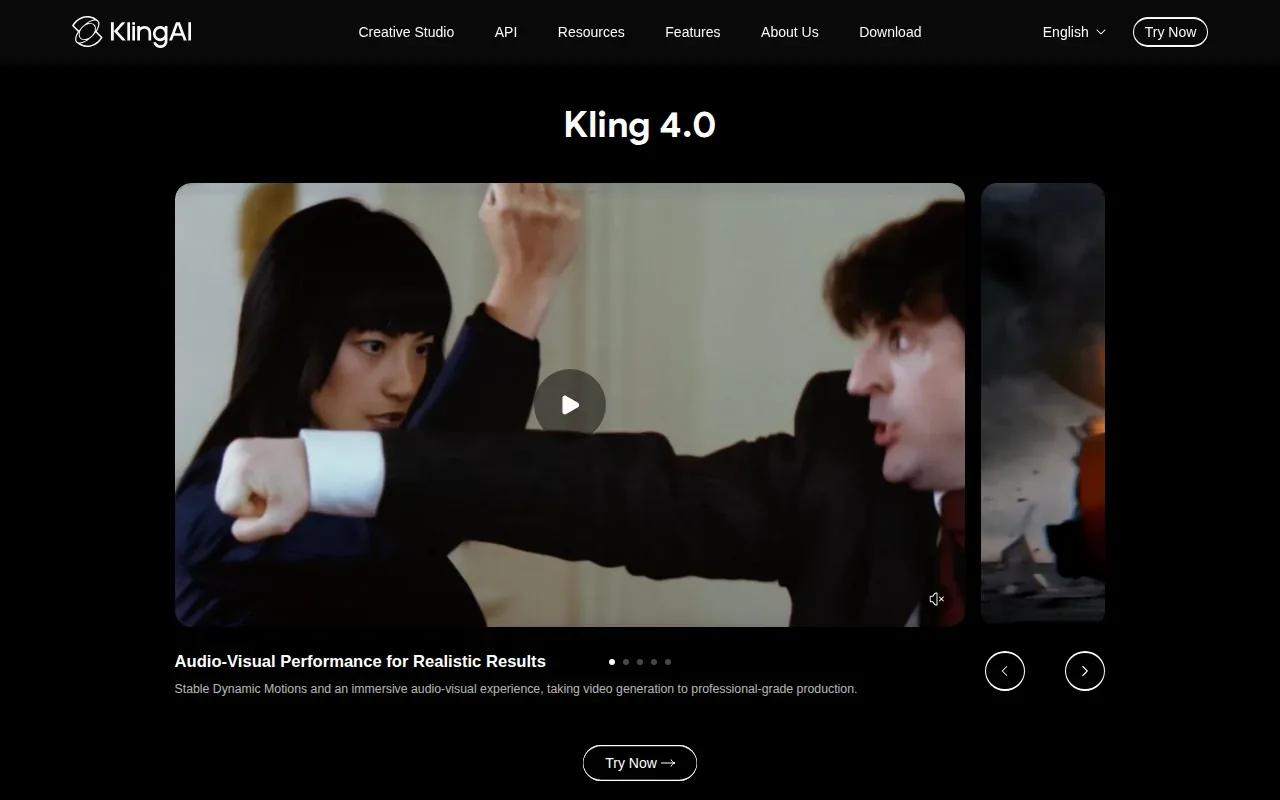
When you review a generated shot, pay attention to how objects move and how the subject carries momentum. A clip may look striking as a still frame, yet feel wrong once the subject moves. Kling AI’s focus on physics-based motion makes it relevant for creators who need short footage with a stronger sense of physical movement.
Kling AI has no single fixed cost per finished clip; the model and output settings are part of the estimate.
For a short film, Kling AI can be one tool in a shot-by-shot workflow. Keep scenes short when motion is the main concern, then assess each take for continuity before you decide it belongs in the final cut.
4. Pika: punchy generated clips for social content
Pika is where you go when you need short, punchy generated clips for social. Its editing effects can support a short post built around one clear action.
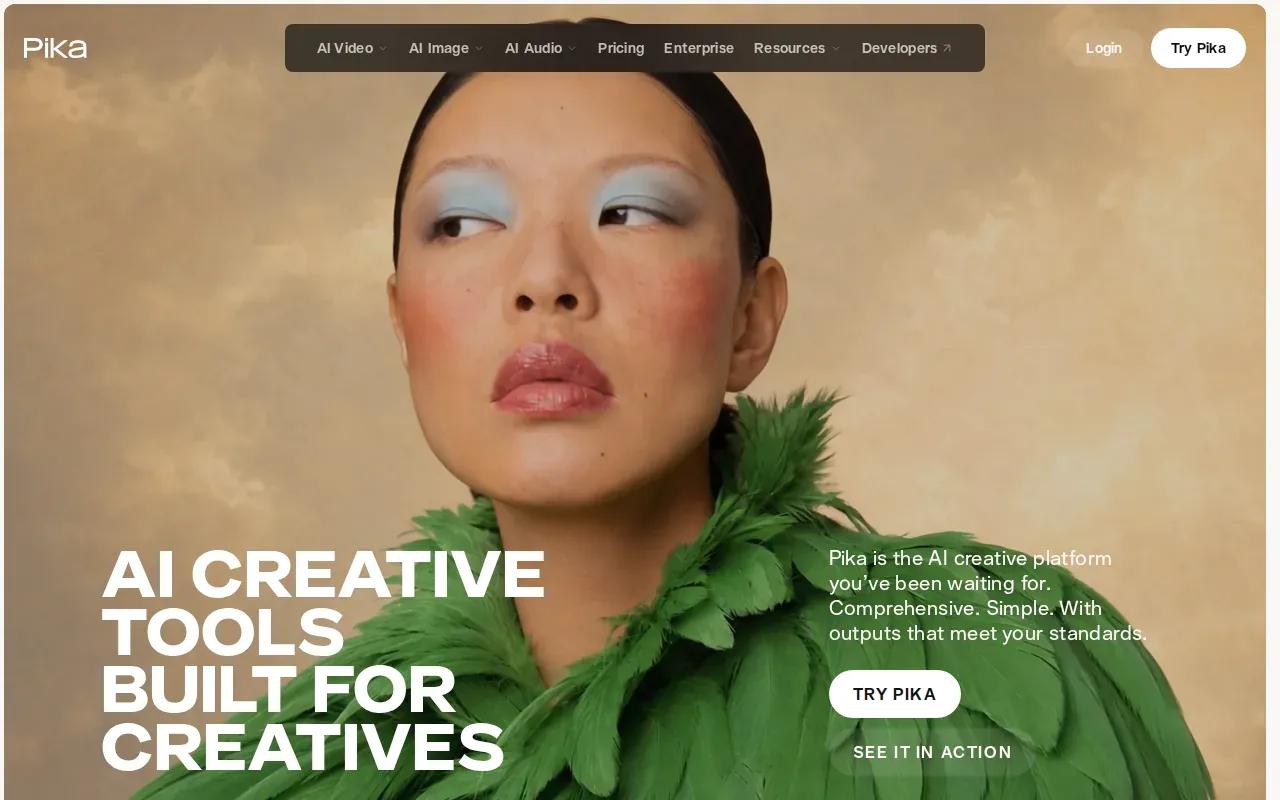
Think of a creator making a brief scene for a Reel. A clear concept gives the generation a direction; Pika’s editing effects can help shape the clip, so it may fit a workflow centered on short pieces rather than longer film sequences.
The Standard plan is $8 per month for 700 monthly credits and access to Pika 2.5 at all resolutions, with its editing effects. Details for the Pro and Fancy plans are not included here. Match the output to where the video will appear.
One useful check: make a test in the same format you plan to publish. A clip that reads well in a preview may need a different composition when it fills a phone screen.
5. OpenArt: recurring characters and extendable scenes
OpenArt brings multiple video models into one workspace. It supports character reference sheets, clip extension, sound addition, upscaling, and downloads. Its character tools can help keep a person or location recognizable across separate generations.
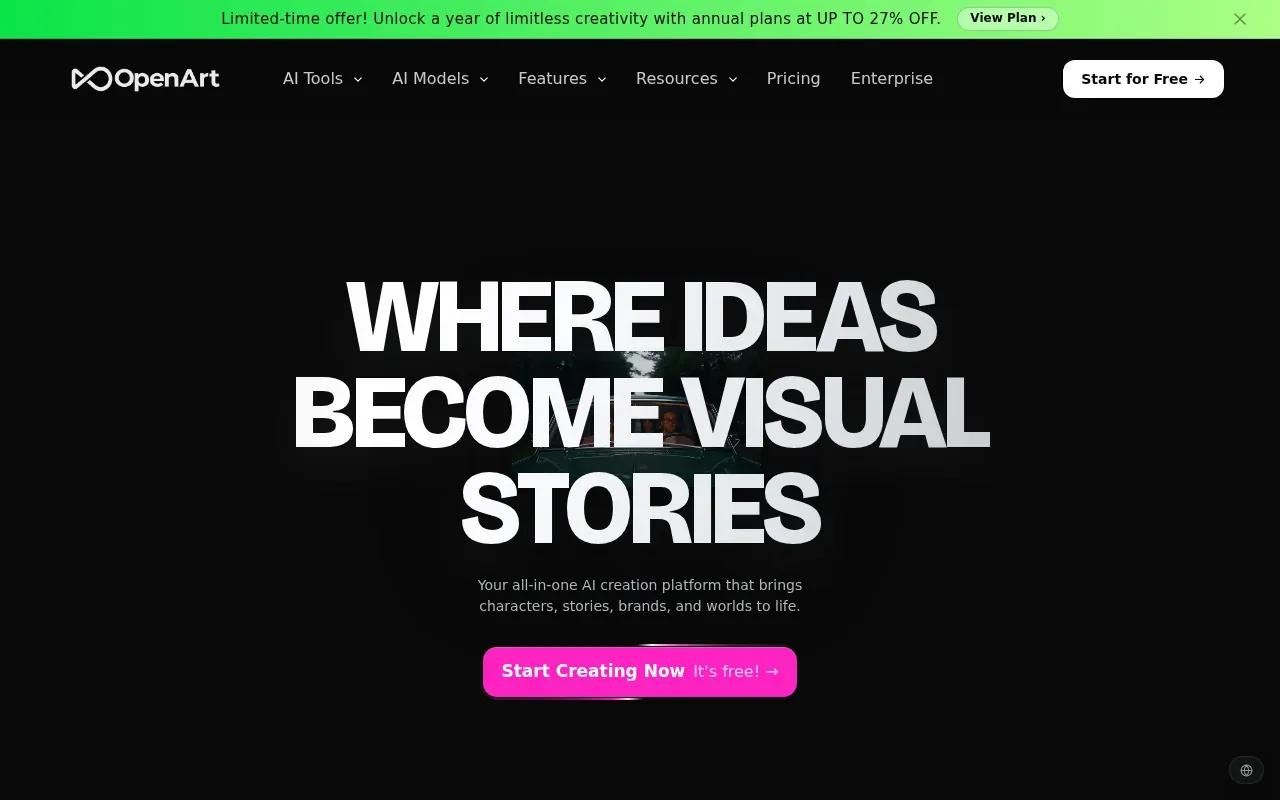
This can be useful when a short film or campaign needs the same character in more than one shot. Prepare a reference sheet, then use it to guide later generations. OpenArt also supports scene extension, so you can continue a selected clip rather than treating every take as a new standalone piece.
Multi-model routing gives creators a way to choose among different engines for different shots. For example, you could select a model based on the motion or reference support a scene needs, then use the extension or sound tools as the project develops. The right choice depends on the scene, not simply on which model name sounds most familiar.
OpenArt is worth a look if you want character references and scene extension in a multi-model workspace. For a simpler one-model workflow, compare the number of steps you’ll need to get from prompt to a finished short.
Continuity starts before generation. Keep the character reference and key scene details consistent when you set up the next shot.
AI Film Generators Compared: Features, Workflow, and Trade-Offs
These tools solve different production problems. Use this table to narrow the shortlist by the work you need the generator to do, not by a single headline feature.
| Tool | Useful fit | Workflow detail | Price or output detail |
|---|---|---|---|
| OmniRender | Short-form clips with sound and character continuity | Text and image references, prompt edits, scene extensions | — |
| Runway | Shots needing directed motion | Text-to-video, region animation, camera controls | Standard starts at $15/month; base resolution is 720p |
| Kling AI | Many short shots with physical motion | Physics-based motion; credit-based generation | Credit-based |
| Pika | Short social clips and editing effects | Text-to-video, image-to-video, vertical clips | Standard starts at $8/month; output up to 1080p |
| OpenArt | Recurring characters across scenes | Reference sheets, model routing, clip extension, sound | — |
For a short social video where speech and sound need to arrive with the image, OmniRender is the clearest match among these five. Choose Runway when directed motion matters more, Kling AI when physical movement is the focus, Pika for punchy social clips, or OpenArt when character references and model choice shape the project.
Before you commit, make one test clip in your intended format. Check whether the subject stays recognizable, whether motion fits the scene, and whether the sound suits your final post. Then check the plan terms and credit use for the settings you actually used.
FAQ
What does an AI film generator do?
An AI film generator turns a written prompt or visual reference into video. Depending on the tool, you may be able to guide motion, add sound, edit a region, or continue a scene. These tools work well for short drafts and creative tests, but you should review each clip before using it in a finished project.
Can AI film tools make videos with sound?
Yes, some can generate sound with the video. OmniRender supports synchronized music, sound effects, and lip-synced dialogue in its video workflow. OpenArt supports sound addition. Check the specific tool and settings you plan to use, since sound features can differ between products and plans.
Which AI video tool is suited to consistent characters?
OmniRender supports consistent characters, and OpenArt provides character reference sheets to help keep people and locations recognizable across generations. For a multi-shot project, use the same reference material and review each new clip for changes in face, clothing, or setting before you edit the shots together.
Are free AI film generators enough for a project?
A free plan can be enough to test a prompt or make a low-resolution draft. Check the plan’s resolution, credit allowance, and usage terms against your needs before relying on it for a finished or commercial project.
How should I choose a tool for a short film?
Start with the shot that’s hardest to make. If you need a specific camera move, test Runway; for believable physical movement, try Kling AI; for recurring characters, compare OmniRender and OpenArt. Make a short test in the aspect ratio and resolution you intend to use, then review continuity and sound.
Conclusion
If your short-form work needs consistent characters, prompt-based edits, and sound synced to the image, OmniRender is a fit to consider. Review its current plan details before choosing a paid plan.