An AI promotional video maker turns a prompt or image into a short marketing clip, often with generated sound or a presenter. In 2026, the main difference is how each tool handles scenes, references, avatars, and edits. Here are five named options, starting with OmniRender, and the work each one fits.
We analyzed 58 comments and questions from Reddit, YouTube and Quora about AI promotional video makers and found that 19% mentioned integration with existing marketing workflows.
1. OmniRender
OmniRender is an independent, browser-based app for making short videos from text prompts and image references. It uses Gemini Omni models as its underlying technology, but OmniRender has its own app, features, and plans. Google develops the model; OmniRender is not a Google product or endorsement.
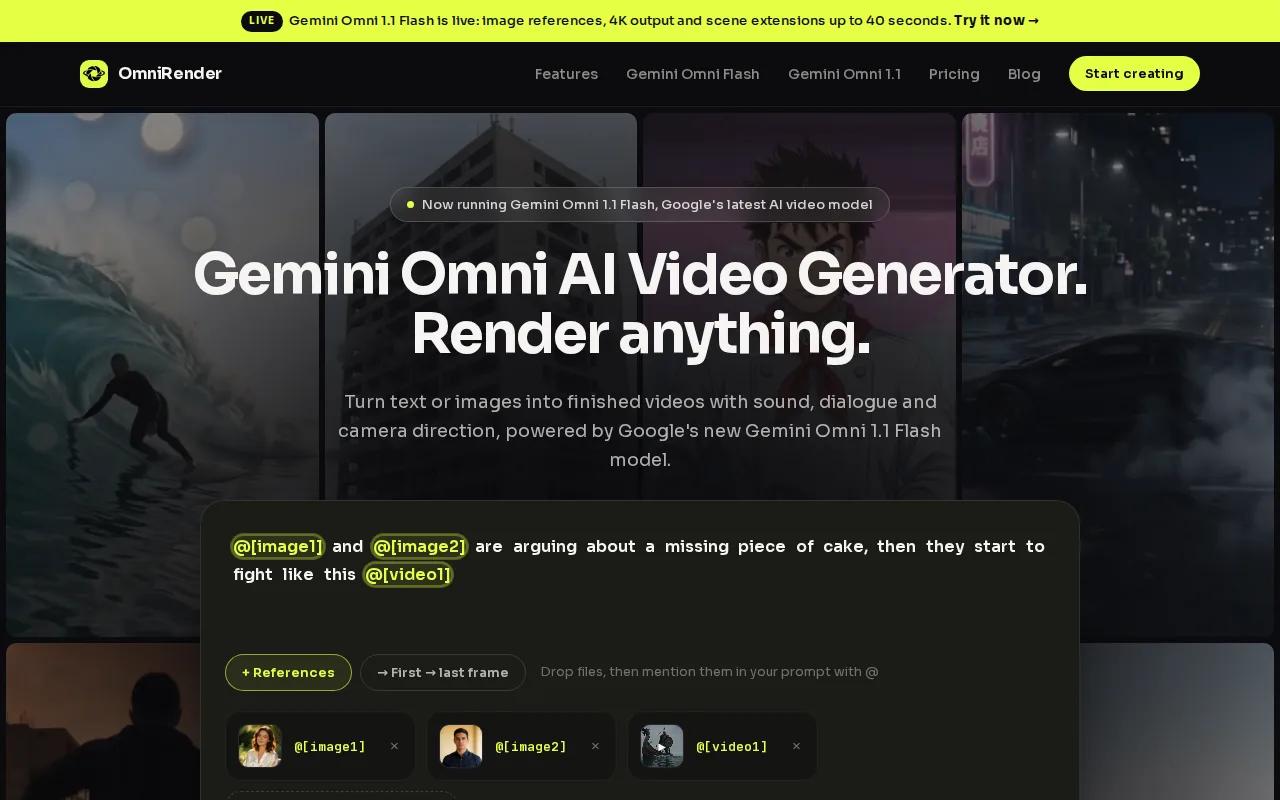
It suits social creators, brand marketers, ecommerce teams, and small production groups. Attach a product photo, describe the scene and camera move, then generate a clip with synchronized music or sound effects. You can also prompt for lip-synced dialogue, keep a character consistent, and revise a generated scene with written directions.
That edit loop is useful when a first render is close but not ready. Ask for a change to the scene in plain language, then review the new result instead of rebuilding the idea from scratch. Generated scenes can also be extended, which can help when a short social clip needs a longer version. For more ideas on product-led workflows, see AI promo video generator tools compared.
Its free plan includes a few 360p videos a month with no card required; paid plans start at $14 a month, list a commercial licence, and Gemini Omni 1.1 Flash adds 4K output and scene extensions up to 40 seconds. The app runs in a browser, so there’s nothing to install.
When planning a product shot or social clip, describe the scene, camera movement, lighting, and mood in your prompt to guide the result.
When your campaign needs a product scene with sound, rather than a presenter reading a script, OmniRender is worth testing.
2. HeyGen: avatar-led explainers and personalized outreach
HeyGen makes presenter-led promotional videos from scripts or prompts. It fits marketing teams that need an explainer or product video, along with sales teams sending personalized video outreach.
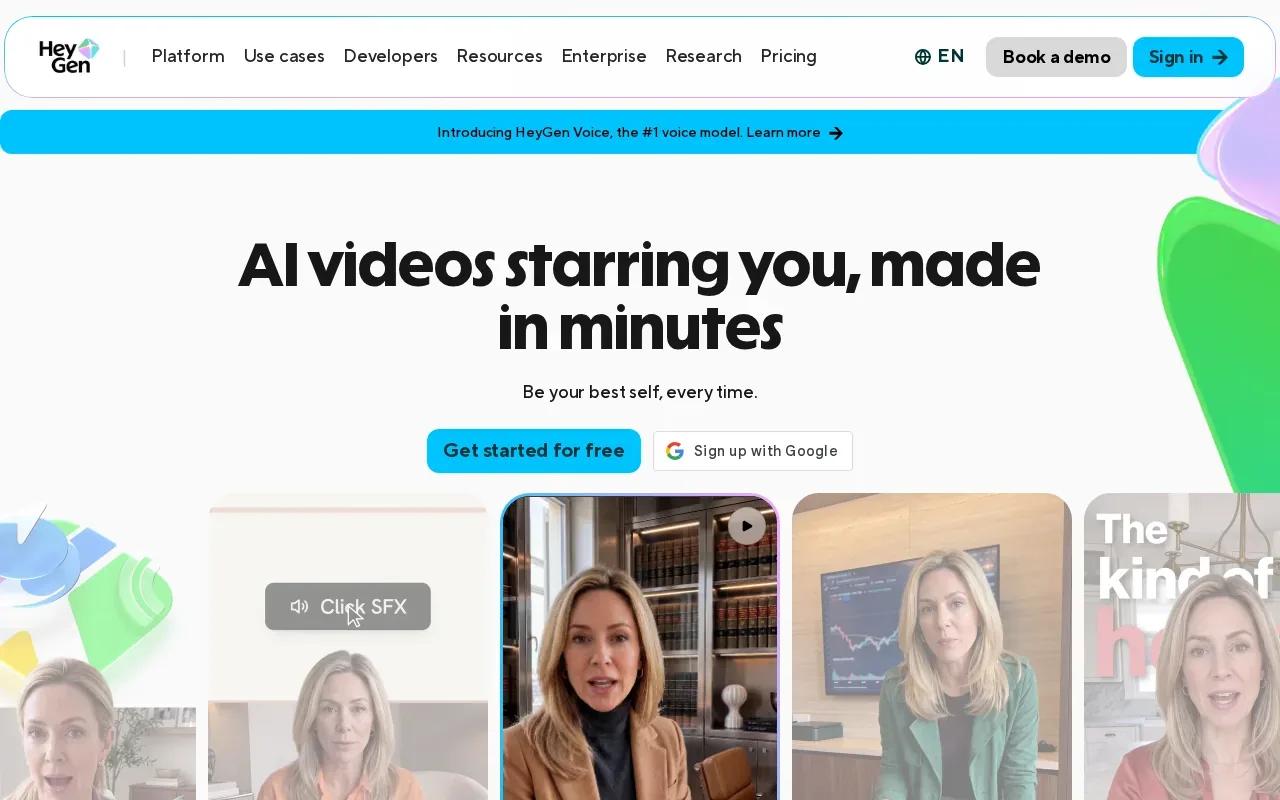
Its realistic avatars and lip sync keep the focus on a spoken message. A team can use prompt-to-video generation for a short product explanation, then use Video Agent to automate the prompt-to-video workflow. That makes it a distinct choice from tools centered on a generated product scene.
Multilingual translation can help teams adapt a message for different audiences. HeyGen also supports 4K export on its Pro plan. For a campaign with a person delivering the offer, those capabilities may matter more than image-led scene generation.
Before you generate, write the core line the presenter needs to say. Keep the offer clear, then review how the avatar delivers it. If the campaign depends on a specific product appearance or a cinematic scene, compare that need with an avatar-first workflow.
HeyGen is the stronger fit when the message itself needs a face and voice. Pick it for a sales note or explainer where a spoken pitch is central.
3. Krea: reference-driven campaign generation
Krea is a generative media workspace with an agent-driven approach to planning and refinement. It fits creative teams that want to start from visual references, then shape an ad campaign around them.
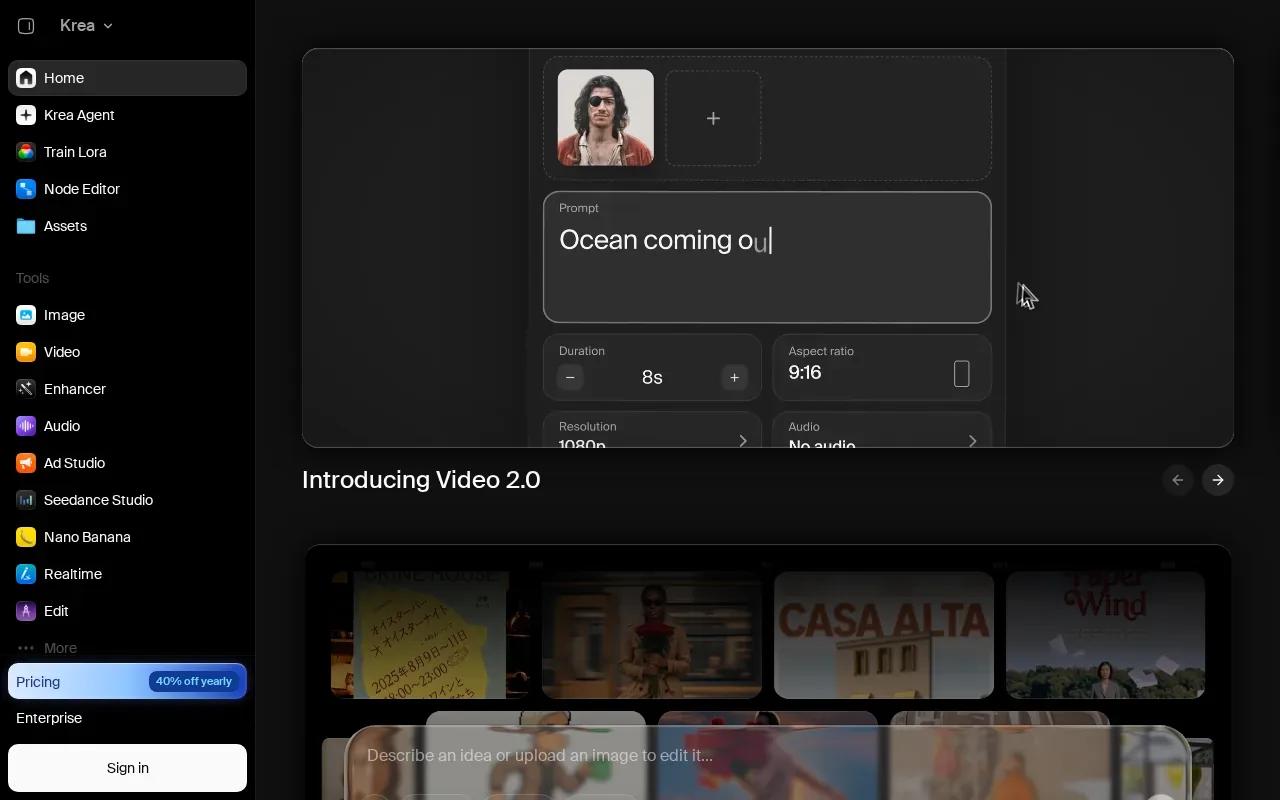
Its workflows include text-to-video and image-to-video, plus ad campaign generation. You can tag image, video, or audio references to guide the work. Native synchronized audio can bring sound into the generated clip, while region-level editing lets you direct a change to a selected part of an image or video.
That reference-led process is useful when a campaign has a visual direction to keep. For example, a team can use an approved image as a guide, then refine a particular region instead of asking for a wholly new scene. Krea also supports single-clip video editing and can generate output up to 4K.
An agent can help plan and refine the creative, but your team still needs to check the result against the brief. Review the product details, composition, and sound before using a clip in a paid campaign. A generated image may suggest a look; it should not replace a final check of what the campaign must show.
Choose Krea when reference tagging and targeted edits are central to how you want to work.
4. JXP AI Video Generator: multiple generation modes in one workflow
JXP AI Video Generator brings several creation modes into one connected workflow. It suits individual creators and teams who want to move between text, image, reference, and avatar lip-sync generation in one place.
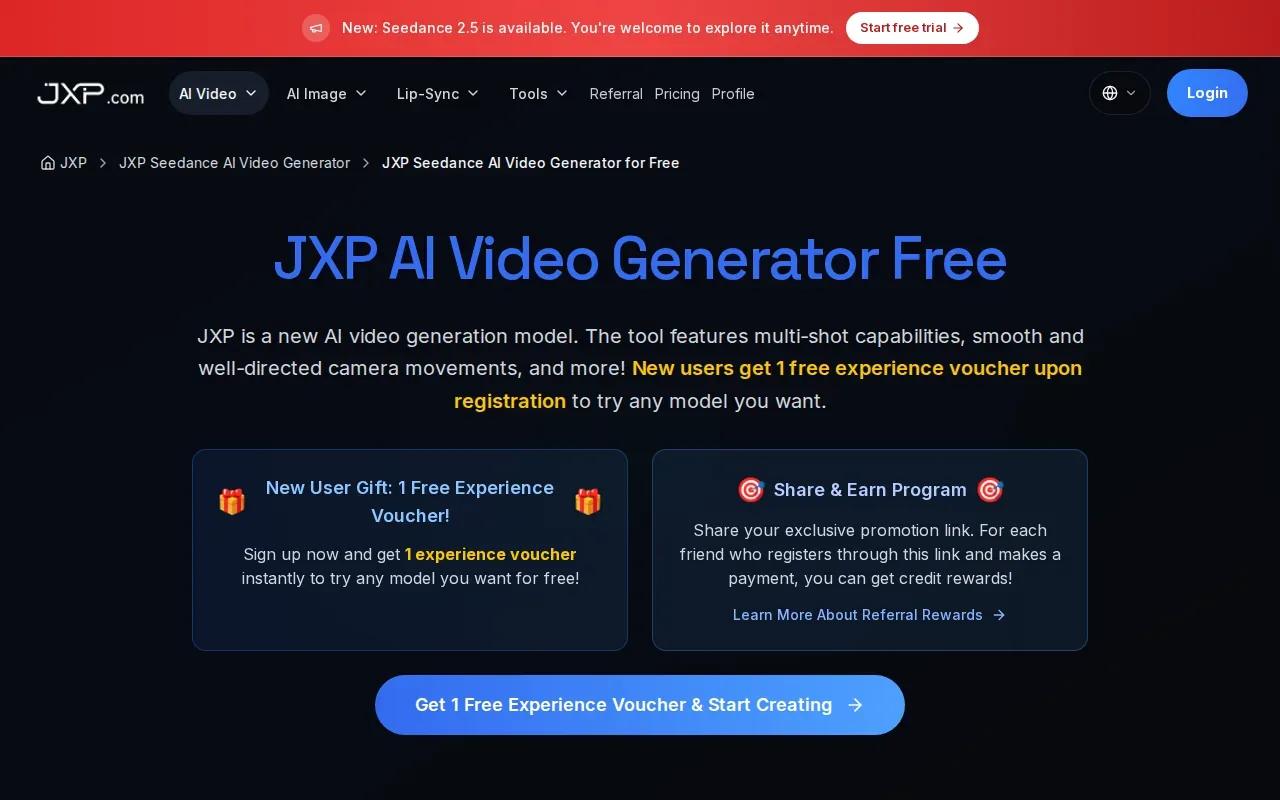
Start with a written idea for text-to-video, or use image-to-video when you have a still to animate. Reference-to-video gives you another way to guide a scene, while Avatar LipSync supports speech-led clips. Having these modes together can help when one campaign needs both a product visual and a speaking character.
JXP brings Text to Video, Image to Video, Reference to Video, and Avatar LipSync into one connected creative workflow. Exports are HD (1080p). One-time credit packs start at $10 and never expire, and monthly subscriptions give 20% more credits than one-time packs; paid packs list a commercial use licence.
Generation costs can vary with the model and settings. Check the pricing shown for your account before submitting a batch of versions, and review current usage terms and rights for your source material before publishing.
JXP may suit a team that wants multiple input modes in one creative workflow. Its exports top out at 1080p, so check that against the resolution your campaign requires.
5. Synthesia: talking-head videos with multilingual avatars
Synthesia makes talking-head videos with photorealistic avatars. It fits teams that need a person on screen to explain a product or deliver a consistent message in several languages.
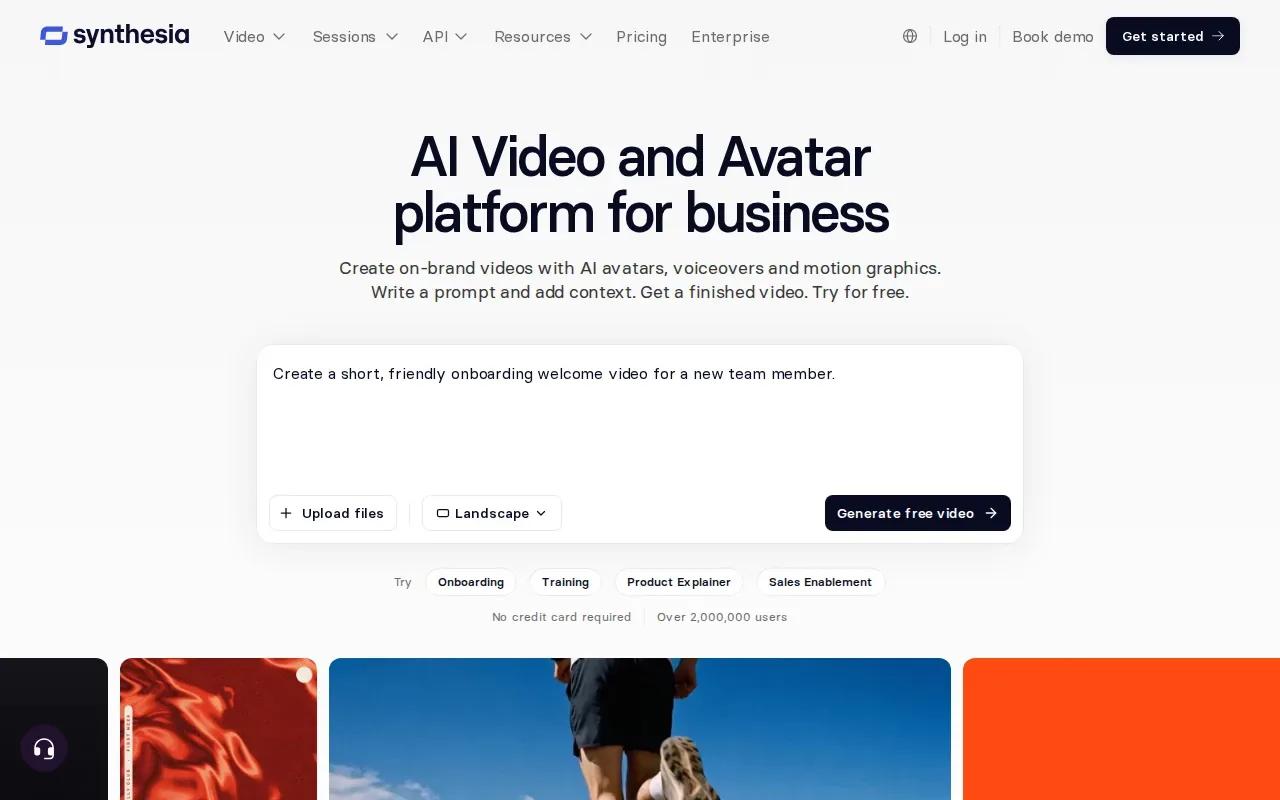
Its avatars speak 140+ languages. That can help when the same announcement needs localized versions, while an avatar keeps the on-screen format consistent. It’s a different creative route from a product scene generated around an image reference.
Its free Basic plan includes 10 minutes of Studio video creation or dubbing a month; paid plans add downloads and remove the Synthesia logo. That gives you a low-cost way to test a presenter-led clip before committing.
Use this kind of tool when the script carries the message. For a product launch, the avatar could introduce a feature or explain an offer; the team still needs to check the wording, pronunciation, and final presentation before publishing. If the video must show a specific product in motion, a scene-generation workflow may fit better.
| Tool | Format or workflow | Output detail |
|---|---|---|
| OmniRender | Prompt- and image-led scenes with generated sound and dialogue | Up to 4K with Gemini Omni 1.1 Flash |
| HeyGen | Avatar-led promos and multilingual translation | 4K export on Pro |
| Krea | Reference-led generation and campaign work | Up to 4K |
| JXP AI Video Generator | Text, image, reference, and avatar lip-sync modes | HD exports |
| Synthesia | Talking-head video with multilingual avatars | 140+ languages; free Basic plan |
For an avatar-centered workflow, Synthesia’s free Basic plan gives you a simple starting point for comparing video minutes.
FAQ
What does an AI promotional video maker do?
An AI promotional video maker helps turn an idea, prompt, image, or script into a video for marketing. Depending on the tool, the result may use generated scenes, a speaking avatar, or motion based on a visual reference. You’ll still need to review the clip for brand fit, accuracy, and the format your campaign needs.
Which tool should I use for a product ad?
For a product ad built around a prompt or image reference, consider OmniRender or Krea. OmniRender pairs scene generation with synchronized sound and dialogue, while Krea emphasizes tagged references and region-level editing. If the ad needs a presenter to explain the offer, HeyGen or Synthesia may fit that format better.
Can these tools make videos for social media?
Yes, the tools can support promotional video workflows for social content, but check the output shape and settings before you make a batch. Write a short brief for each channel, including the main message and intended frame. Then review the finished clip in its target placement before publishing.
Can I use AI-generated promo videos in paid campaigns?
Check the terms for the specific tool, plan, model, and source materials before using a clip in a paid campaign. Rights can depend on those details. For example, For example, JXP’s paid credit packs list a commercial use licence, but you still need rights to your source material. Keep records of the assets and prompts your team used.
Conclusion
Choose the workflow that matches what viewers need to see: a product scene, a visual reference, or a speaking presenter. OmniRender is a sensible first trial for prompt-led short videos with generated sound; start with its free plan and test one campaign concept before choosing a paid tier.