An AI promo video generator can turn a prompt, script, or product image into a clip without a full video shoot. The right tool depends on what you need to make: OmniRender pairs image references with generated sound, while other options focus on editing, quick assembly, shot control, or on-screen presenters.
We analyzed 42 YouTube comments about AI promo video generators and found that 19% mentioned output quality and length limits.
1. OmniRender: Browser-based promo videos with synchronized audio
OmniRender is an independent, browser-based app for making short videos from text prompts and image references. It uses Gemini Omni models from Google, but OmniRender has its own app, features, and plans. Google does not own or endorse OmniRender.
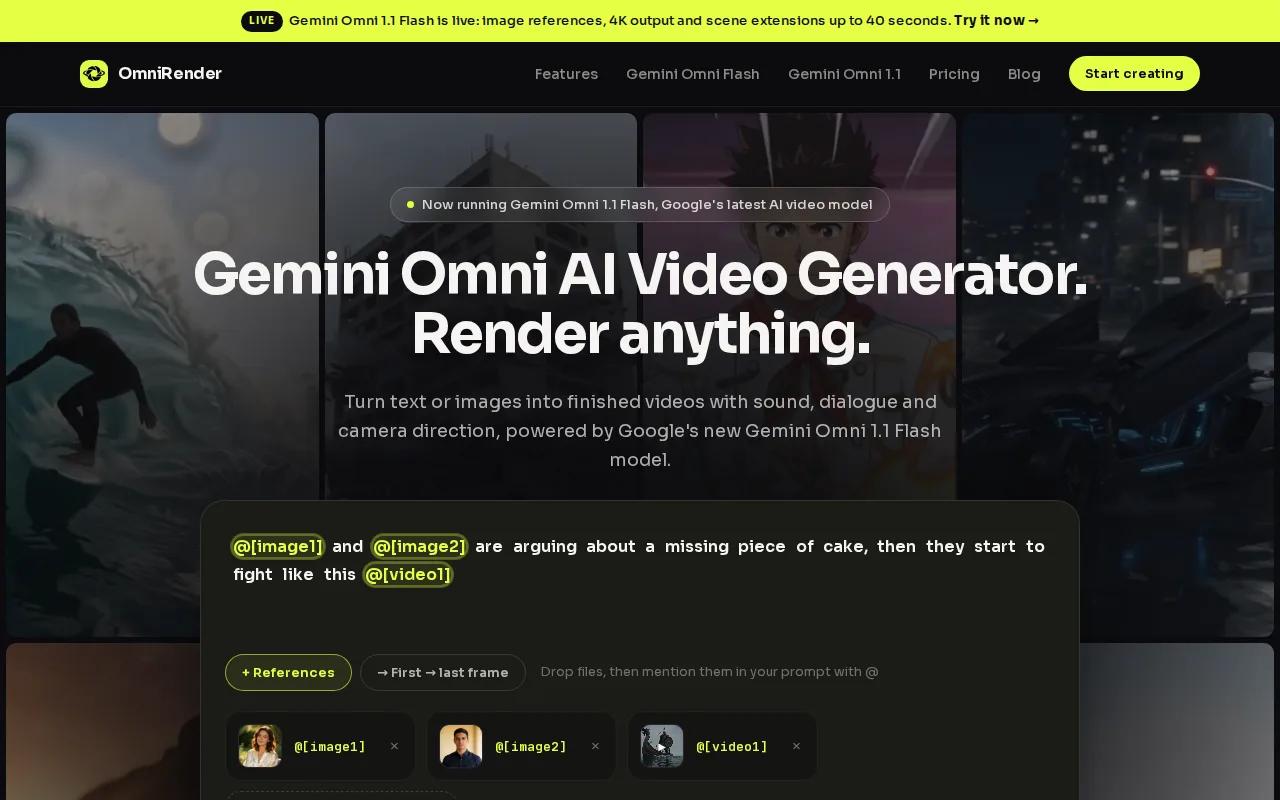
For a product promo, attach a product photo and describe the motion, camera move, and sound you want. The video can include music, sound effects, or lip-synced dialogue generated with the picture. You can ask for an edit in plain language, then extend a scene if the clip needs more time. That can be useful when you like the main shot but want to change one detail rather than start over.
Choose a 9:16 frame for TikTok, Reels, or Shorts, or use 16:9 for a wider video. Each generated take runs 3 to 10 seconds, and scene extensions can reach 40 seconds total. The free plan makes a few 360p videos a month with no card required, paid plans start at $14 per month for the Creator plan, and every plan, including the free one, comes with a commercial licence.
If your work is mainly product spots or social clips, the video ads and social clips overview can help you plan the message before you generate. To test a prompt, start at OmniRender’s video creation app.
Review a draft before committing to a final output.
2. CapCut: A familiar editing workflow for TikTok and Reels
CapCut is a free mobile-first option for creators making TikTok and Instagram content, including people working with little or no editing budget. Its AI video generator sits inside the same editor you use to finish the post.
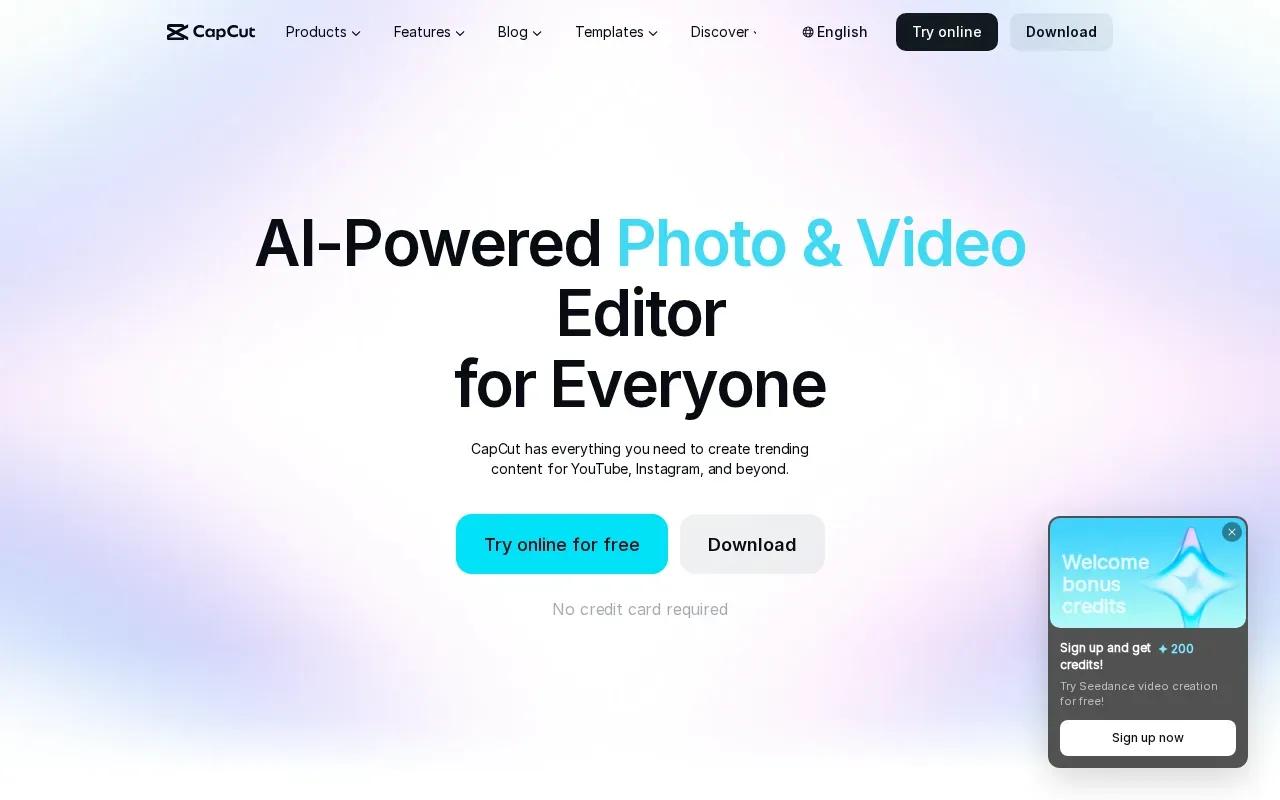
You can start with text or an image, set an aspect ratio, and generate a short clip. Then move into the editor to adjust pacing or refine the result. Its tools also include background removal and text to speech.
That makes CapCut a sensible choice when the generated scene is only one part of a finished social post. You can build around it with captions, music, and other edits in the same workspace. The broader idea is simple: generative AI makes new content from a prompt or other input, while the editor helps shape the piece for its final channel.
CapCut fits best when you want to generate and edit in one familiar social workflow. If you need a longer campaign video assembled around a script, look at the next option.
3. InVideo AI: Fast assembly for high-volume social content
InVideo AI is an AI-assisted video assembler, suited to social content teams that publish many videos a month. Its workflow can turn a prompt into a script-led video, then bring in media, voiceover, music, and transitions. That can help when the job is to ship many versions rather than direct every frame by hand.
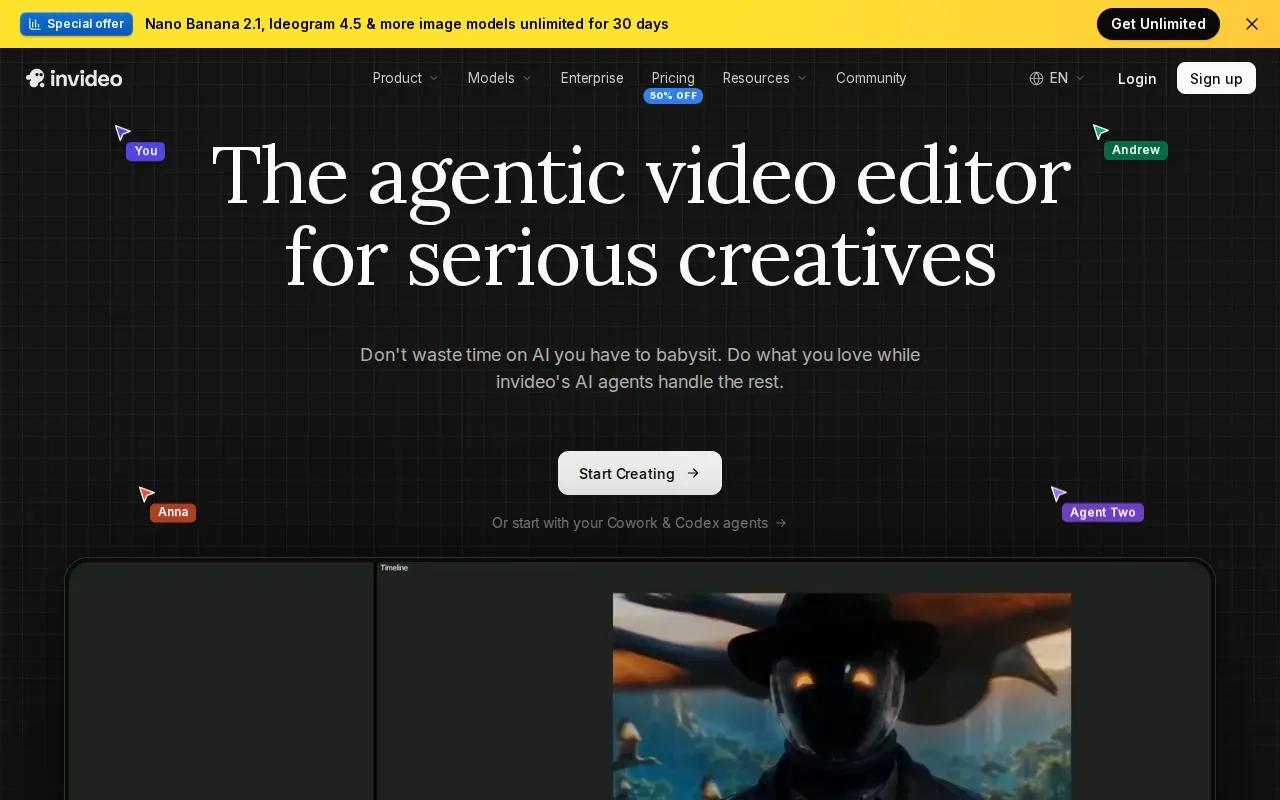
Start with a brief that names the audience, platform, tone, and one action you want viewers to take. A product sale, for example, might need a short hook, a clear product benefit, and one call to action. Review the script and scenes before export. A tool can assemble the parts quickly, but a human still needs to check that the visuals match the claim and the brand.
InVideo AI’s Starter plan is $20 per seat a month, or $10 billed annually, and Plus is $60, or $30 billed annually. Its strength is the assembly workflow. It is a different fit from a tool built around generated shots with prompt-based edits, so decide whether you want the software to build a whole sequence or help you direct individual scenes.
For an agency calendar with frequent posts, a repeatable script-to-video process may save production steps. Keep a short prompt template for each format, then adjust the offer and audience for every campaign.
4. Runway: More control over generated shots
Runway suits creators who want more hands-on control over generated footage. It’s the option to consider when a person needs frame-level control over a shot, rather than an automated sequence assembled from a script.
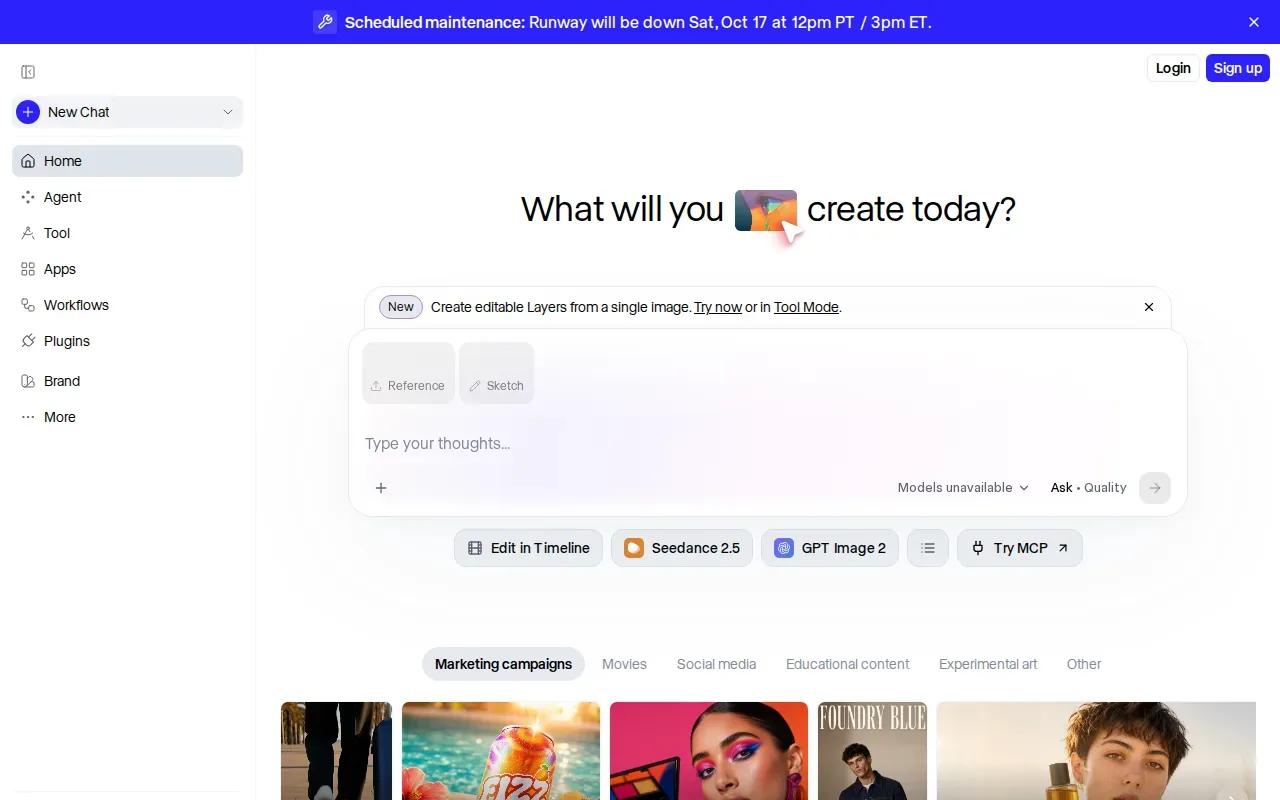
For marketing work, Runway offers workflows for generating video assets and adapting footage for different channels. That can help a team build several campaign versions from a shared creative idea. For example, you might plan a wide version for a web page and a tighter social cut, while keeping the central scene consistent.
Runway has a free tier with 125 one-time credits. Paid plans include Standard at $12 per month with annual billing, or $15 month-to-month; Pro is $28 per month annually, and Max is $76 per month annually. Its listed plans include 4K upscaling. Credit use depends on the model and generation, so check the current allowance against the kind of clips you expect to make.
Pick Runway when shot-level direction matters more than a fast, mostly automatic assembly flow. It’s also worth distinguishing 4K upscaling from generating every source clip at 4K; those are different parts of the workflow.
5. Pika: Short, punchy generated clips for social
Pika is aimed at social creators who need short, quick-to-make generated clips. It supports text-to-video and image-to-video workflows, so you can start with a written idea or give the model a still image to animate.
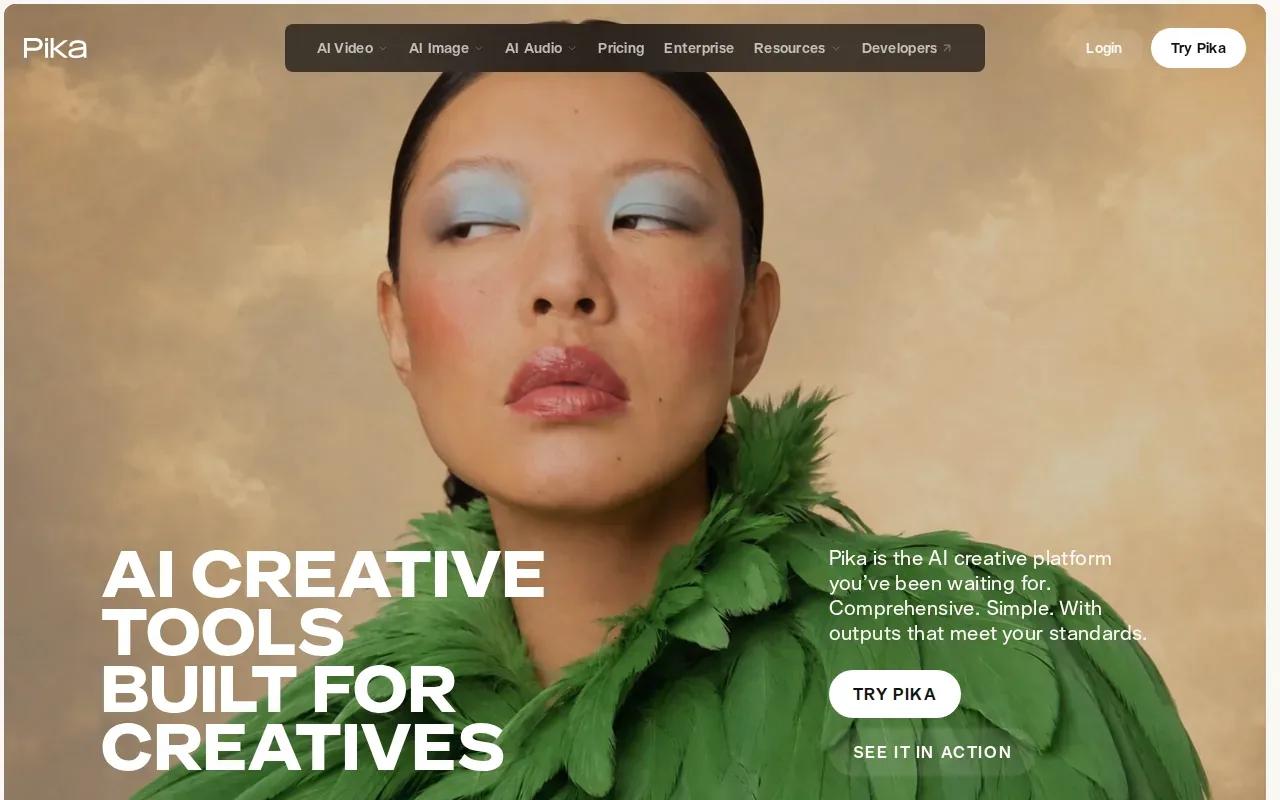
That makes it useful for a brief visual beat in a Reel or a quick promo cutaway. Keep the prompt focused on one subject and one action. For instance, describe a product rotating under warm light, rather than asking for a full campaign with several scenes and messages in one generation.
Pika’s free plan runs on credit packs. Paid plans include Starter at $10 per month with 900 credits, Creator at $35 with 3,150 credits, and Fancy from $95, with 20% off on annual billing. The available resolution and usage rights depend on the plan, so check the current terms before using an output in paid advertising.
If your goal is a short, visual-first clip, Pika gives you a focused place to test a motion idea. If the promo needs a presenter to explain an offer or speak in several languages, a presenter-led tool may be a better match.
6. HeyGen: Presenter-led promos with broad language reach
HeyGen is built for presenter-led videos, with AI avatars speaking a script. It suits product explainers, social posts, or promos where a person on screen needs to carry the message. HeyGen offers broad language reach and scale.
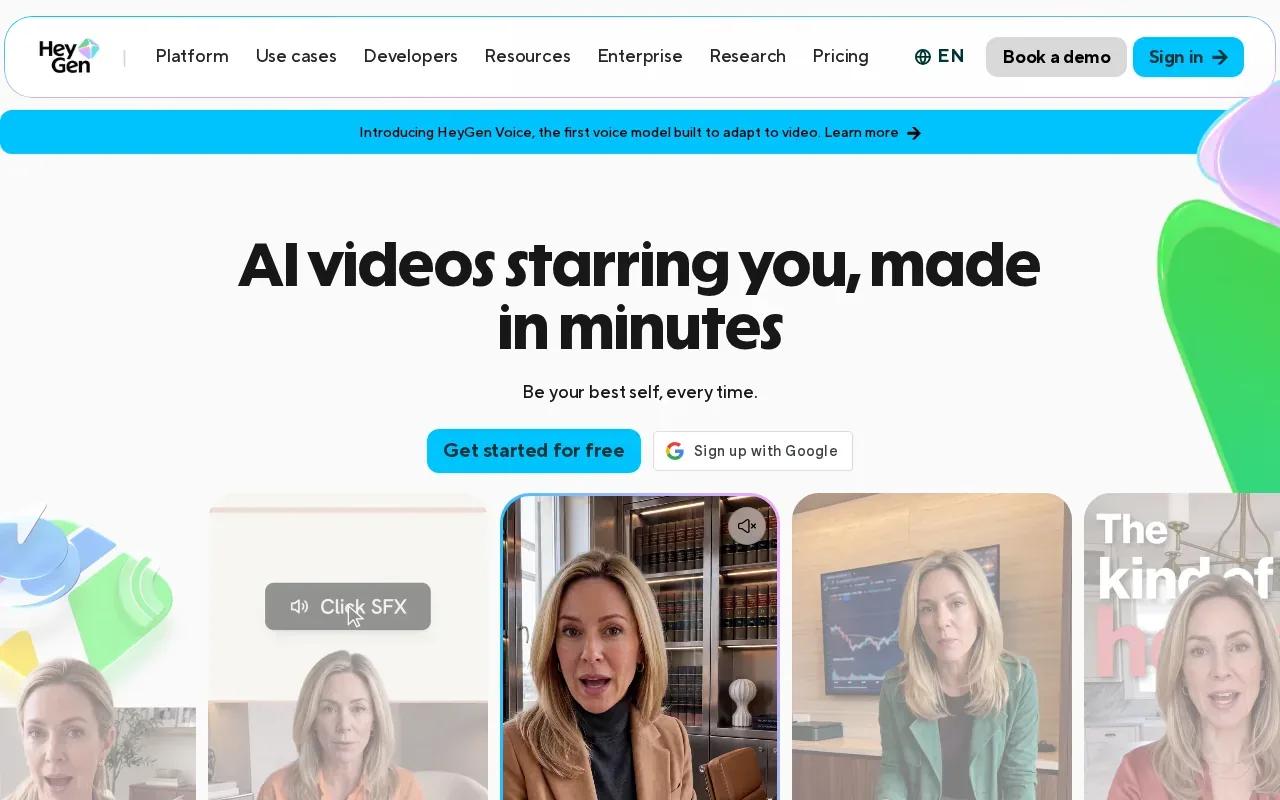
You can start from a script or prompt, choose an avatar and voice, then review the video plan before it renders. Captions can sync to speech, and higher plans support exports up to 4K. That workflow can help when you want a consistent presenter without recording a new take for every version.
Creator is $29 per month with 600 credits and 1080p export. The free plan makes up to three videos a month. Match the plan to your expected video length and output needs, rather than choosing on resolution alone.
| Promo need | HeyGen fit | Decision point |
|---|---|---|
| Presenter explains a product | Avatar-led script and voice | Use it when a spoken message needs to lead. |
| Social or campaign versions | Scale and language reach | Check that the plan fits your volume. |
| High-resolution delivery | Up to 4K export on higher plans | Confirm the output resolution before rendering. |
HeyGen is a clearer fit for a face-led explanation than for a purely cinematic product shot. For a product photo that should move with generated sound, OmniRender’s image-reference workflow takes a different route.
FAQ
What is an AI promo video generator?
An AI promo video generator is software that makes video content from inputs such as text, a script, or an image. Some tools generate short scenes, while others assemble a script-led video or add a digital presenter. You still need to review the result for pacing, accuracy, brand fit, and rights before you publish it.
Which tool is free to try?
Several options here have free tiers, including OmniRender, CapCut, Runway, Pika, and HeyGen. The limits differ, so check each plan’s terms before choosing.
Can I use these tools for TikTok and Instagram Reels?
Yes. CapCut is designed for TikTok and Instagram creators, and its workflow supports vertical 9:16 output. OmniRender also supports 9:16 video for social posts. Set the frame shape before you generate, then check that the subject and any on-screen text remain clear in the vertical crop.
Which tool should I use for a presenter-led promo?
HeyGen is the most direct fit in this shortlist when you want an AI avatar to deliver a script. It includes avatar and voice workflows, with captions that sync to speech. If you don’t need a presenter and would rather animate a product image or direct a generated scene, compare the other tools’ workflows instead.
Can AI-generated promo videos be used commercially?
Commercial use depends on the tool’s plan terms and the rights for any material you provide. Every OmniRender plan, including the free one, includes a commercial licence. For every tool, check the rules for generated output, uploaded images, music, voices, and any likeness shown in the video.
Conclusion
Choose OmniRender if you want to turn text or a product image into a short clip with generated sound and prompt-based edits. Start on the free plan to test a prompt before choosing a paid plan.