A free AI ad video generator can help you test an ad concept before you spend on production. But free plans differ sharply in clip limits, output quality, and usage rights. Here are five tools to consider, starting with OmniRender.
1. OmniRender
OmniRender is an independent, browser-based app for making short videos from text prompts and image references. It’s a strong fit if you want to try a product ad with generated sound or dialogue, then decide whether the result fits your campaign.
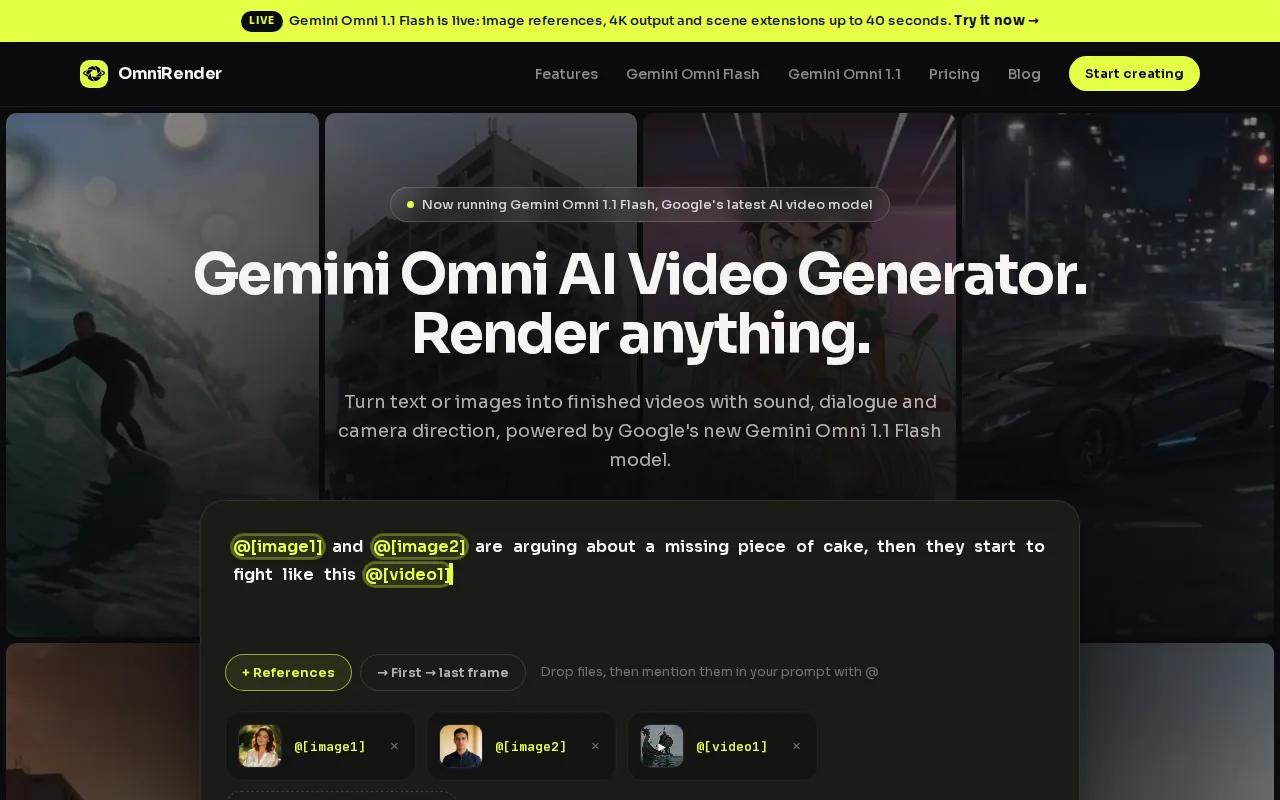
It uses Gemini Omni 1.1 Flash. OmniRender is a separate app, with its own studio and plans, and isn’t affiliated with or endorsed by Google. The free plan includes a few 360p videos a month with no card required, and paid plans start at $14 per month.
For an ad concept, attach a product image and describe the shot you want. The model can generate music, sound effects, and lip-synced dialogue with the video. It can also keep characters consistent across a scene, which helps when a person speaks and then moves through the frame.
Every OmniRender plan includes a commercial licence. The free plan outputs 360p, so treat an initial test as a way to assess the shot and message before choosing a final export.
If you’re planning a product spot or a social cut, the related guide to product ads and short-form video can help you shape the idea before writing a prompt.
For a first test, keep the clip short. Try one shot with a clear action, such as a product turning toward the camera, then judge whether the sound and motion support the message.
2. Runway: for experimenting with motion controls
Runway is a video creation tool with motion controls for shaping how parts of a scene move. It suits creators who want to test a visual idea and have some time to compare variations.
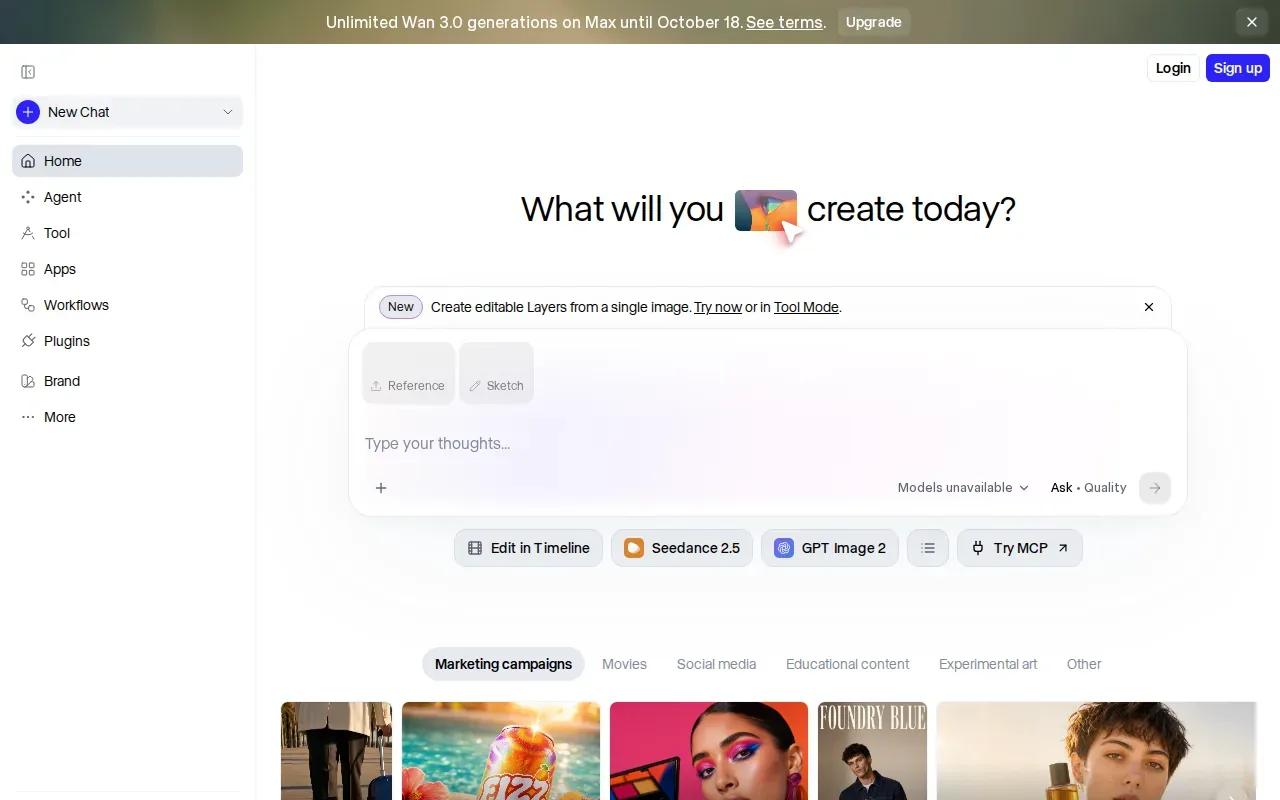
The free tier gives 125 credits once at signup. Those credits don’t renew monthly, so think of them as a small test budget rather than a recurring supply. A few attempts can help you see whether a scene direction works, but repeated revisions use the same finite pool.
Its multi-motion brush lets you work on motion in selected parts of an image. That can be useful for an ad concept where a subject and background should move differently. For example, you might want a slow camera push while a person lifts an item, rather than having the whole frame shift as one block.
Runway also gives creators controls for camera direction, including moves such as a pan, tilt, zoom, or dolly. These can help you describe a shot more precisely than a broad prompt like “make it cinematic.” Keep the first test simple, then change one movement detail at a time so you can tell what made the result better.
That one-time credit pool matters if you expect to generate many takes. If you’re testing a single scene or motion idea, it can still be enough to learn whether the approach suits your ad.
3. CapCut: for mobile-first TikTok and Reels ads
CapCut is a video editor with AI video generation access on its free tier. It’s a natural fit for social teams that want to build and polish a short ad in a mobile-first editing workflow.
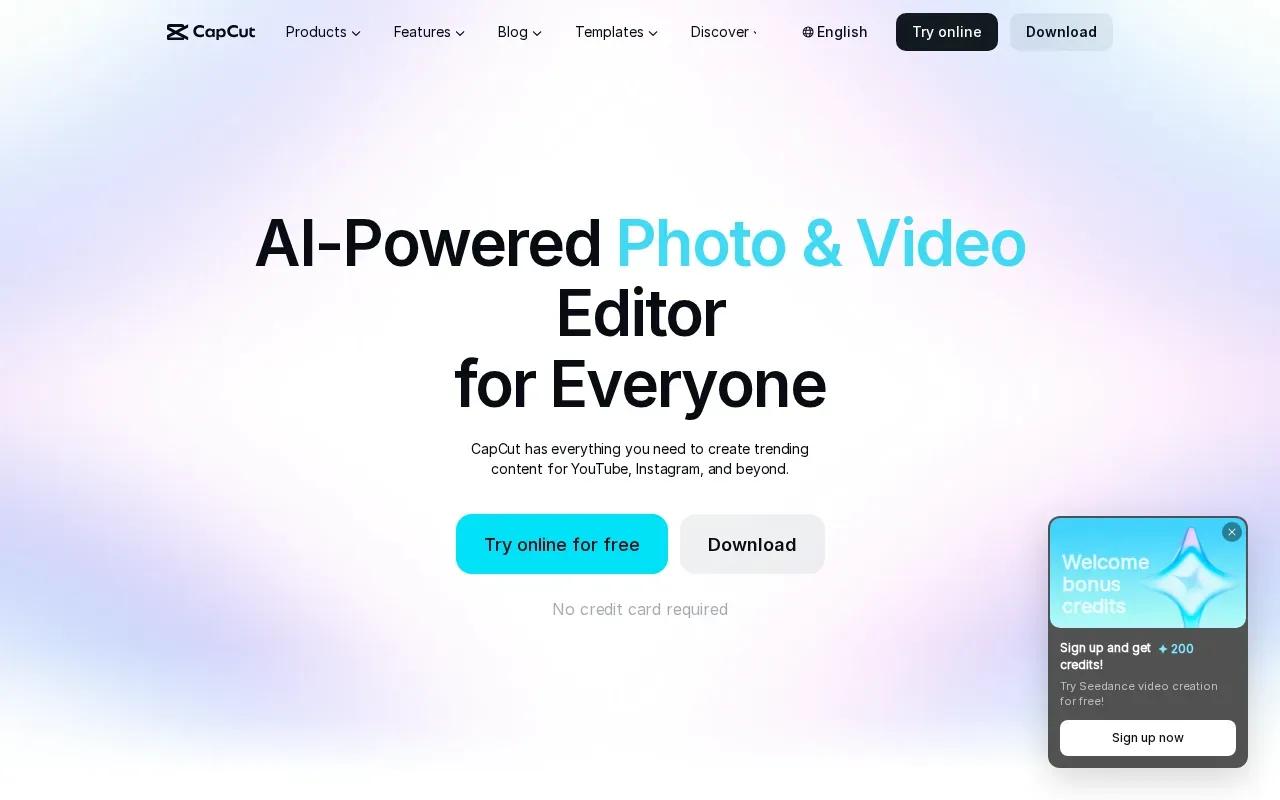
CapCut’s ad workflow can start with a script or prompt, then move into edits for voiceover, captions, music, and visual style. Its tools include aspect-ratio changes and auto-captions, useful when you need to prepare a clip for vertical viewing.
That makes CapCut useful when the job includes editing as well as generation. You can work on the pacing, add on-screen text, and adjust the frame for a social placement rather than stopping at a raw generated clip.
Before you publish an ad, check the licence for each asset you used. Music, effects, templates, and other materials may have terms that affect commercial use. A free account by itself doesn’t settle the rights question for every element in your export.
Pick this option when the final polish and vertical edit are as important as the generated footage. It’s less about saving one perfect prompt and more about shaping a post-ready cut.
4. Kling AI: for realistic motion and lip-sync tests
Kling AI is a video generator with daily login credits that reset on a schedule. It’s worth considering when a concept depends on human movement or a character speaking on camera.
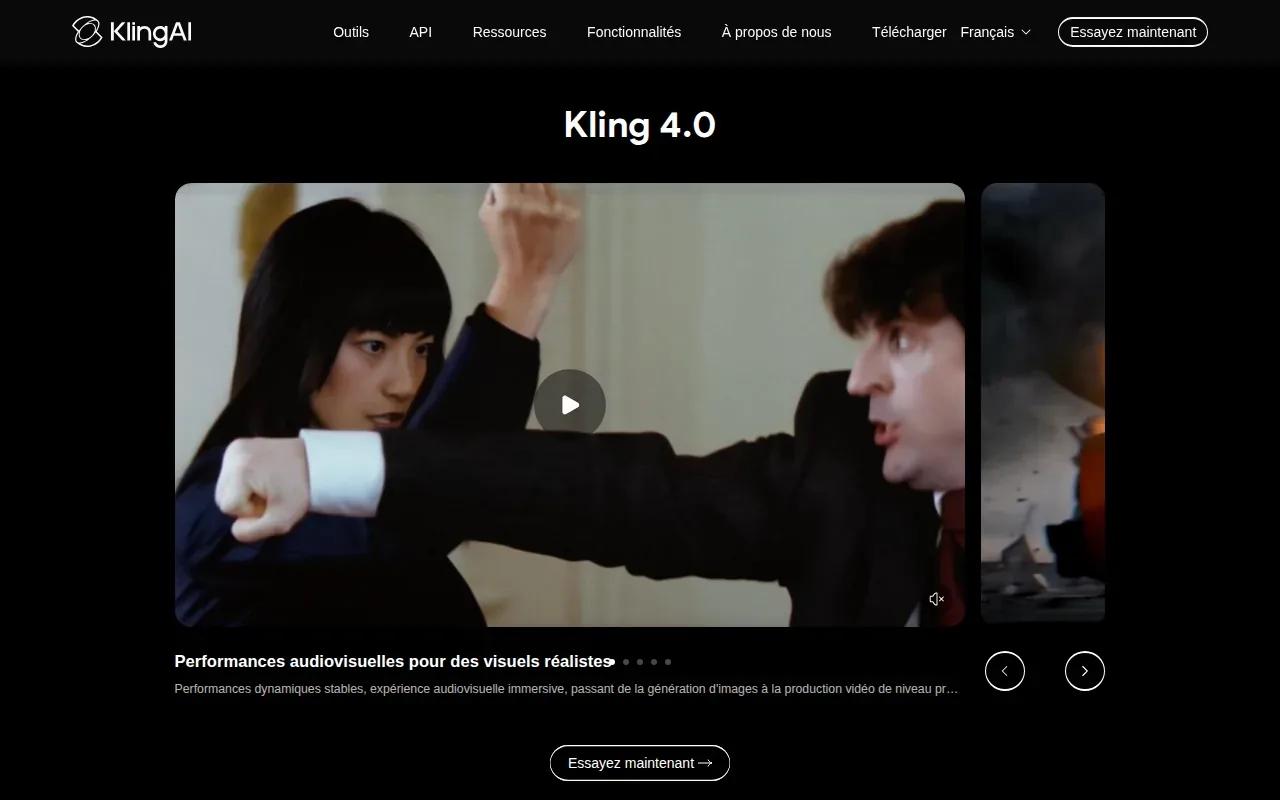
The available feature set includes photorealistic human motion and lip sync. That can help when an ad idea relies on a person delivering a short line, rather than on text cards or voiceover alone. Image-to-video consistency can also help carry a visual reference into a moving scene.
A short clip can still give a brief product moment room to unfold. For example, a presenter can introduce an item, show it in use, and finish with a spoken prompt, all within one short scene. The result still needs a careful review for mouth movement, product details, and timing.
Daily credits can make it easier to return for another test, but the schedule and resolution limits shape how you use them. Check the current in-app limits before planning a batch of ad versions.
Choose Kling AI for a human-led concept that needs motion and spoken dialogue. For a product-only shot, those strengths may matter less than the output limits.
5. Magic Hour: for free daily test credits
Magic Hour is an AI video generator that can turn text or images into clips. Its Free plan gives free daily credits with no credit card required.
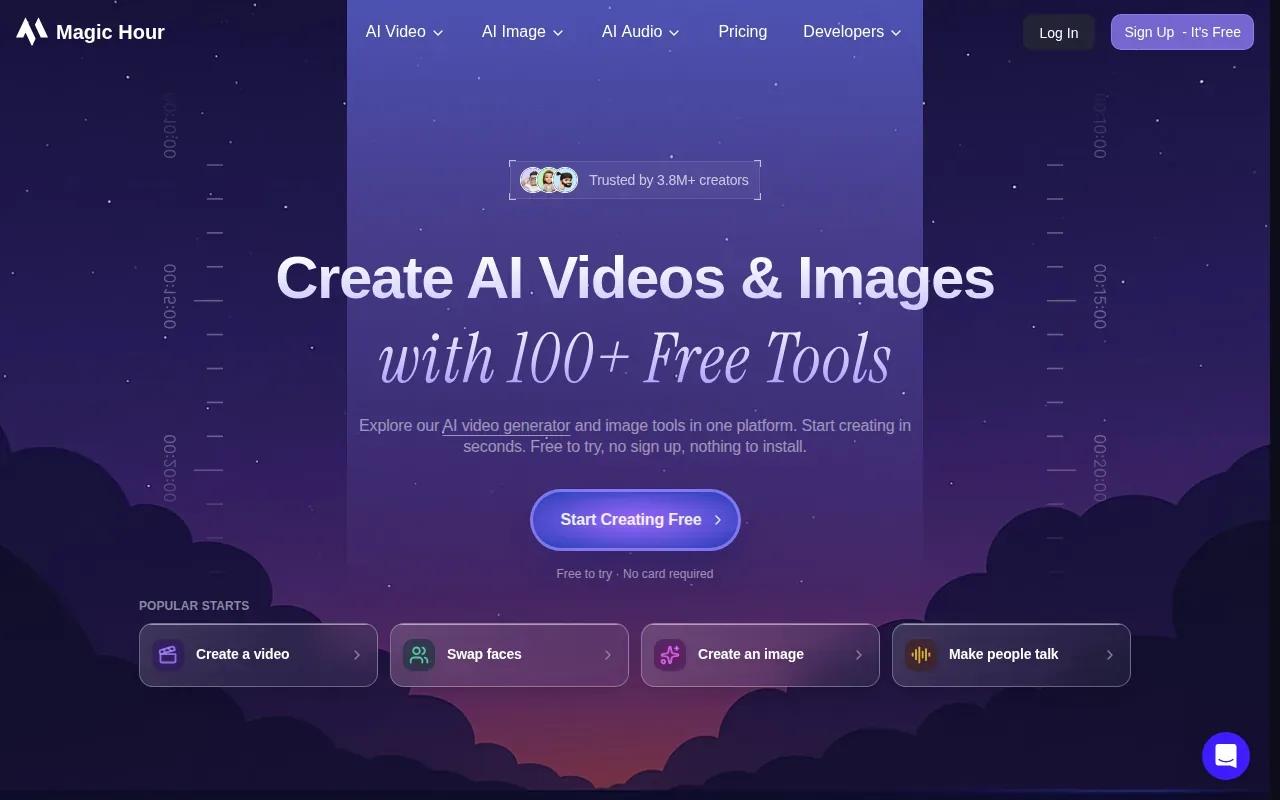
Daily credits suit small, regular tests. You could try a prompt, wait while a client reviews the concept, then run a revised version on the next day’s credits. That’s different from a one-time credit pool like Runway’s.
For an ad, start with a visual that has one clear subject and one action. A product turning under changing light is easier to assess than a prompt that asks for several scenes, a cast, and multiple camera moves at once. Once the first clip works, you can judge whether it supports the message you need.
Watermark-free exports and commercial use come with the paid plans, so check which plan applies before using an output in paid advertising.
Magic Hour is a reasonable option when you want to run small tests on free daily credits. Confirm the current allowance and usage terms before you build a campaign around it.
Quick Comparison: Which Free AI Ad Video Generator Fits Your Workflow?
Choose based on the task you need to finish. A product scene with dialogue calls for different controls than a vertical social edit. And an allowance that refreshes each day works differently from credits you get once.
| Tool | Free access detail | Useful for | Check before publishing |
|---|---|---|---|
| OmniRender | Free tier with a 360p limit; no card required | Prompt and image-led ads with generated sound or lip sync | Commercial licence included on every plan |
| Runway | 125 one-time credits | Testing motion and camera direction | Plan around credits that don’t renew monthly |
| CapCut | AI video generation on the free tier | Editing vertical social ads | Review rights for each media asset |
| Kling AI | Daily login credits; resolution-limited output | Human motion and lip-sync tests | Check current resolution and terms |
| Magic Hour | Free daily credits; no card required | Intermittent prompt or image-to-video tests | Confirm commercial usage terms |
For a product concept that needs dialogue, OmniRender is the most direct fit in this shortlist: its free plan includes the same model used on paid plans, with a 360p resolution limit. For social edits, CapCut puts more emphasis on the editing stage. Runway, Kling AI, and Magic Hour each have a distinct credit setup, so match the allowance to how often you expect to revise.
A short prompt or image reference can help frame a test; learn more about OmniRender.
FAQ
Can I make an AI video ad for free?
Yes, several tools have free access, but each sets its own limits. OmniRender has a free plan; check its current output limits and usage terms. Runway has a one-time credit pool, while Kling AI provides daily login credits. Check the current output limits and usage terms before you make an ad for a client or paid campaign.
Which free AI video generator is good for product ads?
OmniRender is a useful fit for product ads that start with a text prompt or image reference. It can generate synchronized sound and lip-synced dialogue; check its current output limits before planning a project. If your main need is editing a vertical social cut, CapCut may fit that part of the job better.
Can I use free AI video generator output in a paid ad?
Sometimes, but you should confirm the terms for the specific tool and any media assets in the video. Every OmniRender plan includes a commercial licence. Also check the current terms for any music, templates, or other assets you add.
Do free AI video generators add watermarks?
Some free plans use visible watermarks, while the options here vary. Magic Hour includes watermark-free exports on its paid plans. Check the export screen and current plan terms before using a clip in a client review or ad.
Can a free AI video tool make lip-sync dialogue?
Yes. OmniRender can generate lip-synced dialogue with the video, and Kling AI is noted for lip-sync tests. Review the finished clip closely before publishing. A spoken line can look out of sync or mispronounced, and a product ad needs a clear, accurate message as well as a believable face.
Conclusion
For a first product-ad test with dialogue or generated sound, consider OmniRender’s free plan. See more product video tool options if you’re weighing different workflows, then check the licence terms of any music or other assets you add before publishing.