Making an ad can mean writing a script, finding visuals, then reworking edits for every social format. An AI video ad generator can cut some of that work, but each tool handles a different part of production. Here are seven named options and the kind of ad workflow each suits.
We analyzed 60 comments and questions from Reddit, YouTube and Quora about AI video ad generators and found that 17% mentioned poor video quality and realism.
1. OmniRender: Short-form ads with consistent characters and synchronized audio
OmniRender is an independent, browser-based video app for turning prompts and image references into short clips with generated sound. It suits creators and small marketing teams who want a product image to become a moving social ad, or need the same character to carry through several scenes.
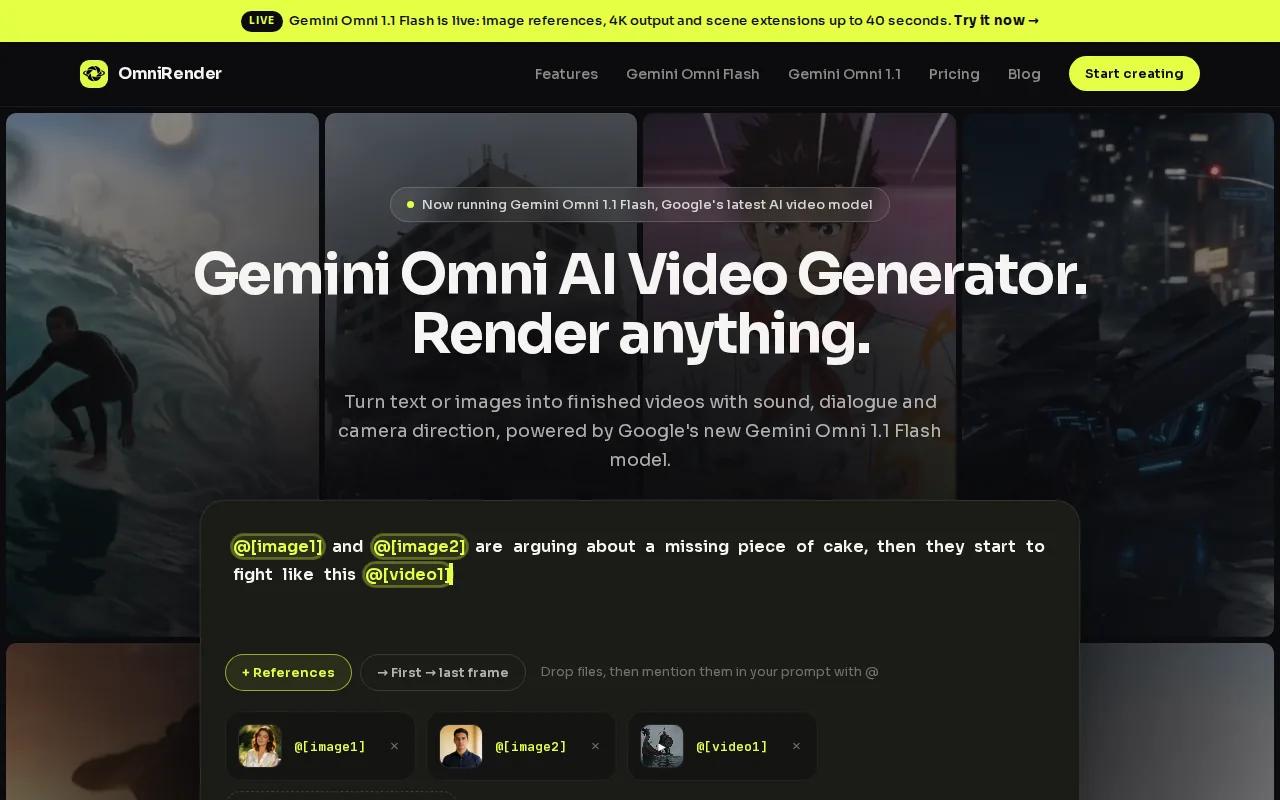
With Gemini Omni 1.1 Flash, you can generate music, sound effects, and lip-synced dialogue with the picture. Add an image reference, describe a camera move, then revise the result through a written instruction. You can extend a generated clip up to 40 seconds total, which helps when a short product reveal needs a little more room.
Check current plan details, including pricing, credit allowances, and resolution limits. Free-versus-paid commercial usage rights are unclear, so confirm the terms before using output in paid distribution. Gemini Omni is underlying technology; OmniRender is an independent app and does not imply Google ownership or endorsement. You can start with OmniRender's free plan in your browser.
For a draft, keep the first prompt focused: name the product, setting, camera action, and sound. Then change one thing at a time. That makes it easier to see which edit actually improves the scene.
2. HeyGen: Avatar-led ads and AI-presenter videos
HeyGen makes presenter-led videos from scripts and prompts. It fits campaigns where a person needs to explain a product, answer a common question, or deliver a direct call to action without filming a new take for every version.
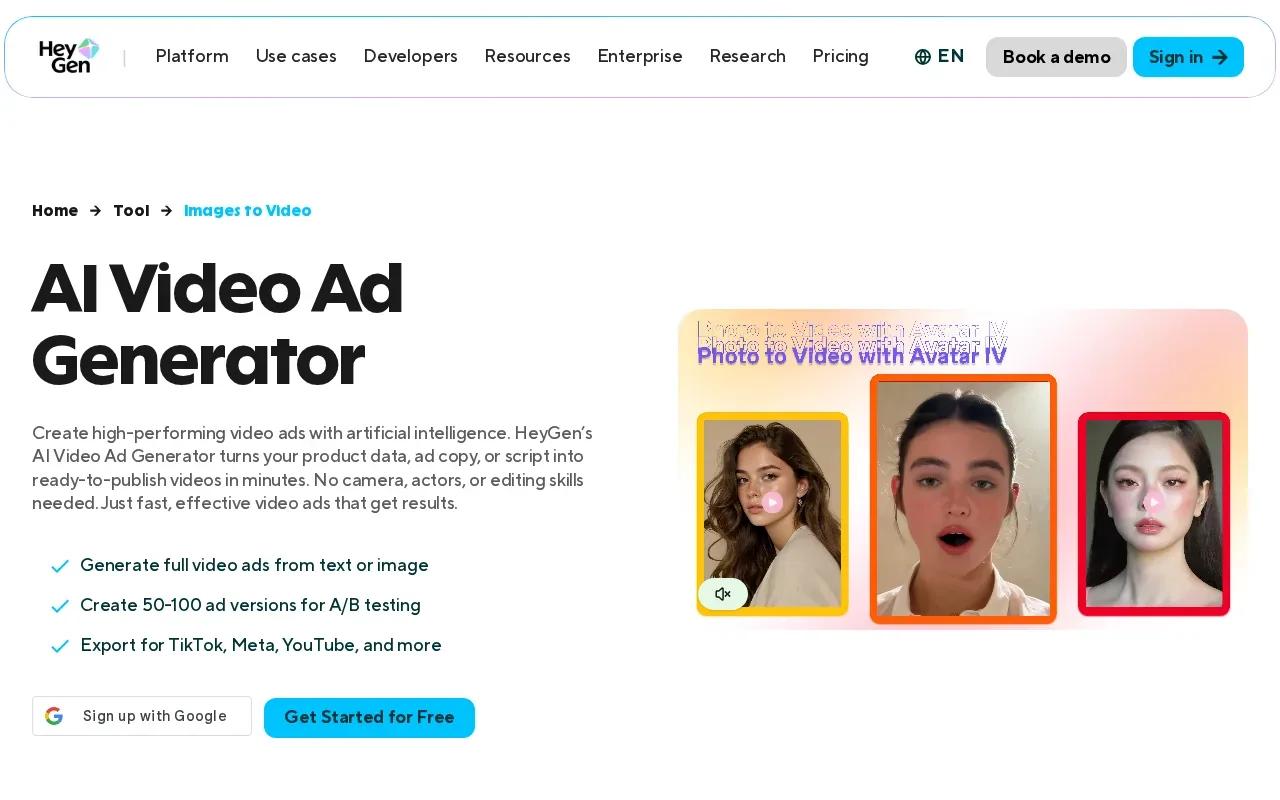
Its AI presenters can anchor a script while voice, delivery, and gestures are shaped through a text-based editor. HeyGen also supports video translation with lip sync across more than 175 languages and dialects, useful when one campaign needs versions for different markets. Its free tier allows three videos a month. Creator is $29 per month and includes 600 credits; Pro is $49 per month with 1,000 credits.
Think of it as a fit for a spokesperson-style ad, not a substitute for every kind of product footage. If your concept depends on a close-up of a product in motion or a scene with no presenter, plan how those visuals will join the talking-head segment.
3. Runway: Cinematic, visual-first ad scenes
Runway is a visual-first choice for teams that want to generate short scenes before assembling the full ad. It suits a campaign built around atmosphere, product motion, or a strong opening shot rather than a presenter reading a script.
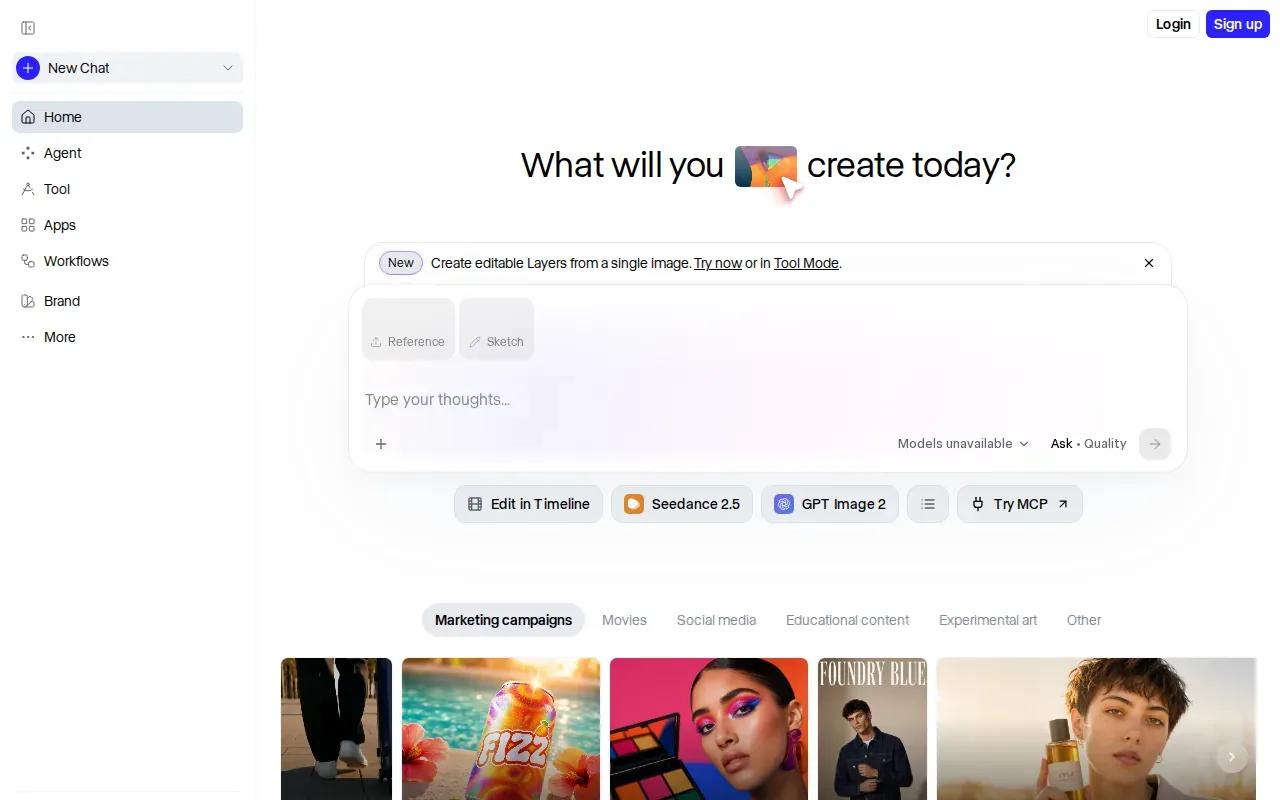
Runway's paid plans use credits. Standard costs $15 per month when billed monthly and includes 625 credits, which equates to 52 seconds of Gen-4.5. Pro is $35 monthly with 2,250 credits. Max is $95 monthly with 9,500 credits and one-month credit rollover. Those limits make clip length and the number of revisions worth planning before you render.
A useful workflow is to generate a few short visual options, choose the one that fits the message, then finish the ad in your editing workflow. Keep product details and on-screen claims out of the generated scene unless you can check them carefully in the final cut. For a campaign that starts with a still product photo, compare approaches in these image-to-video tool comparisons.
4. Synthesia: Polished presenter videos for brand campaigns
Synthesia is an avatar video platform for business teams. It suits brands that need a polished presenter to explain a product, share an update, or adapt a campaign for several languages without arranging repeated shoots.
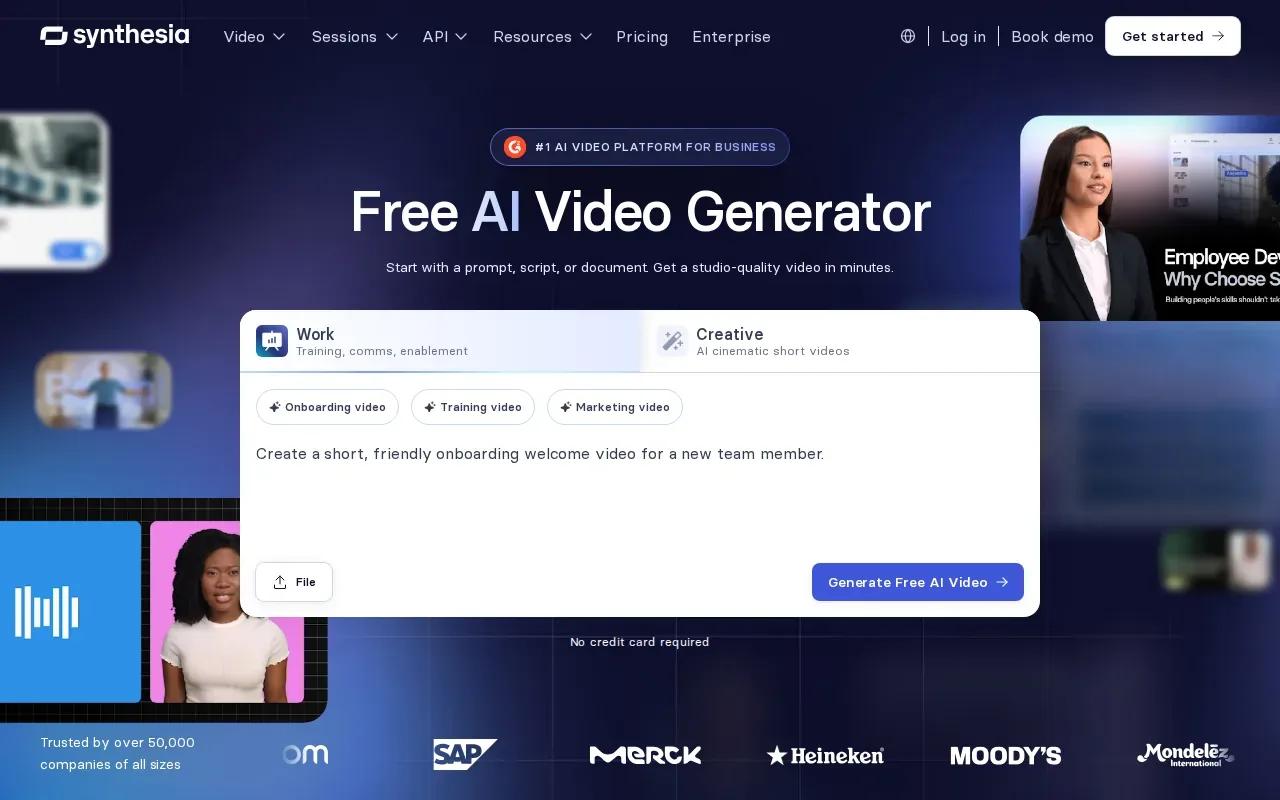
You can use a prompt, link, or file as a starting point, then apply a Brand Kit with logos, colors, and fonts.
Paid plans start at $18 per month with annual billing, or $29 month to month. Before choosing a plan, map out how many versions need review and who approves the final video. That matters when several people own brand or legal checks, especially for ads with product claims.
5. Fliki: Narration-led ads assembled from scripts and media
Fliki turns scripts, ideas, or blog content into narrated videos with visuals, captions, and music. It suits solo creators or marketers who have a clear message but no footage ready for a short social ad.
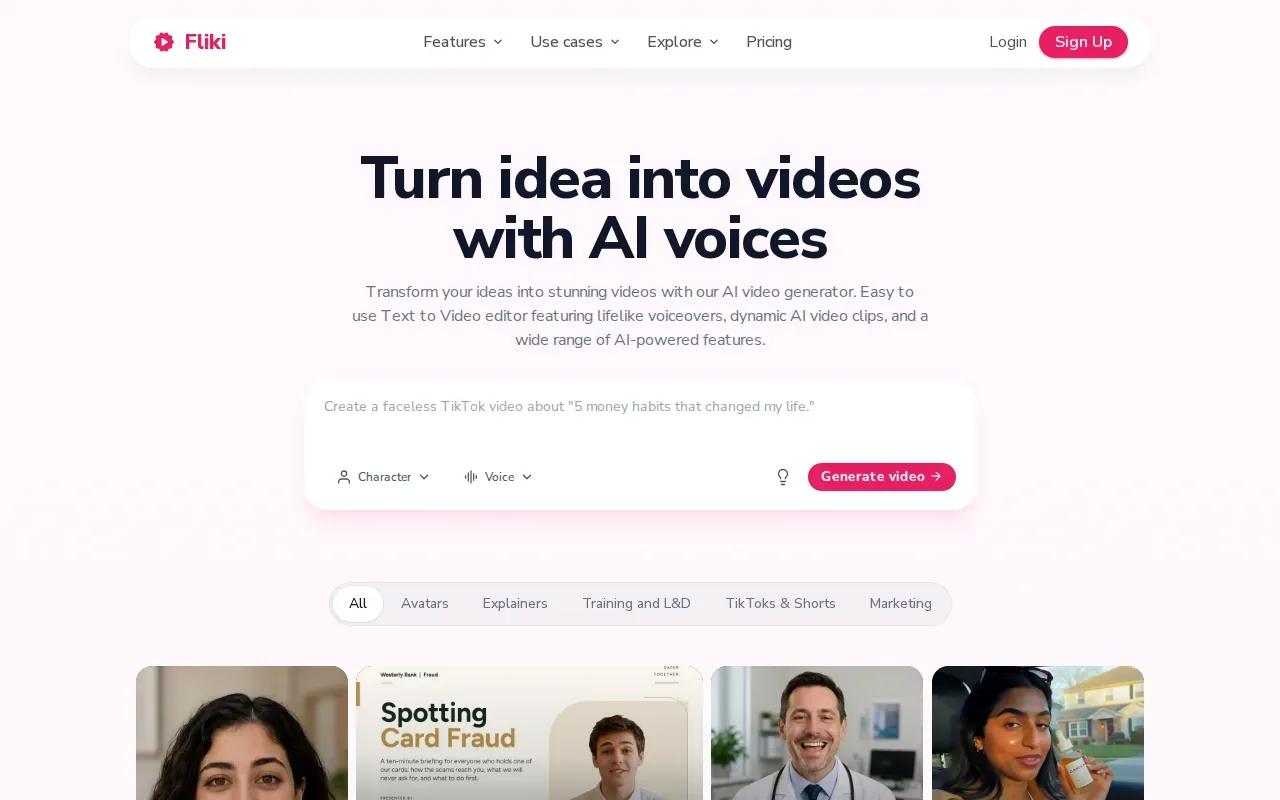
Its workflow can start with a rough idea: shape it into a short script, split the copy into scenes, then review the selected visuals and voiceover. Fliki lists more than 2,000 AI voices across more than 80 languages. It also supports portrait, square, and widescreen exports, so the same campaign idea can be prepared for vertical social placements and wider video slots.
Paid plans start at $21 per month with annual billing, or $28 month to month. A free plan is also available. Check the current plan terms for export limits and commercial rights before publishing an ad. Narration-led assembly is quick, but stock or generated visuals still need a human check for product accuracy and brand fit.
6. Steve AI: Prompt-to-video automation for quick ad variations
Steve AI is a text-to-video automation platform. It suits creators who want to turn an idea or written content into a video draft without building every scene by hand.
For an ad test, start with one clear product benefit and a short call to action. Generate a draft, check whether the visuals support the claim, then make a small number of distinct versions. This works best when you treat the generated video as a starting point for review, not as proof that a message will perform well.
Steve AI's Starter plan is $19 per month with annual billing, or $29 month to month. The platform also says users can start free. Keep your final review focused on the spoken copy and the visuals shown beside it; a mismatch can make even a clean edit confusing.
7. Elai.io: Story-driven presenter videos, with a tool comparison table
Elai.io is a presenter-based video platform built around a story-driven workflow. It suits teams that want an avatar to guide viewers through a product explanation or a sequence of campaign points.
Elai.io lists more than 80 avatars and presenter types that include selfie, studio, photo, and animated mascot options. It also supports voice cloning in 28 languages and translation across more than 75 languages and 450 accents. For ad teams, those features can support localized presenter clips without recording each language version from scratch.
The free plan includes one minute. Creator costs $23 per month with annual billing, or $29 month to month. Use the comparison below to match a tool to the kind of work your next campaign needs.
| Tool | Production lane | Price detail | Check before publishing |
|---|---|---|---|
| OmniRender | Short scenes with image references and generated sound | Free plan; paid from $14/month | Confirm how free-plan licensing applies to paid ads |
| HeyGen | Presenter-led and translated clips | Free tier; Creator $29/month | Review credits against planned versions |
| Runway | Cinematic visual scenes | Standard $15/month, monthly billing | Estimate credits for clips and revisions |
| Synthesia | Branded business presenter videos | Paid from $18/month, annual billing | Set review steps for brand and claims |
| Fliki | Script-led narration and media | Paid from $21/month, annual billing | Check export and commercial-use terms |
| Steve AI | Prompt-led video drafts | Starter $19/month, annual billing | Review each scene against the script |
| Elai.io | Presenter-led story videos | Free plan includes one minute | Check language and voice needs |
One option may handle the scene while another suits narration better. If the story needs a clip to continue naturally, make that continuity part of your test; this guide to extending a video with AI explains what to watch for in a longer sequence.
FAQ
What is an AI video ad generator?
An AI video ad generator is a tool that helps turn prompts, scripts, images, or other inputs into video ads. Some focus on generated scenes, while others assemble narration, stock visuals, or avatar presentations. Before choosing one, decide what part of production you want it to handle, then check whether you can review the script and final export.
Can I use AI-generated videos in paid ads?
Yes, but confirm the tool's current commercial-use terms before running a campaign. Plans can treat free and paid output differently, and images, voices, music, or other assets may have separate terms. Keep a record of the plan and assets used for each ad, then get legal review when your campaign or industry calls for it.
How do I make different versions of one video ad?
Start with one approved script and change one variable at a time, such as the opening line, image reference, or presenter. Keep the product claim and call to action steady while you test the creative change. Label each export clearly so your team can compare versions without mixing up scripts or edits.
Which video format should I export for social ads?
Use the aspect ratio required by the placement you're buying. Vertical video is common for short-form feeds, while square or widescreen formats may suit other placements. Check the ad platform's current upload rules before export, then preview the video on a phone to catch cropped text, captions, or product details.
Conclusion
For short product scenes with reference images, synced sound, and conversational edits, start by testing OmniRender on a small draft. Check the license for your intended use, then compare more AI video creation tools if your campaign needs a different workflow.