A free text-to-video AI generator can turn a short prompt into a clip, but free access often comes with limits. Here are six tools to consider, starting with OmniRender, plus what each free tier can do and where it may slow you down.
We analyzed 59 comments and questions from YouTube, Reddit and Quora about free AI video generators and found that 17% mentioned hidden paywalls after free promises.
1. OmniRender — Browser-based creation for social and product videos
OmniRender is an independent browser app for making short videos from text prompts and image references. It uses Gemini Omni models as underlying technology, while OmniRender sets its own app features and plans. You can use it for social clips, product ads, or small production tasks without installing desktop software.
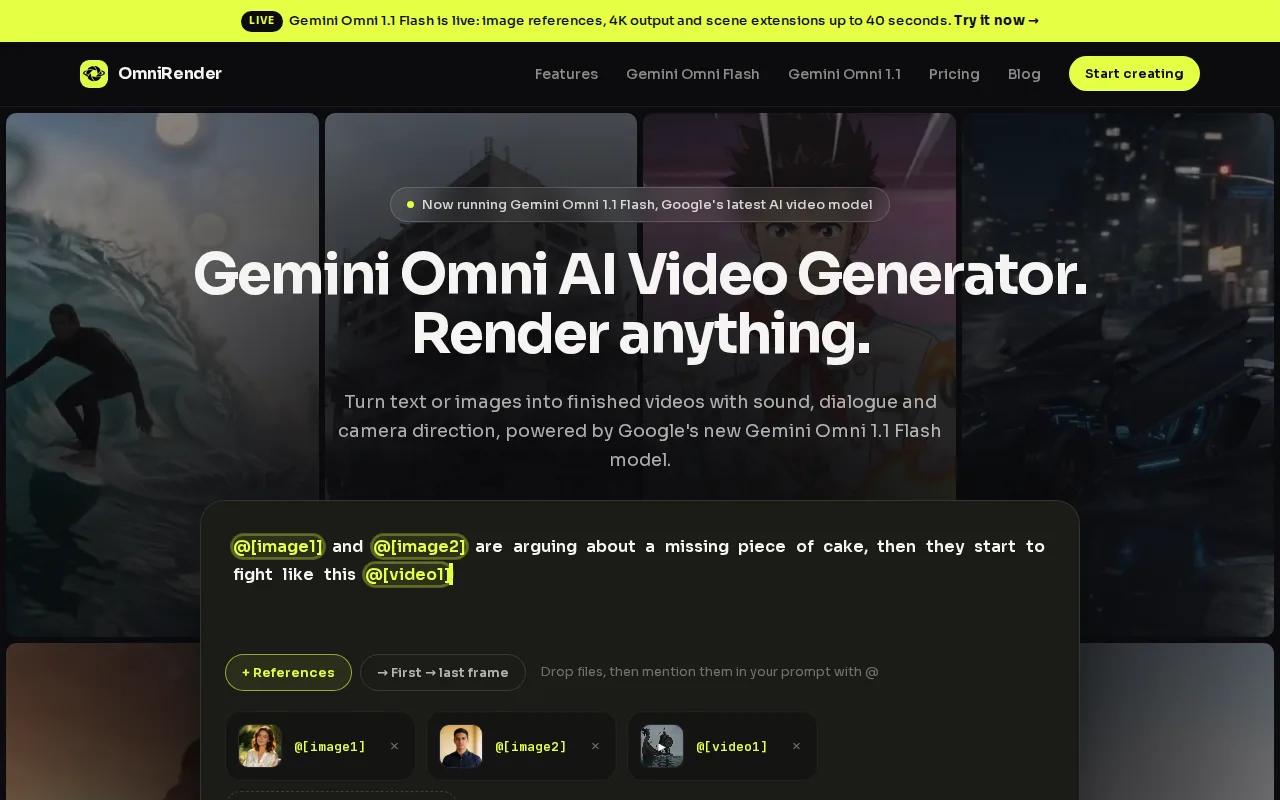
The free plan includes a few 360p videos each month, with no card required. The default model is Gemini Omni 1.1 Flash. Clips can include generated sound, such as music, effects, or lip-synced dialogue, and characters can stay consistent across a scene. The model also supports prompt-based edits and scene extensions, though video references, editing, and extending are paid features.
For a first test, describe one clear action and one camera move. Then generate, preview, and download the result before changing the prompt. Clear prompts can help guide generated clips. For another resource, see this article.
The free output is limited to 360p. Paid OmniRender plans start at $14 per month and include higher limits and resolutions, according to the current plan details. Since OmniRender is an independent app, its subscription terms are separate from Google’s model technology.
2. Pika: Playful short clips and social experiments
Pika is geared toward playful short-form generations. It makes sense for meme concepts, stylized motion, and social experiments where you want to try an idea rather than produce a large batch of finished clips.
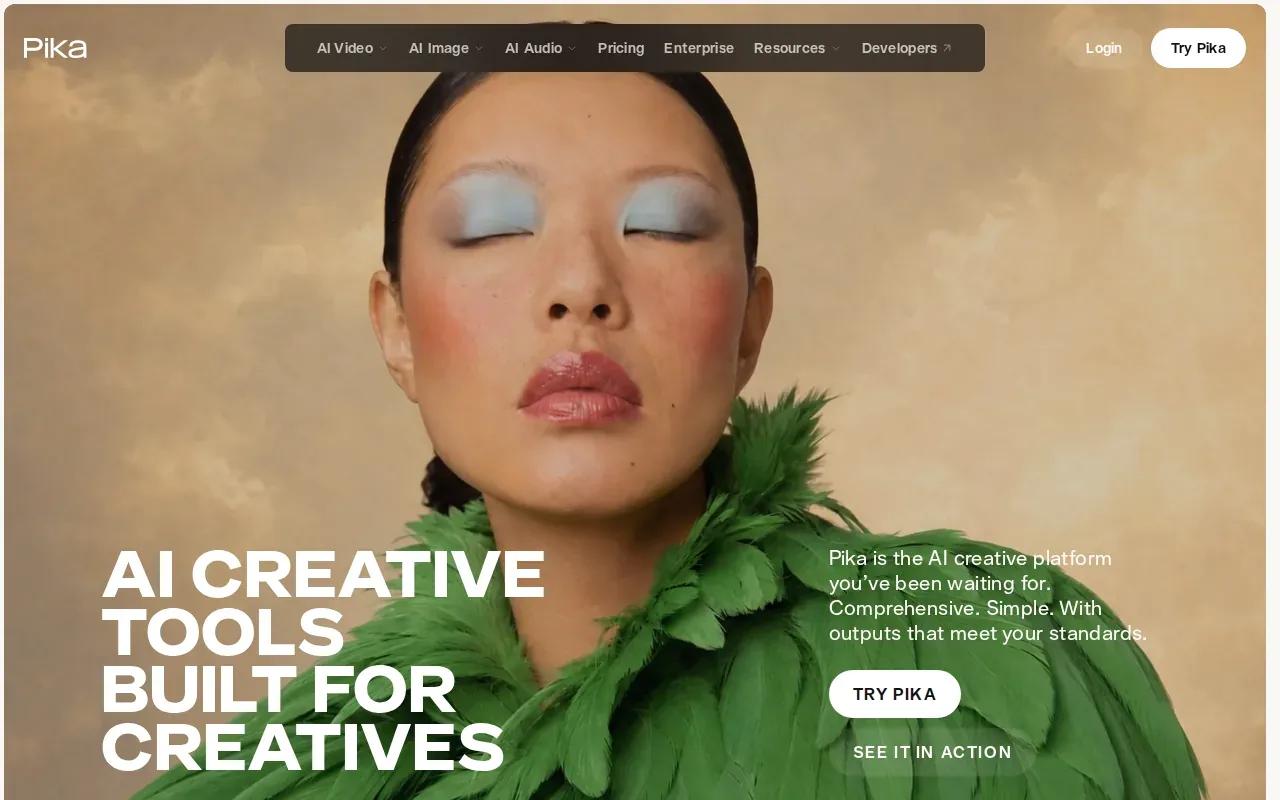
Its free tier is available, but the strongest use case is creative testing, not volume. That matters when you’re making several versions of the same idea. Each rerun can use credits, and free credits disappear quickly when you test longer clips or premium models.
Keep the first prompt narrow. For example, describe a single subject doing one action in one setting. If the result misses the mark, change one detail at a time instead of rewriting the whole prompt. That makes it easier to see which instruction changed the output.
Pika fits when you want to explore a visual gag or a quick motion idea. If your project needs many iterations, plan each attempt before spending the free allowance.
3. Vidu: Recurring experimentation with prompt-to-video clips
Vidu supports text-to-video and image-to-video generation for short AI clips. It’s a useful fit for prompt tests, visual concepting, and comparing how different motion ideas read on screen.
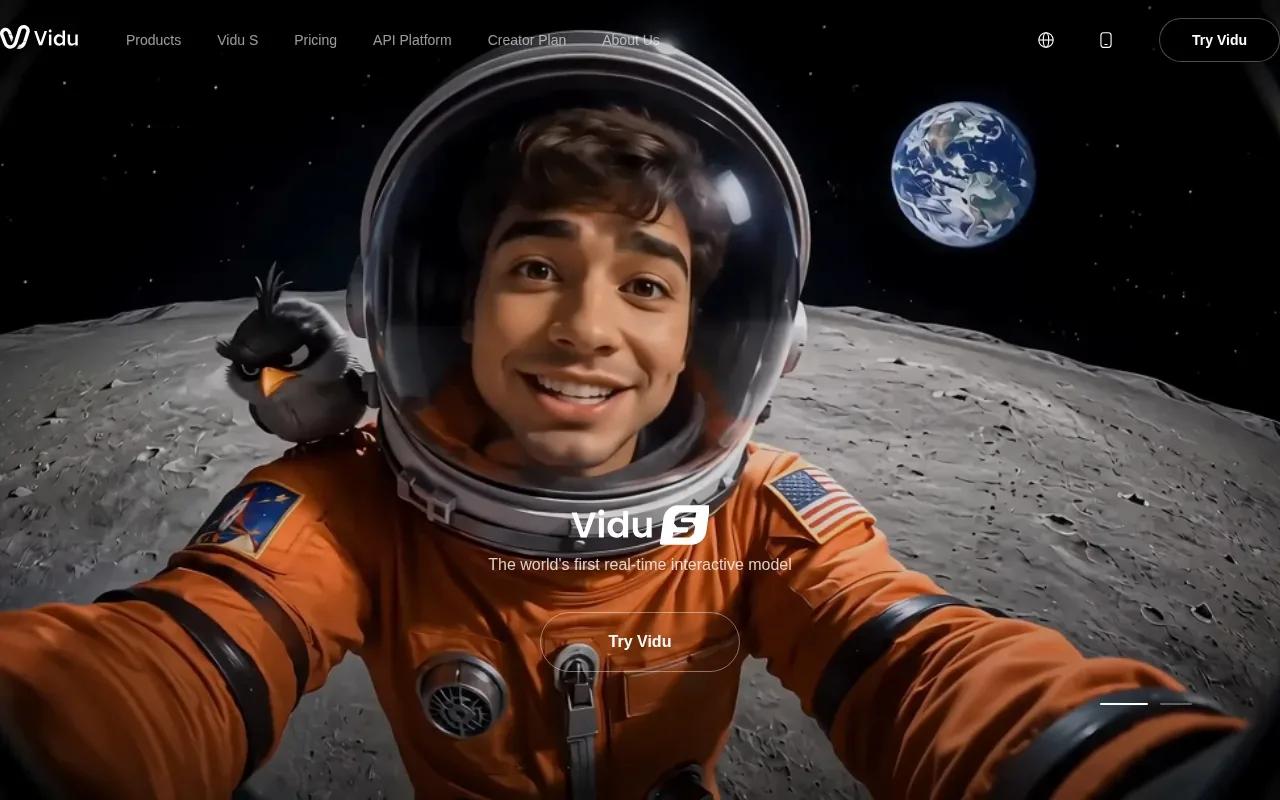
You can start with a written description, or use an image as a reference and add a prompt for the action. Vidu’s generator also lets users adjust settings such as duration, resolution, and movement amplitude.
The free tier makes recurring experiments possible. Still, free allowances, model access, and credit costs can change. Treat the account’s current credit display as the working limit, not a number you assume will stay fixed.
Vidu works well when you want to test several short ideas over time. If you’re using an image reference, match its framing to the final destination first. A vertical subject may need a different prompt from a wide landscape shot.
4. PixVerse: Daily credits for effects-driven social videos
PixVerse is aimed at effects-driven social clips, templates, and visual experiments. Its listed non-member allowance is 30 daily credits. Those credits refresh at 00:00 UTC and expire at the end of that day, so unused credits don’t build up for a larger project later.
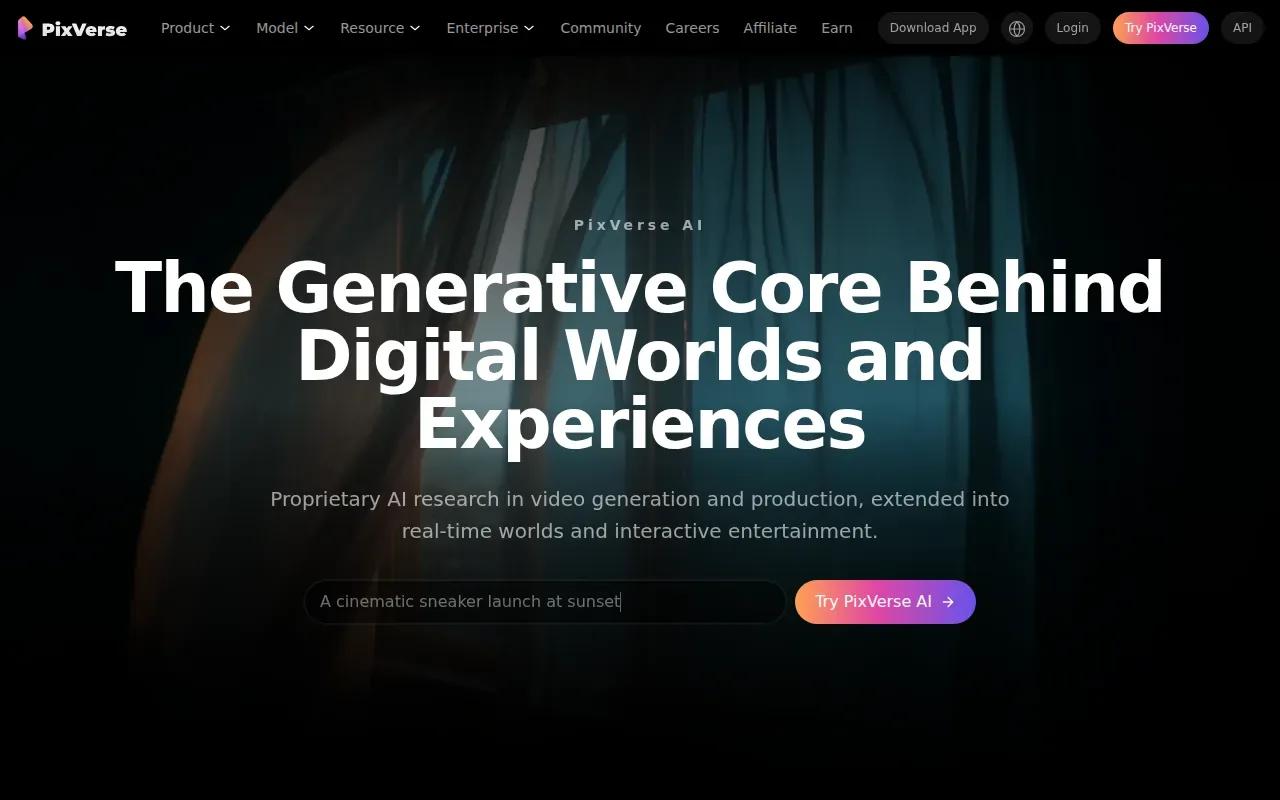
That daily reset makes PixVerse easier to test in small sessions than in one long batch. Pick the effect or template first, then write a prompt that supports it. Free outputs have resolution and watermark limits, so check the rendered file before using it in a polished campaign.
When the goal is a quick visual hook, a template can save prompt work. When you need a clean export for an ad, inspect the actual resolution and watermark before building the rest of the edit around it. For a broader look at use cases and workflows, see AI video generator comparisons.
PixVerse is worth a look if your schedule suits daily credits and you’re making short, effect-led content. A credit that expires today is less useful if you only work on video once a week.
5. Runway: A trial of a professional video-generation ecosystem
Runway’s free plan is mainly a way to try a professional generation workflow. It may suit filmmakers, designers, agencies, or creators who want to test how AI video fits into a larger production process before paying for a subscription.
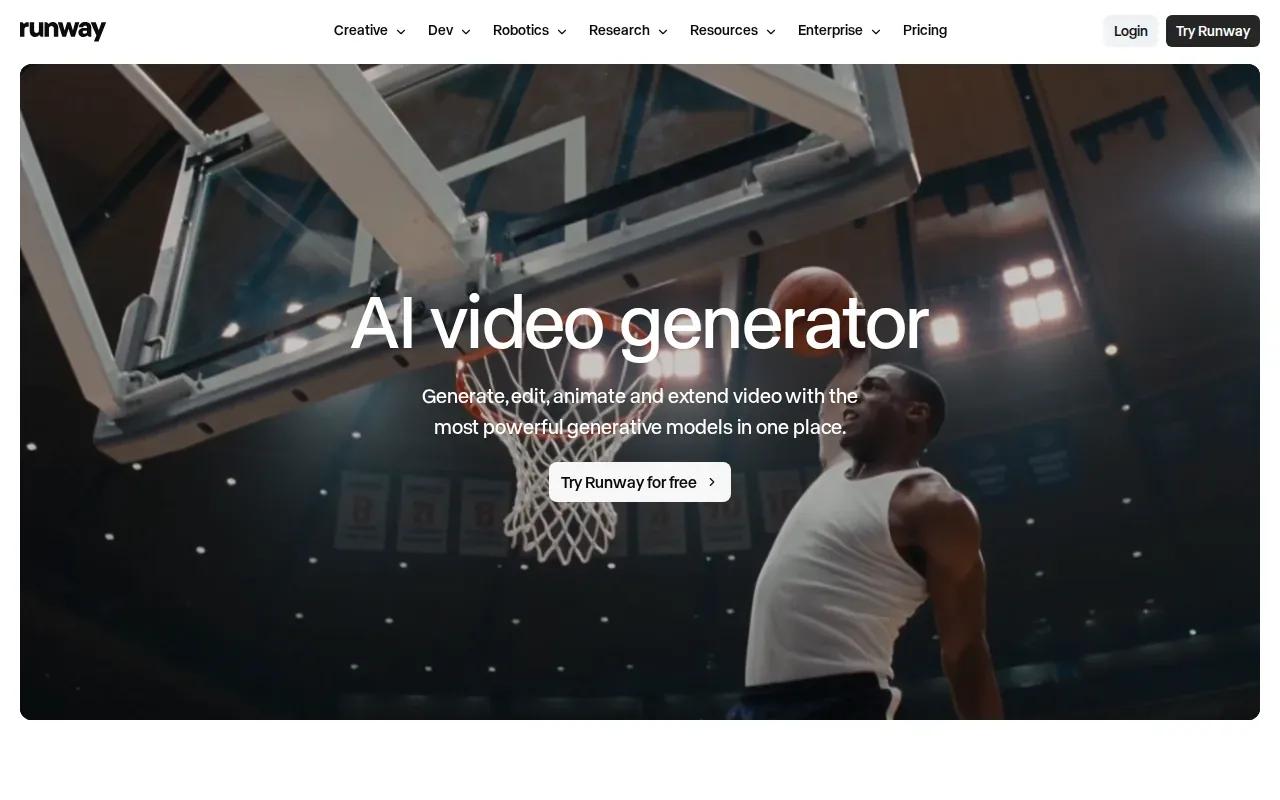
The free plan starts with a limited credit balance. Model access may be restricted, and generated video may carry a watermark. That makes it better for evaluating a workflow than for assuming you can finish a steady stream of client-ready clips at no cost.
Use the trial to test a small, representative task. For example, generate one short scene that resembles the kind of shot you’d actually use. Review its motion and image quality, then decide whether the available model and credit balance are enough for your work.
Runway is a sensible trial if you’re comparing a more professional workflow. Keep the starter balance in mind when you plan reruns.
6. Krea: Real-time visual ideation and access to creative models
Krea combines real-time image creation with access to multiple creative models. It’s a fit for visual development, style frames, and trying different looks before you settle on a direction for a video.
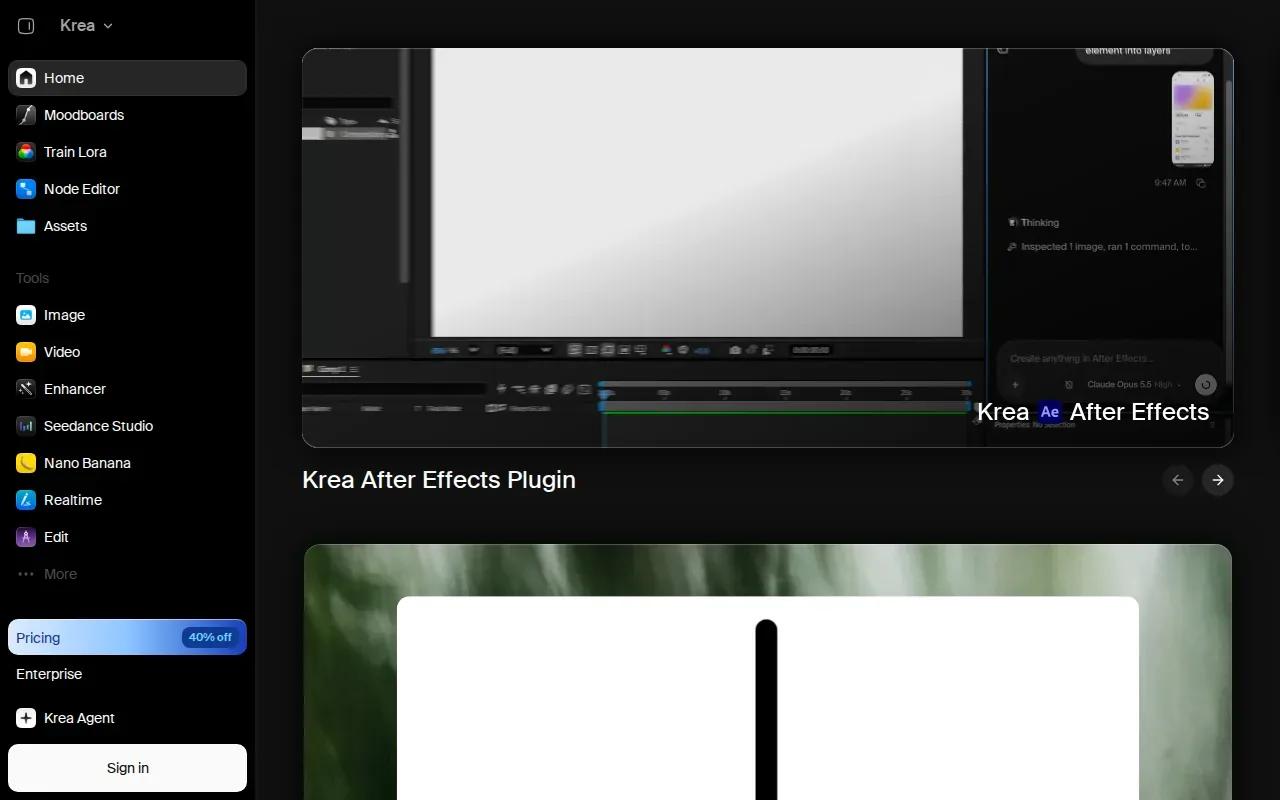
Krea has a free tier, but free video access is limited. That makes it more useful for shaping an idea than for planning repeated video exports. You can work through the look of a scene first, then decide whether the available video access is enough for a motion test.
If you start with a still image, think about the subject’s pose and the space around it. Those details give a video model a clearer starting point for motion. Readers working from reference images can also compare the distinct image-to-video workflows that suit social clips or product ads.
| Tool | Useful for | Free access detail to check |
|---|---|---|
| OmniRender | Short clips with generated sound and dialogue | A few 360p videos each month |
| Pika | Playful short clips and social tests | Credits can run down during repeated or longer generations |
| Vidu | Ongoing prompt and image-to-video experiments | Allowances and credit costs can change |
| PixVerse | Effects and templates for short social videos | 30 daily credits for non-members, expiring that day |
| Runway | Testing a professional generation workflow | Limited starter credits and possible watermark |
| Krea | Style frames and visual ideation | Free video access is limited |
For a quick prompt-to-video test, choose Vidu or Pika based on the kind of clip you want to explore. For sound and dialogue in the same generation, OmniRender is the clearest fit in this shortlist.
FAQ
Which free text-to-video AI generator should I try first?
Start with the tool that fits the clip you need. OmniRender is a good place to test short videos with generated sound and lip-synced dialogue. Pika fits playful experiments, while Vidu supports recurring prompt and image-to-video tests. Check each tool’s current allowance before you plan multiple generations.
Can I make a video from text without paying?
Yes, several tools in this list have free access. Their limits differ: PixVerse lists daily credits for non-members, and Runway’s free plan works as a limited product trial. Check the current account screen before starting, since credit limits and model access may change.
Can free AI video tools make 1080p or 4K clips?
Some tools have higher-resolution options, but that doesn’t mean they’re available on every free tier. Check the selected model and plan before relying on a resolution for a final export.
How do I get a more consistent result from a prompt?
Describe one main subject, one action, and the setting in plain terms. Add a camera move only if it matters to the shot. If the tool supports image references, use a clear reference that matches your intended framing. Preview the first result before changing several prompt details at once.
Do free AI-generated videos have watermarks?
Some do. Runway may add a watermark to generated video, and PixVerse lists watermark limits on free outputs. Check the downloaded file before using any clip in a public post or ad.
Conclusion
For short clips with sound and dialogue built in, start with OmniRender’s free plan and see whether 360p meets your needs. Open the browser app, write a prompt for one scene, and preview the result before deciding if you need a paid plan.