Making a video ad can start with a prompt and a product photo, not a full shoot. An AI commercial generator can help you shape that idea into a video or ad creative. Here are ten named tools, with a closer look at what each can do and where its workflow fits.
We analyzed 44 comments and questions from YouTube and Quora about AI commercial generators and found that 25% mentioned realism and quality concerns.
1. OmniRender
OmniRender is an independent, browser-based app for making short AI videos and images. It’s a fit for creators, brand marketers, small production teams, and ecommerce sellers who want a prompt or image reference to become a moving ad.
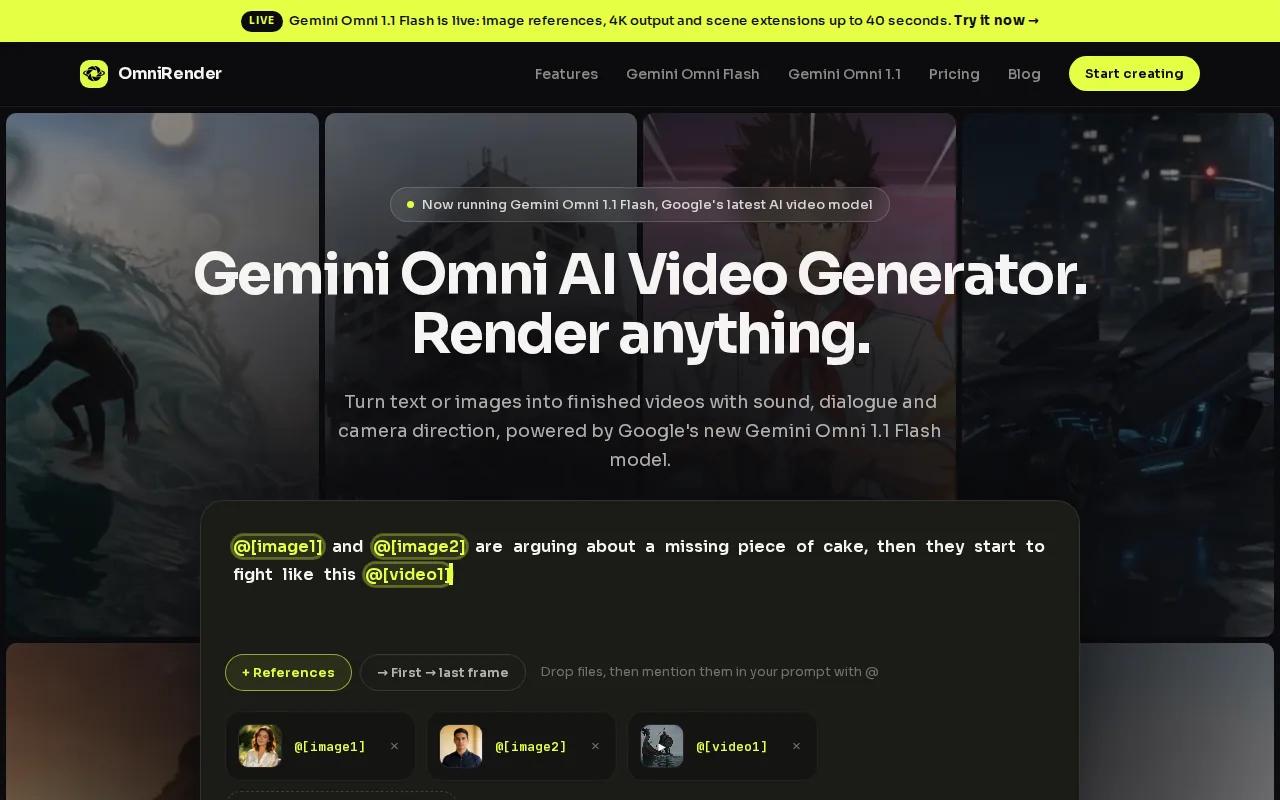
Start with a text prompt, or attach an image to guide the scene. Gemini Omni 1.1 Flash is the underlying technology; OmniRender is an independent app, and its features and plans are separate from Google’s. Google does not own or endorse OmniRender. The app can generate video with music, sound effects, and lip-synced dialogue. You can also ask for a change in plain language, then extend a generated scene up to 40 seconds total.
For a product spot, describe the action and camera move: “A glass bottle turns slowly as warm light moves across the label.” Add a spoken line in quotes if you want the character to say it. For prompt ideas that give the model clearer direction, see these AI video prompt examples.
Check OmniRender’s current pricing, credit allowances, resolution limits, and commercial-use terms before using it. Free-versus-paid licensing is unclear, so don’t assume a generated video is cleared for a campaign.
2. Krea
Krea is an image, video, and 3D generation tool. It may fit a marketer who wants to make visual assets, then edit or enhance them in the same creative workflow.
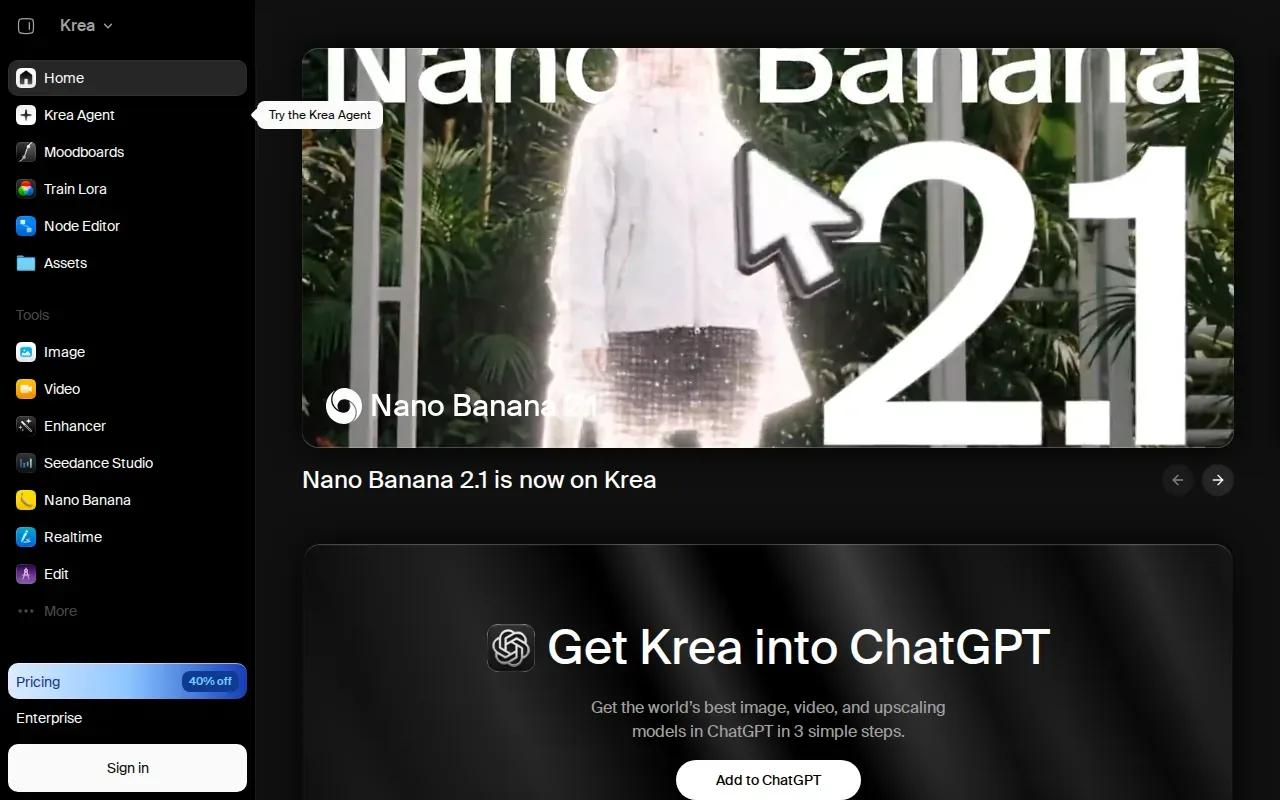
Krea lets you generate, edit, and enhance images, videos, and 3D. That range can help when an ad needs a still concept first, followed by motion or a more polished visual. For example, you might explore a visual direction with an image before deciding whether it should become a short video.
Krea’s free tier gives 100 units a day. Its Basic plan costs $9 a month, or $5 a month when billed annually, and includes 5,000 units. Check how the unit allowance lines up with the kind of assets you expect to make before you settle on a plan.
For a campaign with several ad sizes, keep the core image idea steady while you work through the formats. A square feed creative and a vertical short may need different framing even when they share the same concept.
3. DaVinci
DaVinci is a platform for generating AI images and videos with access to multiple models. It may suit creators who want to compare model options from one place rather than build each visual in a separate app.
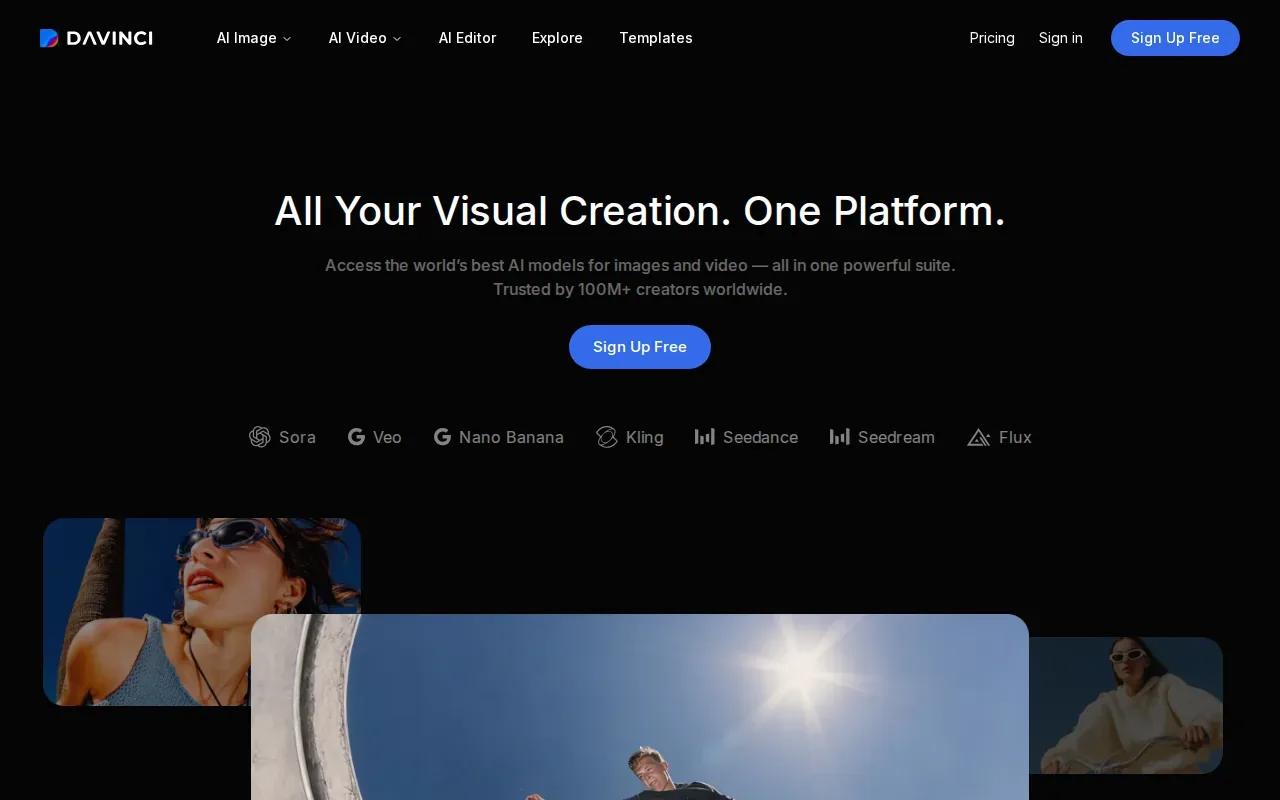
DaVinci offers access to Sora, Veo, Kling, and Flux, among more than 50 models in total. That breadth can matter when a team is testing different looks for the same brief. One prompt might call for a realistic product reveal; another may need a more stylized scene.
For a fair creative test, keep the subject and campaign goal the same while changing the visual direction. Then review each result for product details, framing, and how well it supports the ad’s message. Don’t assume every model will return the same kind of output from the same words.
DaVinci’s verified description centers on image and video generation across its model selection. A specific model’s output and fit will depend on the look you’re trying to achieve, so judge the actual result before building a campaign around it.
4. JXP AI Video Generator
JXP AI Video Generator is a tool for making AI videos and images, with access to several named models. It may suit creators who want to try more than one generation model in a single app.
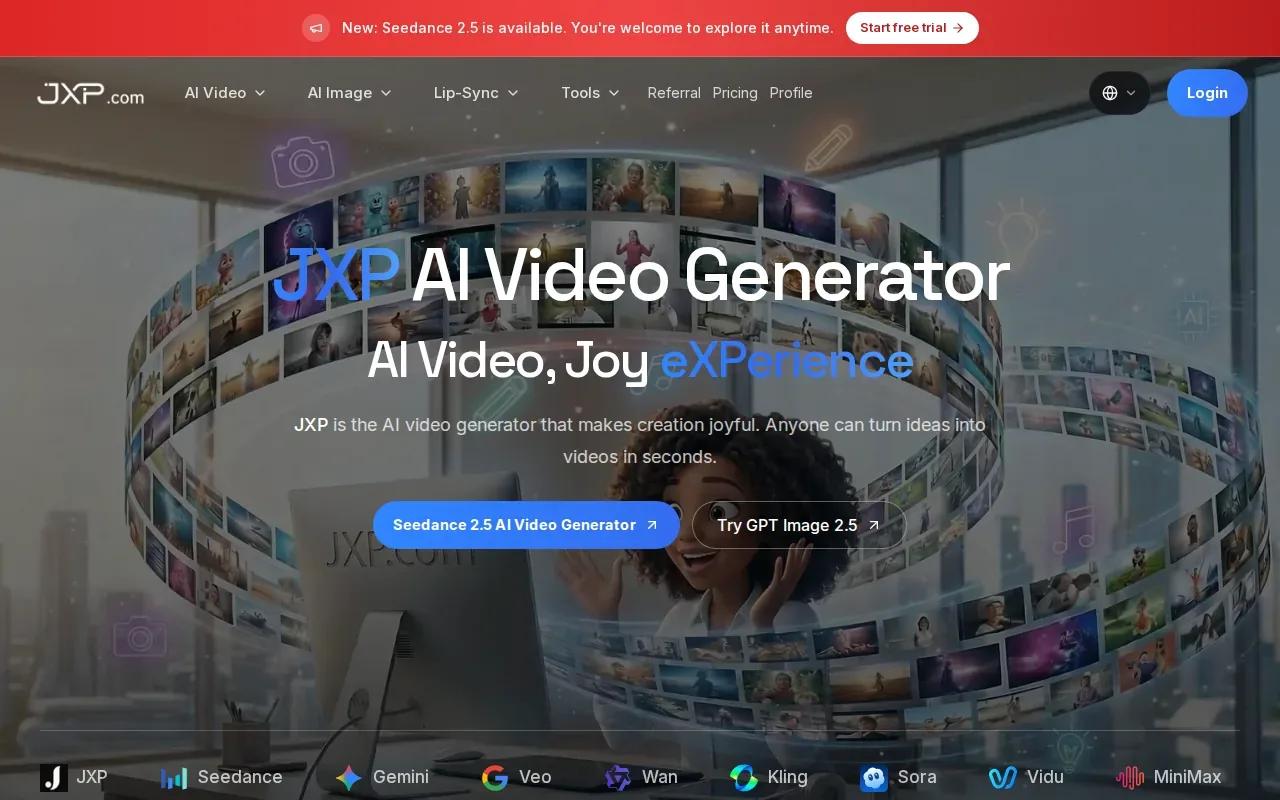
JXP offers access to Seedance 2.5, Wan 3.0, and Minimax H3, among others. The app’s product details describe text-to-video and image-to-video creation. That gives you a way to start with a written scene or animate a still photo for a short promo.
The app listing also describes multi-scene story videos, generated audio and video together, and exports for social feeds and Shorts. For a simple product ad, you could begin with a product photo, describe one clear action, and see how the result handles movement before adding more scenes.
JXP is free to start. If a generation fails because of a system issue, the app listing says credits return automatically. That’s useful to know when you’re testing prompts, but it doesn’t replace a close review of the final clip before it goes into a paid campaign.
5. OmniVideo
OmniVideo is a text-to-video and image generation tool powered by Google’s Gemini Omni Video model. It may fit a creator who wants to try prompt-led video creation alongside image generation.
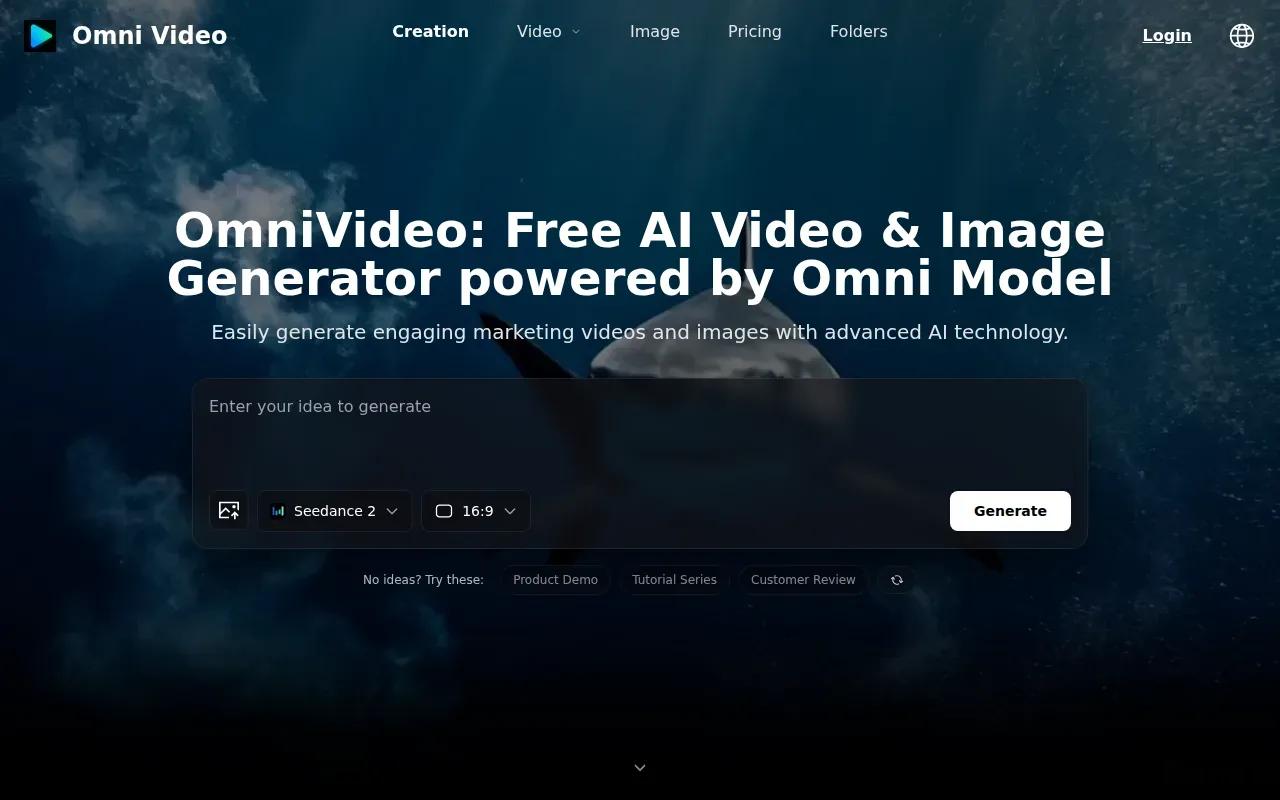
You can generate videos and images from text prompts in seconds, and the service is free to use. For a basic ad concept, you might write a prompt describing the product, the setting, and one movement, then review whether the result matches the intended mood.
Keep the prompt focused. A short brief can name the subject, the main action, the camera direction, and the sound you want. If the idea has several beats, work through them one at a time instead of asking a single clip to tell the whole story.
OmniVideo supports text prompts, video generation, image generation, and its model. If you need an ad with a specific edit workflow or a defined commercial licence, check the service’s terms before using a generated asset in a campaign.
6. Omni AI Video
Omni AI Video is a multimodal video generator powered by its Omni AI Model. The listed workflow supports text, image, audio, and video creation, along with editing and reference generation.
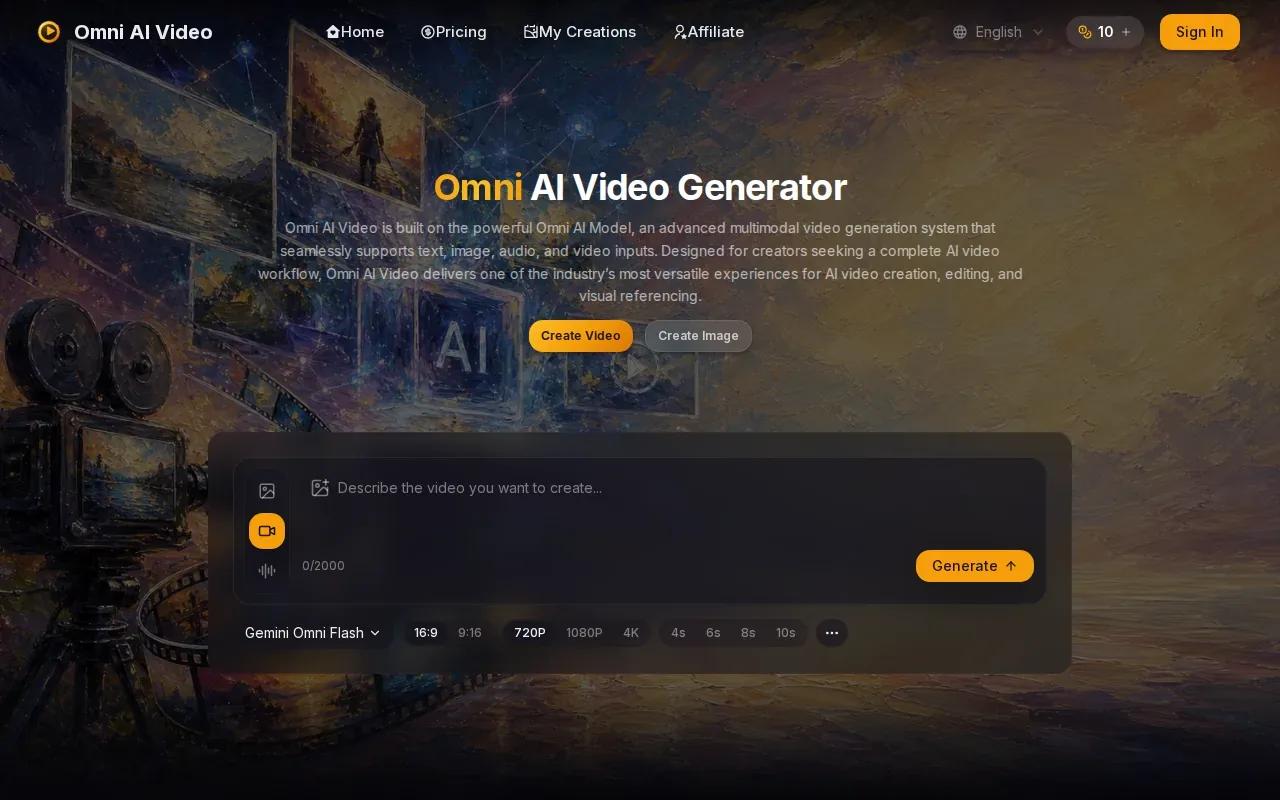
That mix may fit a project that starts with more than words. You could use an image as a visual reference, or work with audio or video as part of the creative process. For a brand team, references can help set a direction before the team reviews a finished ad draft.
Multimodal tools need clear instructions. Say which input should guide the subject, and which details should change. If you want a still image to guide the look but a prompt to set the motion, spell out that difference in your brief.
Omni AI Video supports text, image, audio, and video inputs, as well as editing and reference generation. They don’t provide specific output lengths or resolution details, so base your choice on a sample that matches your intended placement and review the final export before launch.
7. Omni Flash
Omni Flash is a free online tool that runs through the Google API. Its workflow makes AI videos from prompts, images, and reference clips.
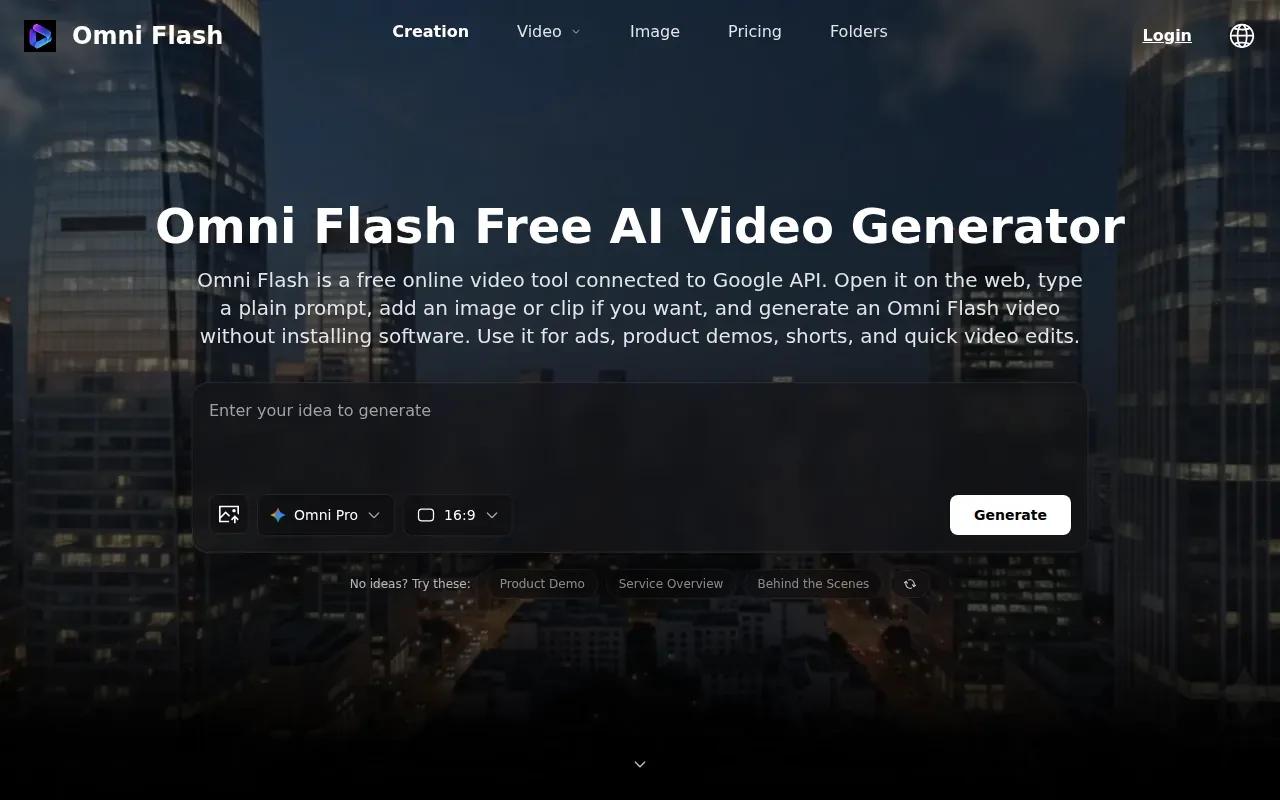
That combination gives you several ways to start a video concept. A written prompt can set the action; an image can guide the scene; a reference clip can help communicate the motion you have in mind. For an ad, give the tool one main action to show, such as a product turning toward the camera.
Keep a human review in the workflow. Check that the product stays recognizable as it moves, that the scene fits your brand, and that no unintended details distract from the message. A quick generation is a draft, not proof that the final ad is ready to run.
Omni Flash’s provided details focus on prompt, image, and reference-clip inputs. If the project needs a specific length, output quality, or commercial-use permission, verify those requirements before you commit to the workflow.
8. AI Ad Generator by Venngage
AI Ad Generator by Venngage creates editable ad designs from a prompt. It’s a fit for marketers who need static ad graphics, promotional layouts, or supporting copy rather than a generated video scene.
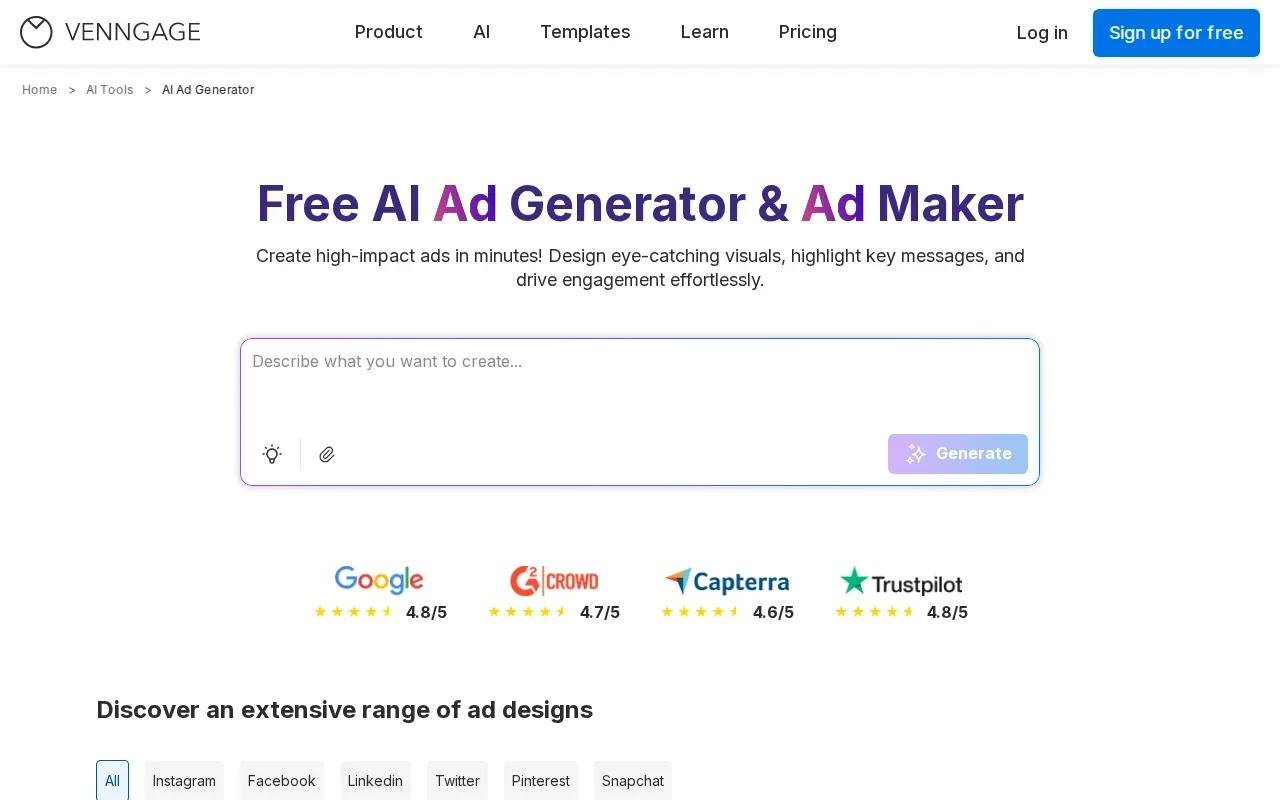
You can describe the product, audience, campaign goal, and message, then adjust the resulting design in a drag-and-drop editor. The tool can produce ad visuals and supporting text. Its brand tools can apply brand colors, fonts, and logos to help keep multiple campaign graphics aligned.
It also provides platform-sized layouts for common social ad formats, including feed and story placements. The free plan lets you generate up to five AI ad designs.
Venngage focuses on creating ad designs rather than direct ad publishing. You’ll export the creative, then upload it to your ad platform. That handoff is simple, but it means campaign setup and performance checks happen outside the design tool.
9. Pippit
Pippit is a marketing content tool for promotional videos and related creative work. It may suit sellers who want to build an ad around product details, photos, or clips.
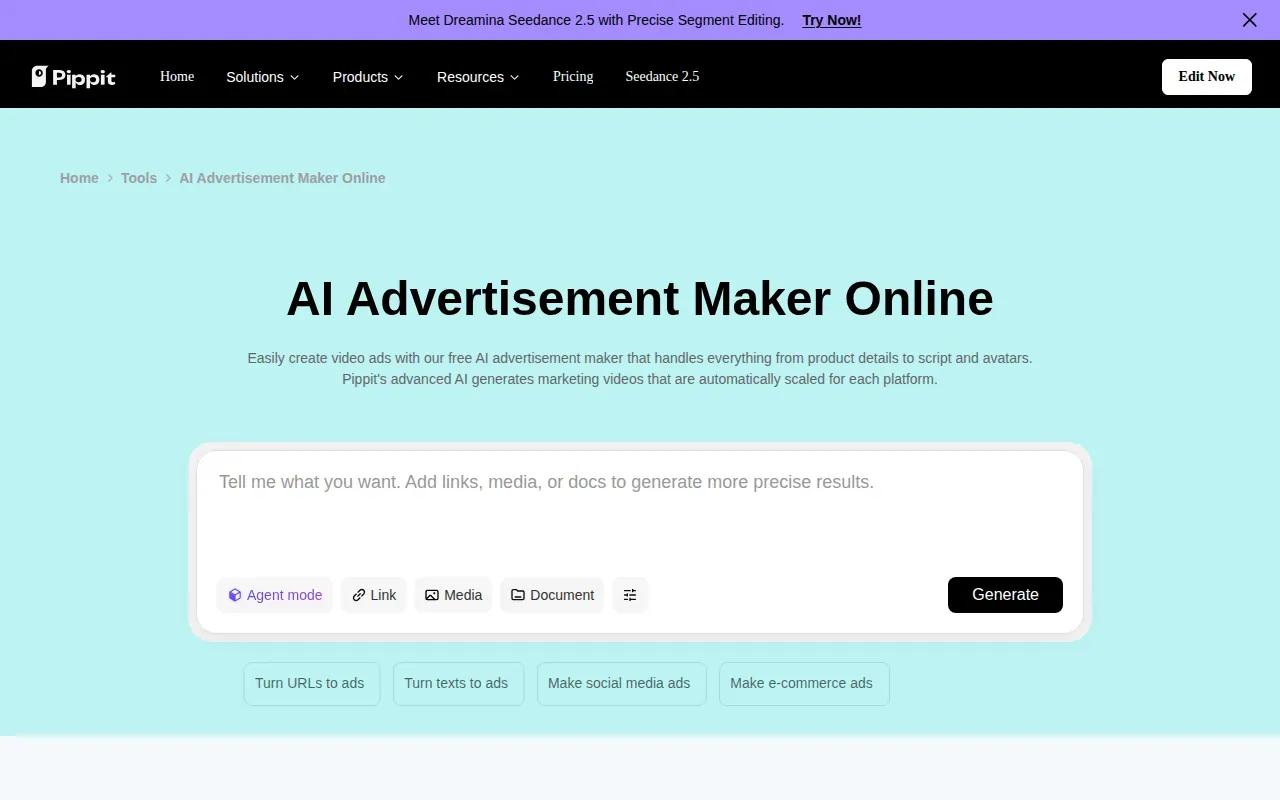
The described workflow lets you enter a product URL or add media, then review product details and choose images. You can select a video length of 15 or 30 seconds, or 45 to 60 seconds, and set an aspect ratio for social platforms. Pippit can suggest scripts, while you can also add your own.
The video workflow includes avatar and voice options. After generation, you can edit the script or voice, trim the clip, and add media or captions. Pippit also describes scheduling posts and reviewing video performance through its analytics area.
For a shop owner with a catalog, the product URL workflow may reduce manual entry. The final ad still needs a human check: confirm that the product details are right, the spoken copy sounds on-brand, and the video fits the placement you plan to use.
10. AI Commercial Video Generator by Modelia
AI Commercial Video Generator by Modelia is an image-led ad creation tool. You can upload an image, describe your idea, and make a commercial video.
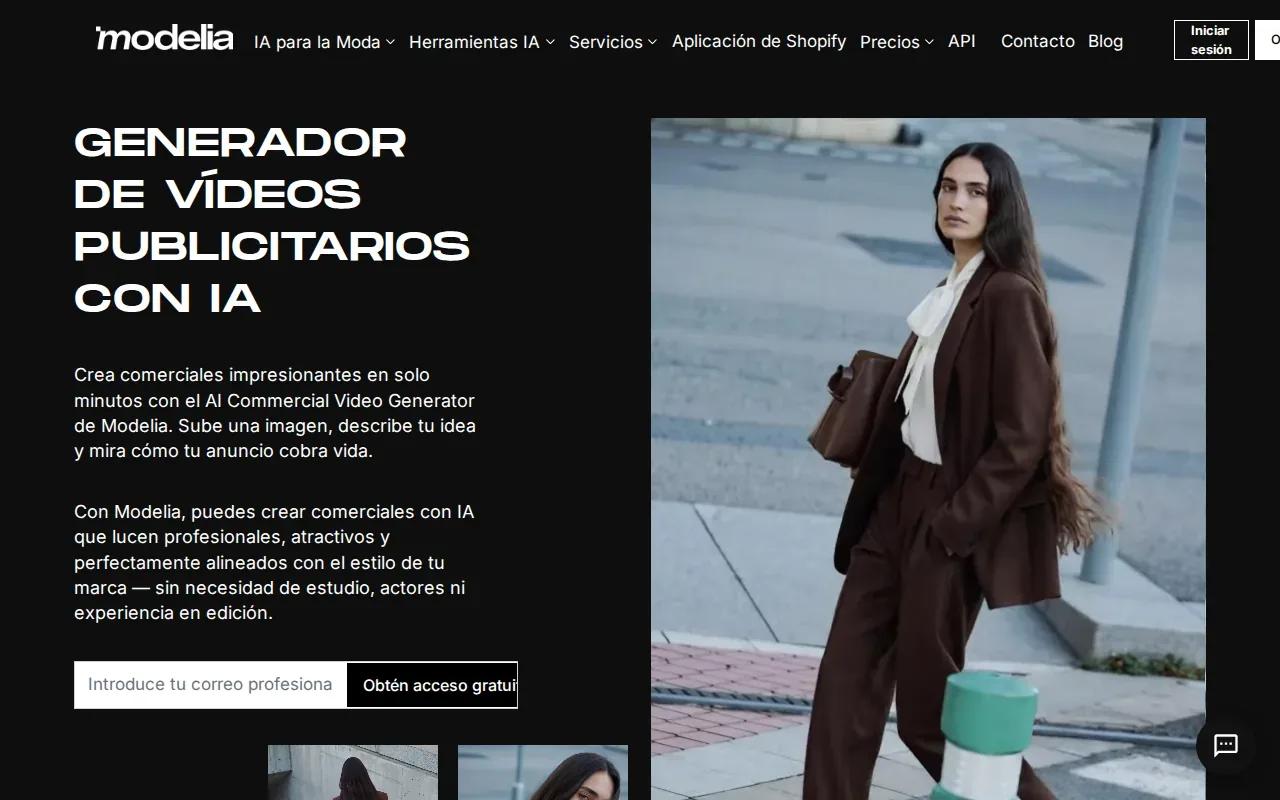
That starting point may fit a seller who already has a product image and wants to test how it could work in motion. Write a prompt that names the product’s role in the scene and the movement you want to see. Keep the central item easy to recognize.
Image-led generation can be a quick way to explore an ad concept without beginning with a blank timeline. Review how the generated scene treats the source image, especially around the product’s shape and fine details. If those details matter to the sale, don’t use a clip until the result passes a close visual check.
Modelia’s workflow starts with an image and a prompt. Check the final video and the service terms against your campaign needs before publishing.
Compare the 10 AI commercial generators by ad workflow
These tools serve different parts of ad production. Use the table to narrow the field by the first task you need to complete, then test a sample with your own brief.
| Tool | Best fit by stated workflow | Useful detail |
|---|---|---|
| OmniRender | Short generated video ads | Image references, generated sound, dialogue, conversational edits, and scene extensions |
| Krea | Image, video, and 3D assets | Generates, edits, and enhances creative assets |
| DaVinci | Trying multiple generative models | Access to Sora, Veo, Kling, Flux, and more than 50 models |
| JXP AI Video Generator | Text-to-video or image-to-video shorts | Free to start, with access to several named models |
| OmniVideo | Prompt-based video and images | Powered by Google’s Gemini Omni Video model |
| Omni AI Video | Working with different input types | Supports text, image, audio, and video workflows |
| Omni Flash | Prompt or reference-based videos | Runs through Google API and is free to use online |
| AI Ad Generator by Venngage | Static social ad graphics | Editable layouts, brand tools, and several export formats |
| Pippit | Product-led promotional videos | Product details, script options, voice choices, editing, and analytics |
| AI Commercial Video Generator by Modelia | Image-led commercial concepts | Upload an image and describe the video idea |
For a short video ad that needs motion and synced sound, OmniRender is the closest match in this shortlist. A static campaign graphic points more naturally to Venngage, while Pippit’s described workflow starts with product information or uploaded media. To compare related ad workflows, see AI video ad generator tools for creators.
Before you spend on a plan, define one ad brief and test it in the tool. Keep the product, message, and target placement the same when you review drafts. That makes it easier to judge whether the output is usable, rather than simply eye-catching.
FAQ
What is an AI commercial generator?
An AI commercial generator is a tool that helps create ad images or videos from prompts, product details, or visual references. Some focus on video scenes; others make static layouts or combine product information with scripts and voice options. Check the output type before you choose, since an ad design tool and a video generator solve different production tasks.
Can AI make a video ad from a product photo?
Yes, some tools in this list support image-led video creation. OmniRender accepts image references, while JXP AI Video Generator describes image-to-video creation and Modelia’s commercial generator starts with an uploaded image. Use a clear source photo, then inspect the video to make sure the product still looks right in motion.
Can AI commercial generators make voiceovers or dialogue?
Some can. OmniRender generates audio with its videos, including lip-synced dialogue. Pippit describes avatar and voice options for its promotional video workflow. Before using spoken copy, check the words, pronunciation, and tone. Keep a person in the review loop so the voice and claims suit your brand.
Can I use AI-generated ads commercially?
Commercial-use terms depend on the tool and plan. Check OmniRender’s current terms, especially whether commercial use differs between free and paid plans. For any campaign, read the current terms and check that any outside assets you add are cleared for your intended use.
How do I write a useful prompt for a video ad?
State the subject, one main action, the setting, and the camera movement. Add a visual style or lighting note if it matters. For sound, name the music mood or put spoken dialogue in quotes. Keep the brief focused, review the first draft, then make one clear change at a time.
Conclusion
If your ad needs generated video, sound, and prompt-based edits in one browser workflow, start with OmniRender. Check its current plan details and commercial-use terms before using a video in a campaign; free-versus-paid licensing is unclear. Start creating with OmniRender, then check the plan details before you prepare a campaign for launch.