Choosing an AI video ad creator means weighing more than how a clip looks. Resolution, sound, editing controls, and commercial rights can all affect whether you can use the result in a campaign. Here are five named tools for different ad workflows, plus a comparison of what to check before you commit. For more ideas on video ads and social clips, see our guide to AI video ad generators.
We analyzed 34 Reddit comments about AI video ad creators and found that 18% mentioned authenticity issues and low conversion.
1. OmniRender
OmniRender is an independent, browser-based app for making short videos from text prompts and image references. It uses Google's underlying Gemini Omni technology, but OmniRender has its own app, features, and plans. Google does not own or endorse OmniRender.
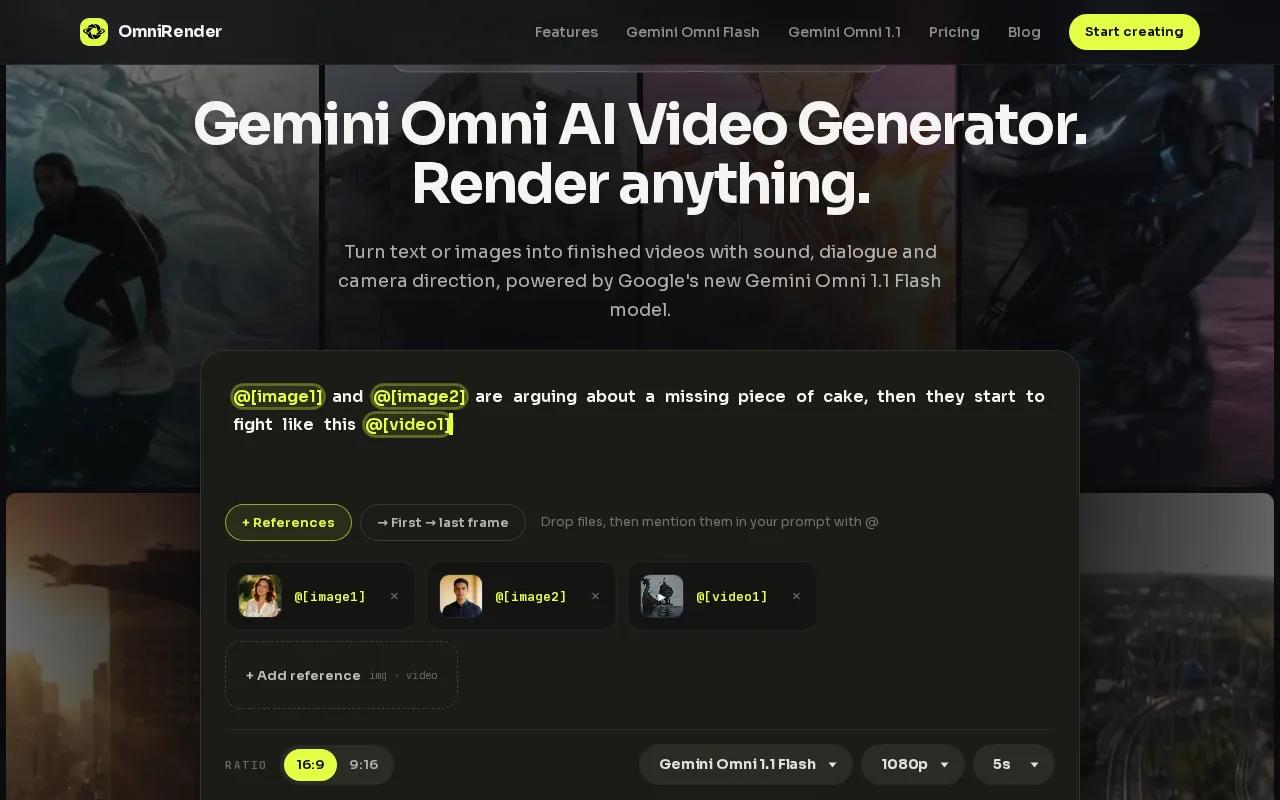
It fits social creators and marketers who want to turn a product image or written idea into a short ad. Set a portrait frame for a vertical social post, or choose landscape for a wider placement. The video can include synchronized music, sound effects, and dialogue with lip sync. You can also request a change in plain language, then extend a generated scene up to 40 seconds total.
For a shop with a clean product photo, that means you can describe a camera move and the action you want, then review a short clip before deciding what to change. Clips run 3 to 10 seconds at up to 4K.
The free plan gives you up to 3 videos a month at 360p with no card required. Paid plans are $14 a month (Creator), $49 (Studio) and $99 (Agency), and every plan includes a commercial licence. You still need the rights to any photo, voice, or other material you supply. If you’re weighing a photo-led workflow, this AI product video tool comparison covers related options.
2. Runway: For cinematic control and production workflows
Runway is a video generation and editing tool for creators who want to shape a shot after the first render. It supports text-to-video generation, consistent character references, and camera control. You can start with a prompt, image, or existing video, then refine the footage with editing tools.
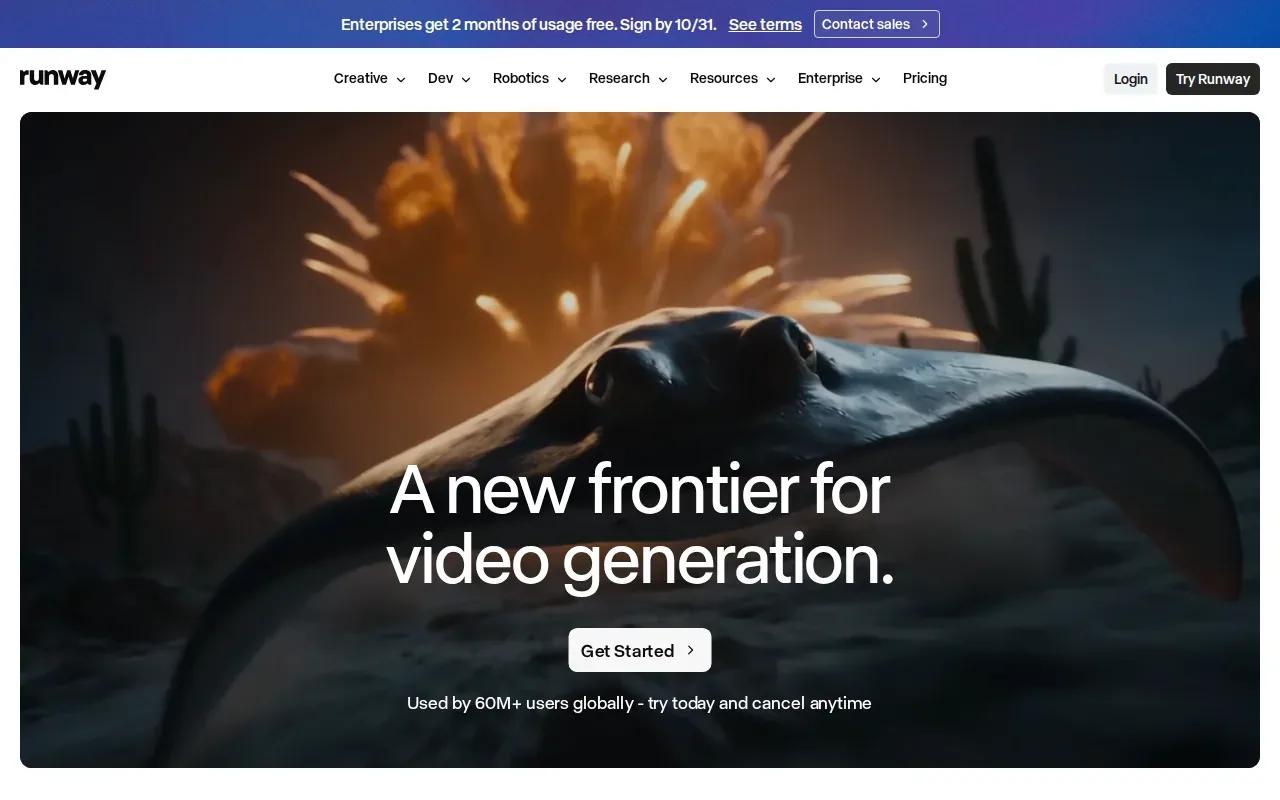
That editing focus can help when a product clip is close but needs a change in the scene. Runway offers tools for changing a backdrop, relighting footage, or removing an object with text prompts. Character references can help keep the same person’s look across separate shots. For a campaign with several scenes, that can reduce the need to rebuild a visual direction from scratch each time.
Runway pairs its Gen-4.5 model with an editing toolkit. The right plan depends on how much footage you expect to generate: the Free plan has 125 one-time credits, while Standard starts at $12 per month when billed annually or $15 monthly. Pro and Max cost more and include larger credit allowances.
Credit use varies by model and output, so a short test can help you estimate how many versions your campaign needs. Runway is worth a look if you need hands-on edits and camera direction. If your main goal is a simple product clip with generated dialogue in the same workflow, compare its controls with OmniRender before choosing.
3. Synthesia: For presenter-led ads made from scripts
Synthesia turns a script into a presenter-led video without a camera shoot. It’s a fit for businesses that want a person on screen to explain a product, service, or update. You can start with a prompt, script, or document, then generate a video with a digital presenter.
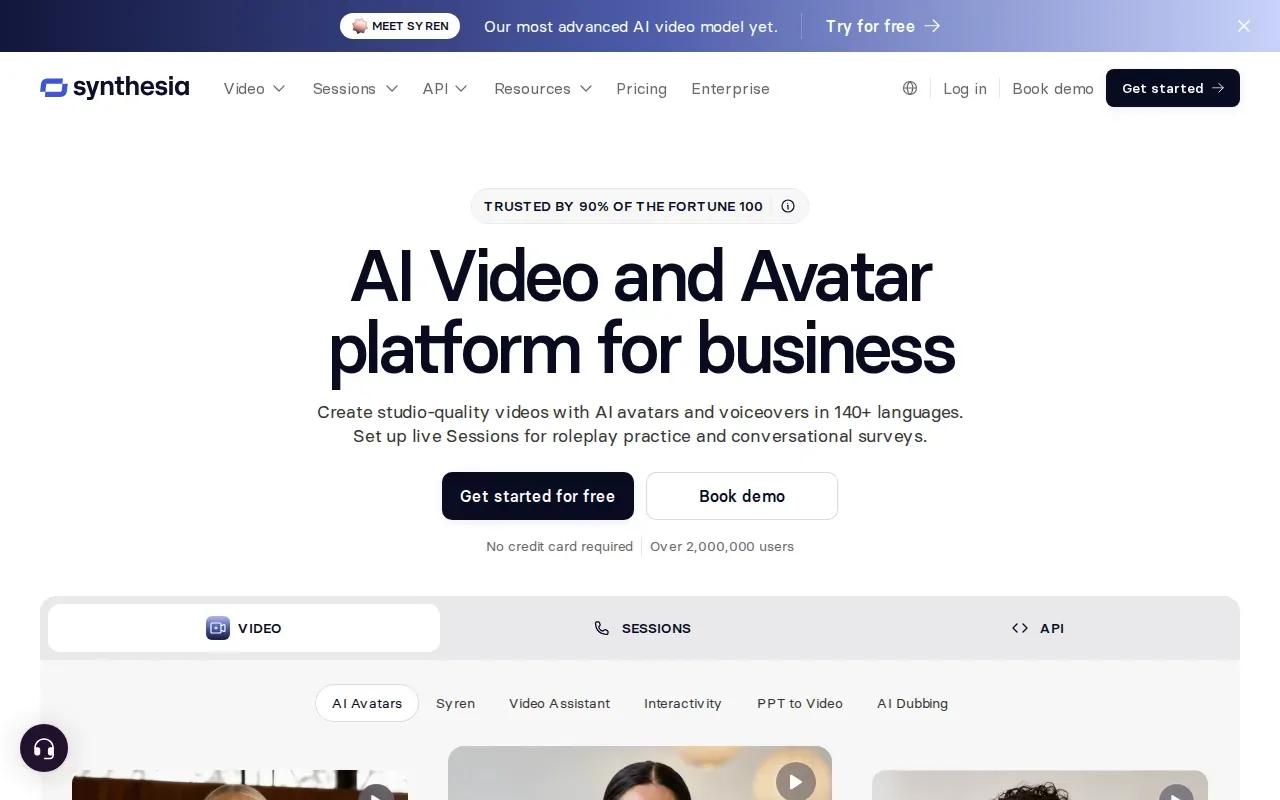
Its automatic lip sync matches spoken dialogue to the presenter’s mouth. Synthesia also supports AI voiceovers and translation into more than 140 languages. For an ad team adapting a product announcement for different language audiences, those tools can reduce the need to record each version separately. You can also apply brand colors, fonts, and logos to videos.
This style is different from a scene-led product spot. A presenter can explain what a product does, while a cinematic clip may focus on how it looks or feels. Think of a short feature announcement with a speaker introducing the update, rather than a silent close-up of the product. Synthesia also has collaboration and review tools for teams working on video content.
The free Basic plan includes 10 minutes of video a month with a Synthesia watermark. Starter is $29 monthly or $18 per month billed yearly, and Pro is $89 monthly or $64 per month billed yearly; both add video minutes and remove the logo. Enterprise pricing is custom. Pick Synthesia when the spoken message is the main event; choose a scene-generation workflow when the ad depends on product motion or a visual story.
4. Pika: For stylized, social-first ad concepts
Pika is a text-to-video tool geared toward stylized, meme-ready output. It may suit a creator testing a playful social concept or a brand that wants a short clip with a more exaggerated visual style. The brief doesn’t need to begin with a full script. You can start with a text prompt and shape the idea around a short visual beat.
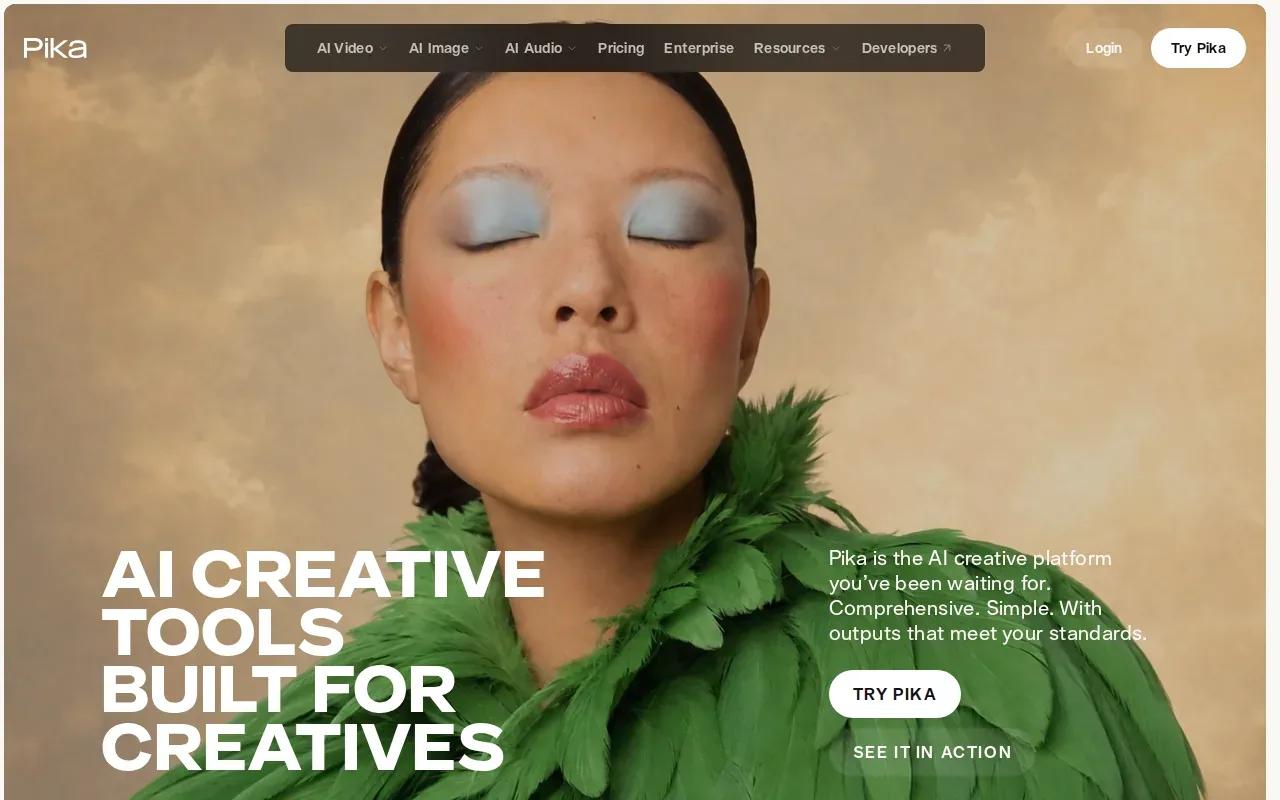
Pika’s free plan has no monthly credits, so you buy credit packs to generate. Starter is $10 a month for 900 credits, but a commercial licence starts with the Creator plan at $35 a month ($28 a month billed annually).
Before making a campaign around a stylized result, test whether the look fits the brand and the placement. A comic visual treatment might work for a fast social post, but could feel out of place in a restrained product launch. Also check the export itself at the size where people will view it.
Pika is a focused choice for social-first concepts, especially when you want to try an idea without starting with a production-style workflow. For product ads that need a specific reference image, dialogue, or a longer scene, compare its prompt-led approach with the other options here.
5. OpenArt: For multi-scene ads built from prompts or references
OpenArt’s Director mode can turn a prompt, reference photo, or uploaded song into a multi-scene video. That can suit an ad concept that needs several connected shots rather than one standalone clip. OpenArt also offers consistent character continuity across scenes, a built-in music library, and AI voiceovers in more than 30 languages with lip sync.
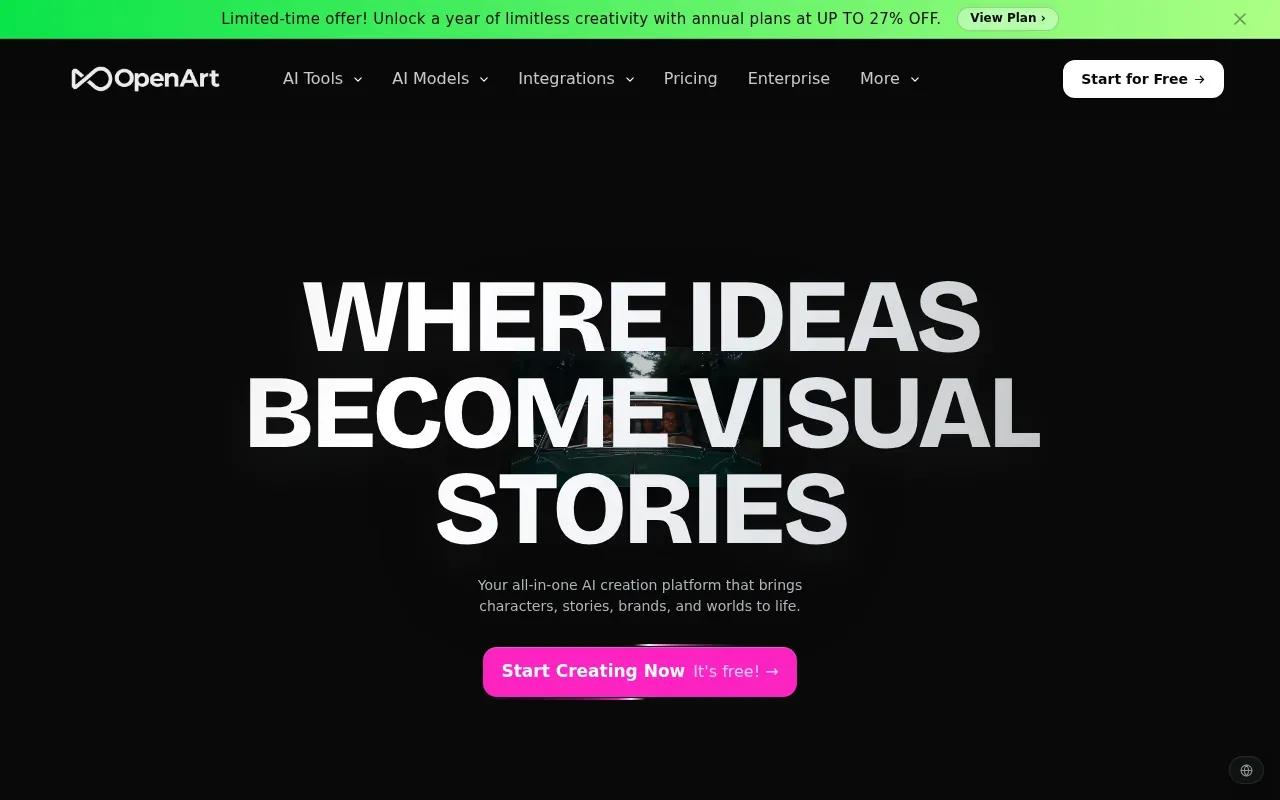
Imagine a short campaign that starts with a product image, cuts to a person using it, then ends on a spoken line. A multi-scene workflow gives you a place to plan those beats together. The character-continuity feature can help if the same person needs to appear across scenes. You can also score scenes with original music, which may help you build a rough cut before moving to a separate finishing workflow.
Starter is $14 per month, or $13 per month billed annually. Plus is $34 monthly or $27 annually; Pro is $56 monthly or $44 annually. Commercial use is included from the Plus plan.
OpenArt is a candidate when your ad needs a sequence of scenes guided by a prompt or visual reference. For one short clip, a simpler workflow may be quicker. For a connected sequence, test whether the planned scenes stay consistent before you spend time polishing the full campaign.
AI video ad creator comparison: which tool fits your workflow?
These tools start from different creative needs. OmniRender combines text and image references with synchronized sound, lip-synced dialogue, and scene extensions. Runway puts more weight on editing and camera direction. Synthesia is designed around a script and a presenter. Pika leans toward stylized short-form ideas, while OpenArt’s Director mode supports multi-scene work.
| Tool | Good fit for | Useful detail | Starting cost or free access |
|---|---|---|---|
| OmniRender | Product and social clips | Image references, synchronized sound, and lip sync | Free plan with 3 videos at 360p; paid from $14/month, commercial licence on every plan |
| Runway | Edited scenes and camera control | Character references and prompt-based changes to footage | 125 one-time free credits; Standard from $12/month billed annually |
| Synthesia | Presenter-led script videos | Automatic lip sync and video translation | Free plan with watermark; paid Starter from $18/month billed annually |
| Pika | Stylized social concepts | Text-to-video with meme-ready output | Free plan with credit packs only; Starter from $10/month; commercial licence from Creator at $35/month |
| OpenArt | Multi-scene ads | Director mode, character continuity, and a built-in music library | Starter from $13/month billed annually; commercial use from Plus |
Check the plan terms before you build a paid campaign around a generated clip. A free plan or a high-resolution export does not automatically mean the output is cleared for advertising.
FAQ
Which AI video ad creator should I use for product photos?
OmniRender is a fit when you want to use a product photo as an image reference and generate a short video with sound. It supports portrait or landscape output and prompt-based edits. OpenArt also supports reference photos in its Director mode for multi-scene videos. Test the product’s shape and key details in the finished clip before using it in an ad.
Can I use AI-generated video in a paid ad?
Yes, if the tool’s license and your rights to the inputs allow that use. Every OmniRender plan includes a commercial licence. Pika includes one from its Creator plan and OpenArt from its Plus plan. For every tool, check the current terms for the exact plan and any images, voices, or music in your campaign.
Which tool makes presenter-led video ads?
Synthesia is built for presenter-led videos made from scripts or prompts. It can generate a digital presenter with spoken dialogue and automatic lip sync. That makes it a fit when a person needs to explain an offer or feature on screen. A scene-based tool may suit you better when the product visuals, rather than the speaker, should lead the ad.
What should I check before paying for an AI video ad tool?
Check output resolution, credit limits, and whether the plan allows your intended commercial use. Then review what happens when you edit or generate more versions, since credits may be tied to generation use. Make a short test in the frame shape you need and watch the export on the device where your audience will see it.
Conclusion
For product and social ads that need image references, synchronized sound, and prompt-based edits, OmniRender is a sensible place to start. Try one short draft in your target format, and review the export before building a campaign around it.