Making a social ad from one product photo can mean more editing than you planned. AI video ad generator tools take different routes: some build a short scene, while others put an AI actor or presenter on screen. Here are five named options and the work each one suits.
1. OmniRender: Short AI videos with synchronized audio
OmniRender is an independent, browser-based app that turns text prompts and image references into short videos. It runs on Gemini Omni models. OmniRender is a separate app, not a Google product or an endorsement by Google; its app features and plans are separate from the underlying model technology.
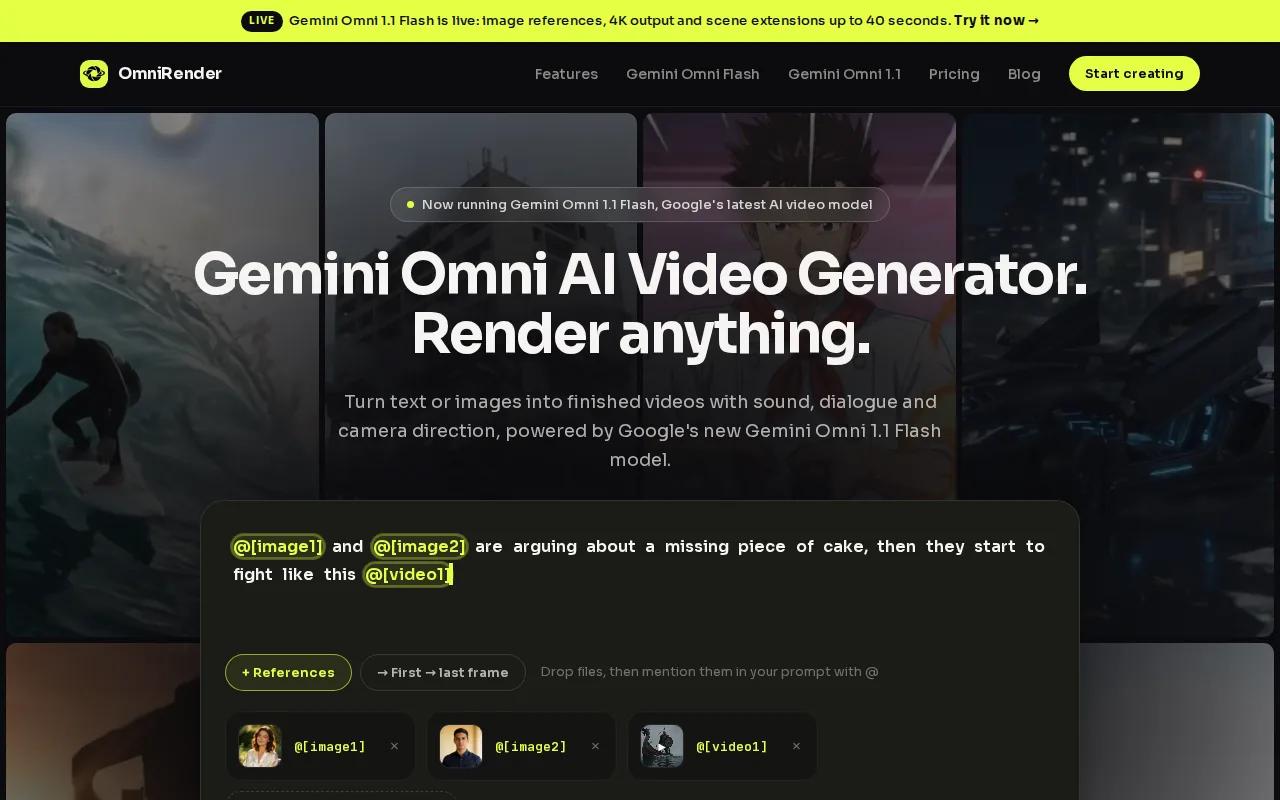
It fits creators and marketers who want to start with a scene idea or product image, then shape it into a social clip. You can ask for a vertical 9:16 or horizontal 16:9 video. The model can generate music, sound effects, and dialogue with lip-synced movement in the same video.
That sound workflow is useful for an ad that needs more than a silent product shot. Ask for a close-up with a soft sound cue, or put a short line of dialogue in the prompt.
After a generation, you can describe an edit in plain language. You can also extend a scene, with continuations up to 40 seconds total. For more campaign ideas beyond a single short clip, see OmniRender’s AI video ad generator article.
OmniRender's free plan includes a few 360p videos a month with no card required. Paid plans start at $14 per month and list a commercial licence, so check the free plan's terms before using a free render in a paid campaign, and confirm the rights to your source media.
2. Arcads: UGC-style ads with a large AI actor library
Arcads makes UGC-style ads with AI actors. It fits marketers who want a person on screen to present a product or app, rather than a scene built around a product image alone.
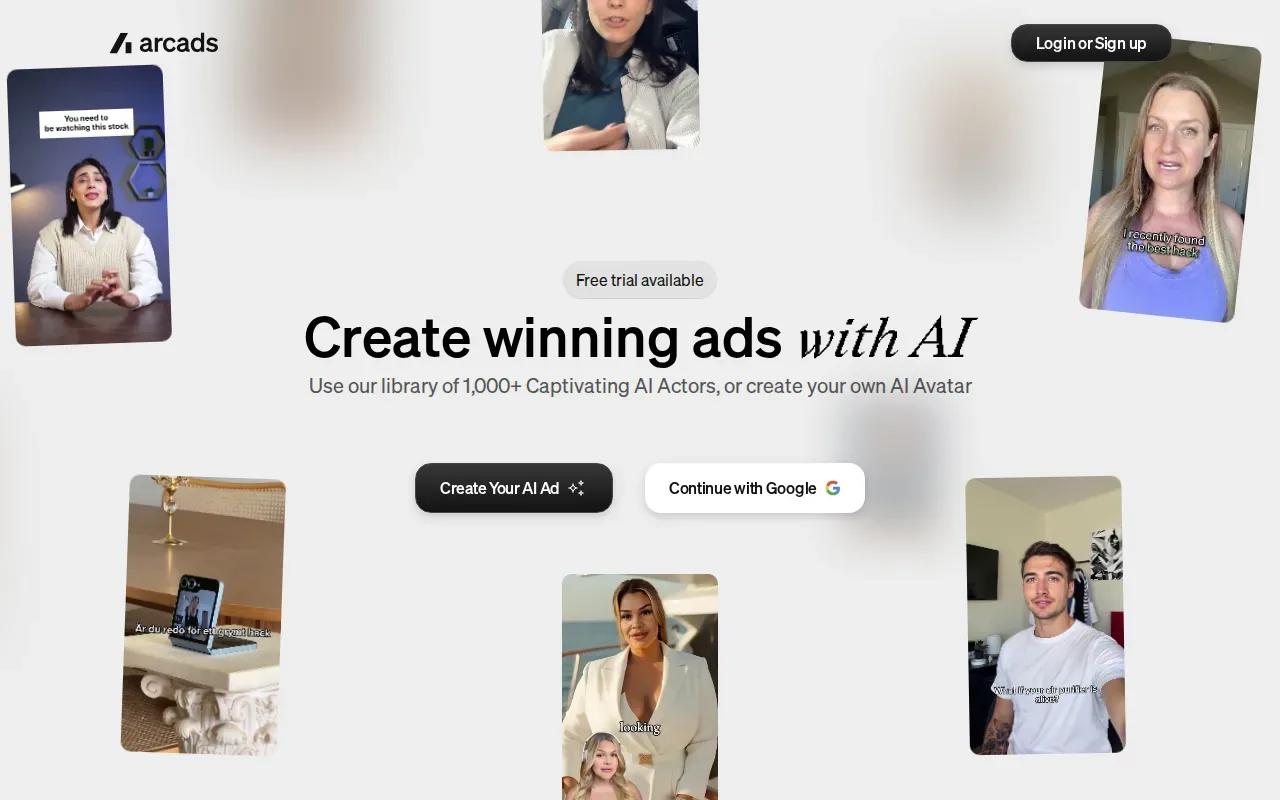
Its actor library includes more than 1,000 options. Arcads also makes review-style ads with AI actors. A review format can be one way to present a product or service in a social ad, but the right format depends on the message you want to convey.
When comparing options, consider whether an actor-led ad suits your product or app and the story you want to tell. A clear script can help keep the message focused, while the actor-led format puts a person on screen to present it.
If you need a clip where the product itself carries the story, compare an actor-led format with an image-led video before committing to a workflow. The choice depends on whether a person or the product should take the lead in your ad.
3. MakeUGC: Actor-led UGC ads with product-in-hand shots
MakeUGC is an AI ad studio with an actor library of more than 1,000 people. It fits a small team that wants to test actor-led ads, but also needs options for product shots and other video styles.
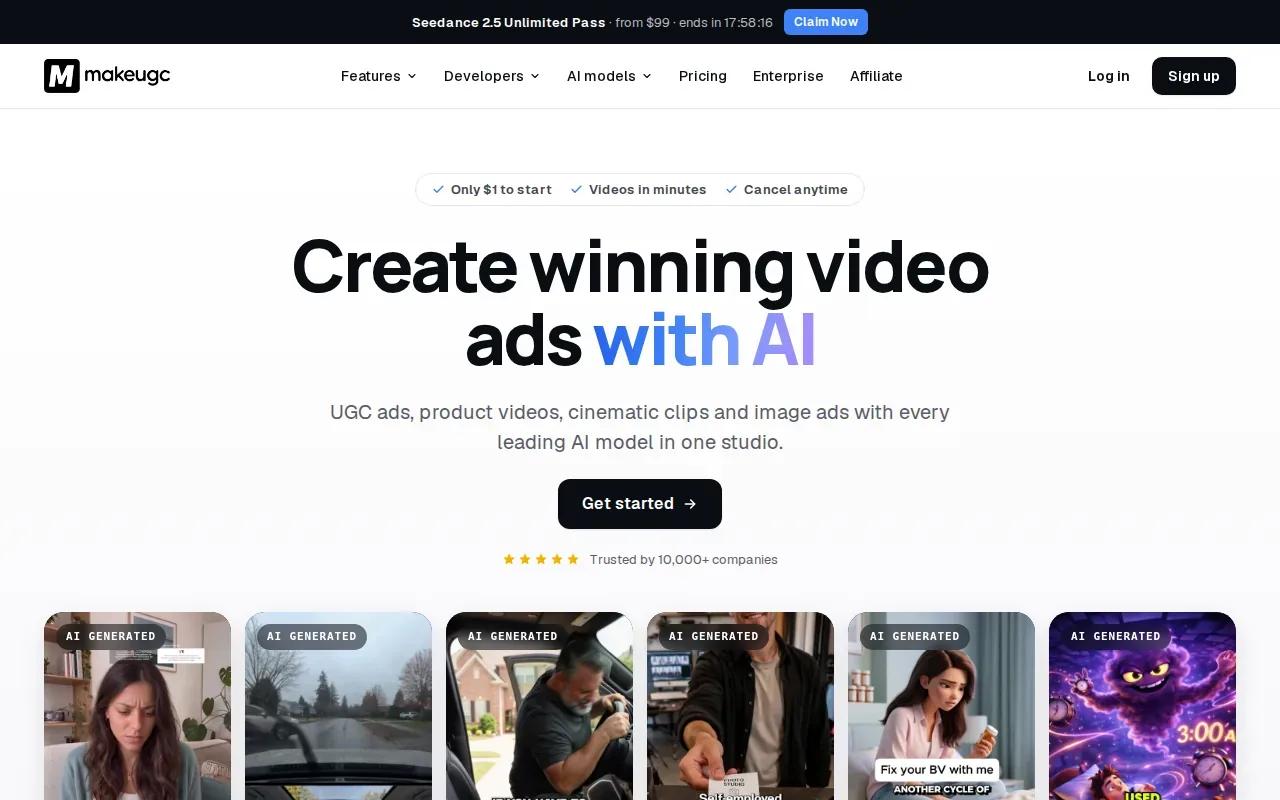
You can start with a prompt, paste a script, or use a product URL. MakeUGC's AI can write a script from a product page. You can also add a product photo for an actor to hold. That path can help when you have a product image but not a filmed demo or a creator clip.
After generation, its editor lets you tweak captions, music, B-roll, and trims. For teams that want to repeat a process across products, MakeUGC also offers a node-based canvas for chaining creative tasks.
MakeUGC's Starter plan is $29 per month billed yearly, and you can try any plan for $1. Its actor-led setup is the main reason to shortlist it; check that the plan's credits match how many variations your team expects to make.
4. HeyGen: Scripted avatar talking-head ads
HeyGen specializes in avatar talking-head videos with scripted voice. It fits a campaign where the main job is to deliver a clear spoken message, such as a product introduction or a short feature overview.
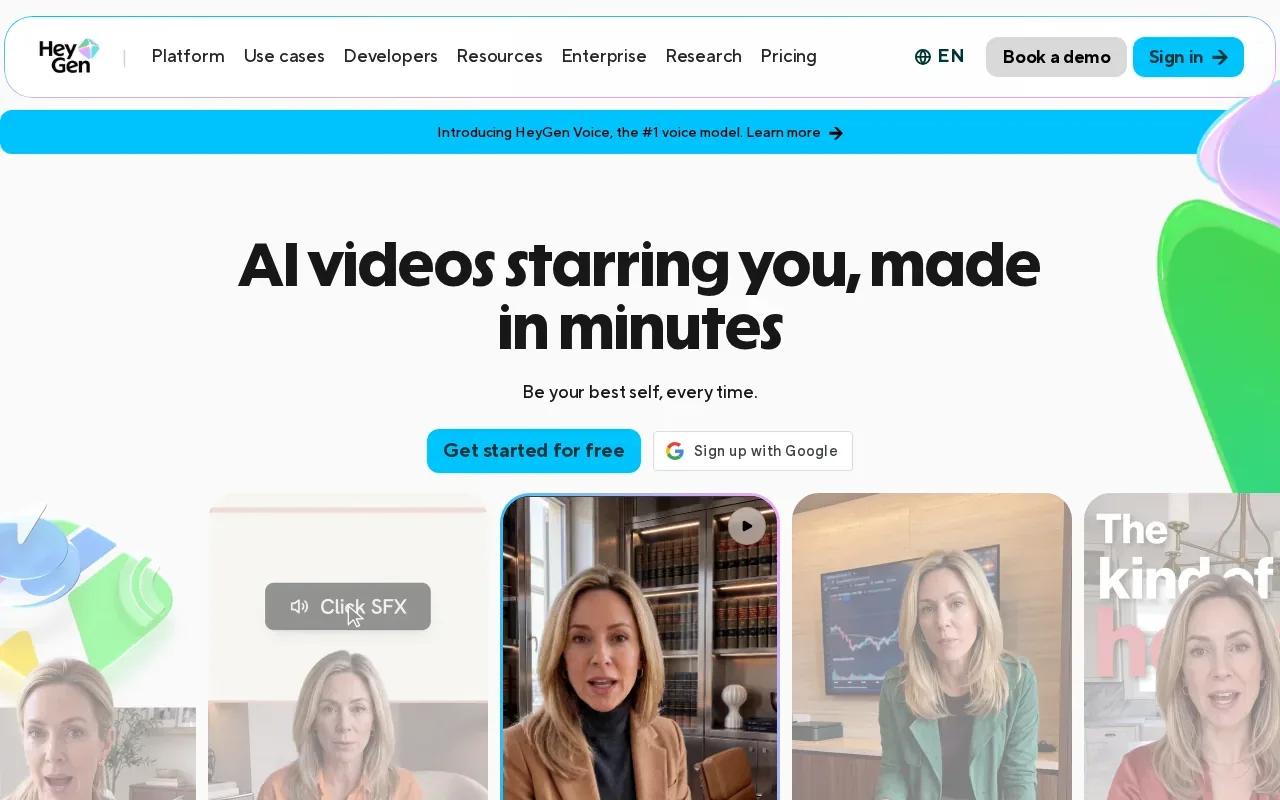
The workflow centers on an avatar presenting a script. That differs from a scene-first tool, where you direct camera movement around a product or setting. The presenter-led format can make sense when the message is the focus, rather than a sequence of product or setting shots. Consider what the ad needs to communicate before deciding which format to use.
For teams comparing video ad options, HeyGen’s focus is polished avatar talking-head ads with scripted voice. Preview the rendered delivery carefully and decide whether it suits the campaign. A presenter-led clip may be a better fit for a defined spoken message than for an ad that depends on showing product action or a changing scene.
Check current plan details before choosing a workflow, and verify pricing, allowances, and usage terms directly. Its core strength is the scripted presenter format, so preview the voice and on-screen delivery against your brand before making a batch of ads.
5. Magic Hour: UGC-style creative for TikTok and Reels
Magic Hour’s AI UGC Ad Generator and AI Influencer Generator are built for the shape of TikTok and Reels creative. It fits marketers who want a virtual creator as the visual center of a short social ad.
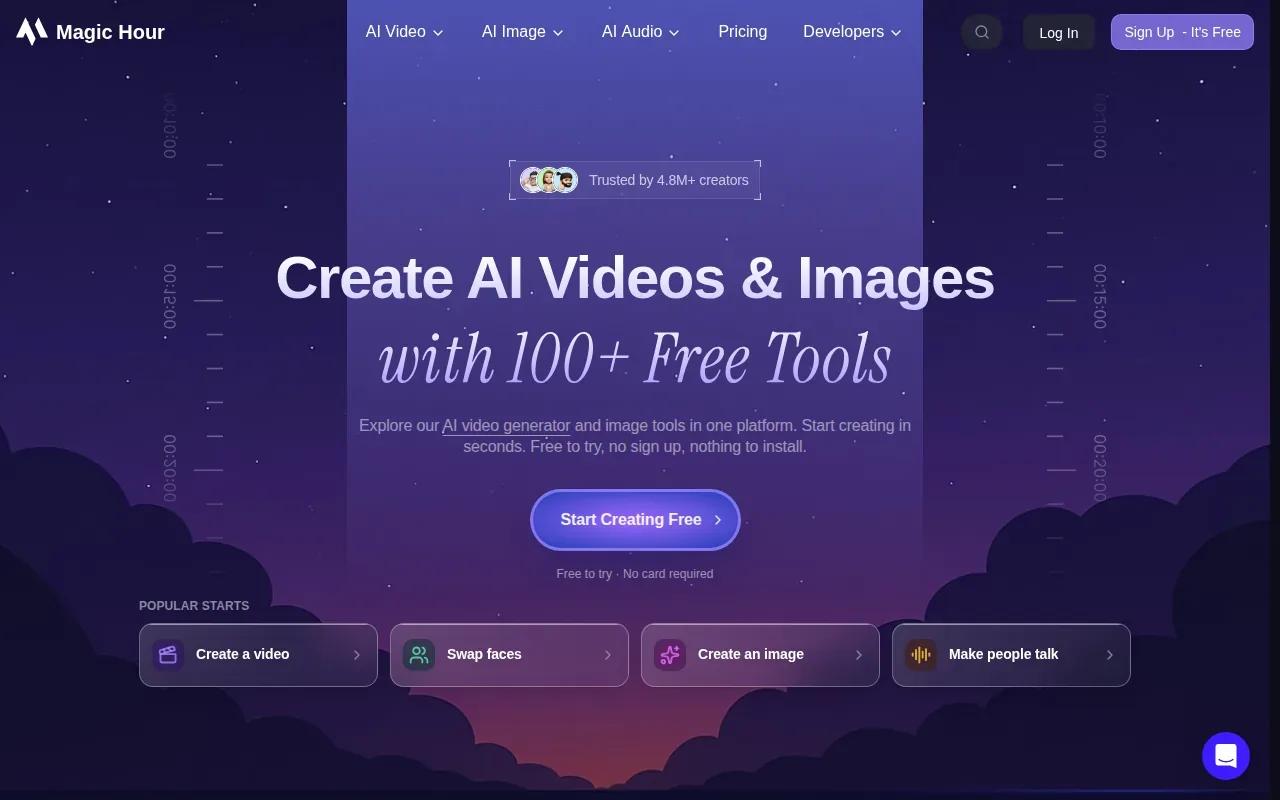
The AI Influencer Generator is another option alongside the AI UGC Ad Generator. Consider whether a virtual creator fits the concept before choosing a format.
Its UGC focus gives you a different starting point from a prompt-led scene generator. Think about what viewers need to see first: a person speaking to camera, a product in motion, or a visual that sets the mood. Pick the tool around that first shot, since it shapes the whole ad.
Magic Hour’s Creator plan is $19 per month, or $12 per month billed yearly. Its generators are tailored to TikTok and Reels formats, so this is a direct option to consider when those are your main channels. Preview the character and the opening seconds before you invest in a larger set of creative.
Compare These AI Video Ads Generators at a Glance
The table focuses on the first decision: what you bring in and what kind of ad you want out. An AI video ad tool may help draft a script or build a scene, but features vary. Check its current workflow for templates, voice options, captions, aspect ratios, editing, and export settings before you build a campaign around it.
| Tool | Starting point | Core creative style | Cost detail |
|---|---|---|---|
| OmniRender | Prompt or image reference | Short scenes with generated sound and dialogue | Free plan; paid plans from $14/month |
| Arcads | AI actor or avatar | UGC-style reviews, demos, and unboxings | See website |
| MakeUGC | Prompt, script, product URL, or image | Actor-led ads and other video styles | Starter $29/month billed yearly |
| HeyGen | Script and avatar | Talking-head presenter video | Free plan; Creator $29/month |
| Magic Hour | AI UGC or influencer generator | Virtual creator-led social ads | Creator $19/month, $12 billed yearly |
Before choosing, check how each tool handles your full handoff. Can you preview the ad before export? Can you adjust the shot, text, or sound without rebuilding the whole clip? Does it export the aspect ratio your channel needs, or connect to the platform where you run ads? A tool’s own plan page is the place to confirm current limits and rights.
Also check the work around the video. Some campaigns need an automated script, voice-over, or translated version; others need a template, captions, or a product shot. After launch, use the ad platform’s reporting to judge performance rather than treating a polished preview as proof of results. Check the applicable endorsement guidance before launch.
If your comparison includes broader commercial concepts as well as social clips, OmniRender’s AI commercial generator overview covers that adjacent use case.
Frequently Asked Questions
Which AI video ad tool works with product photos?
OmniRender and MakeUGC both support image-led starts. OmniRender uses an image reference to guide a short generated scene, while MakeUGC lets you add a product photo for an actor to hold. Pick based on the ad you need: a scene around the item, or a person presenting it.
Can AI video tools make UGC-style ads?
Yes. Arcads, MakeUGC, and Magic Hour all make UGC-style creative. Arcads and MakeUGC offer actor libraries with more than 1,000 actors. Magic Hour’s UGC Ad Generator and AI Influencer Generator are built for TikTok and Reels formats.
Can AI video ads include voice-over or dialogue?
Some tools support spoken scripts or generated dialogue, but the approach differs. OmniRender can generate dialogue with the video, while HeyGen centers on scripted avatar talking heads. Before you commit, check the language, voice, and edit controls in the plan you’ll use.
Can I use a free AI video in a paid ad?
Check the exact tool’s plan terms and the rights attached to your source images, voices, and likenesses. OmniRender's paid plans list a commercial licence; check the free plan's terms before using a free render. Review current terms before placing any generated clip in a paid campaign.
Conclusion
For short social ads that need a product reference, generated sound, and dialogue in one browser workflow, start with OmniRender.