Choosing an AI video generator for ads gets easier when you start with the ad you need to make. Some tools begin with a product photo, while others focus on avatar scripts or rapid creative variations.
We analyzed 58 reviews, comments and questions from Trustpilot, YouTube and Quora about AI video generators for ads and found that 21% mentioned low video quality and incomplete videos.
Here are five named options, with OmniRender first, plus the workflows and costs that can help you pick.
1. OmniRender
OmniRender is an independent, browser-based app for turning text prompts and image references into short videos. It suits creators and marketers who want a generated scene for a product ad or social clip, with sound and dialogue made alongside the picture.
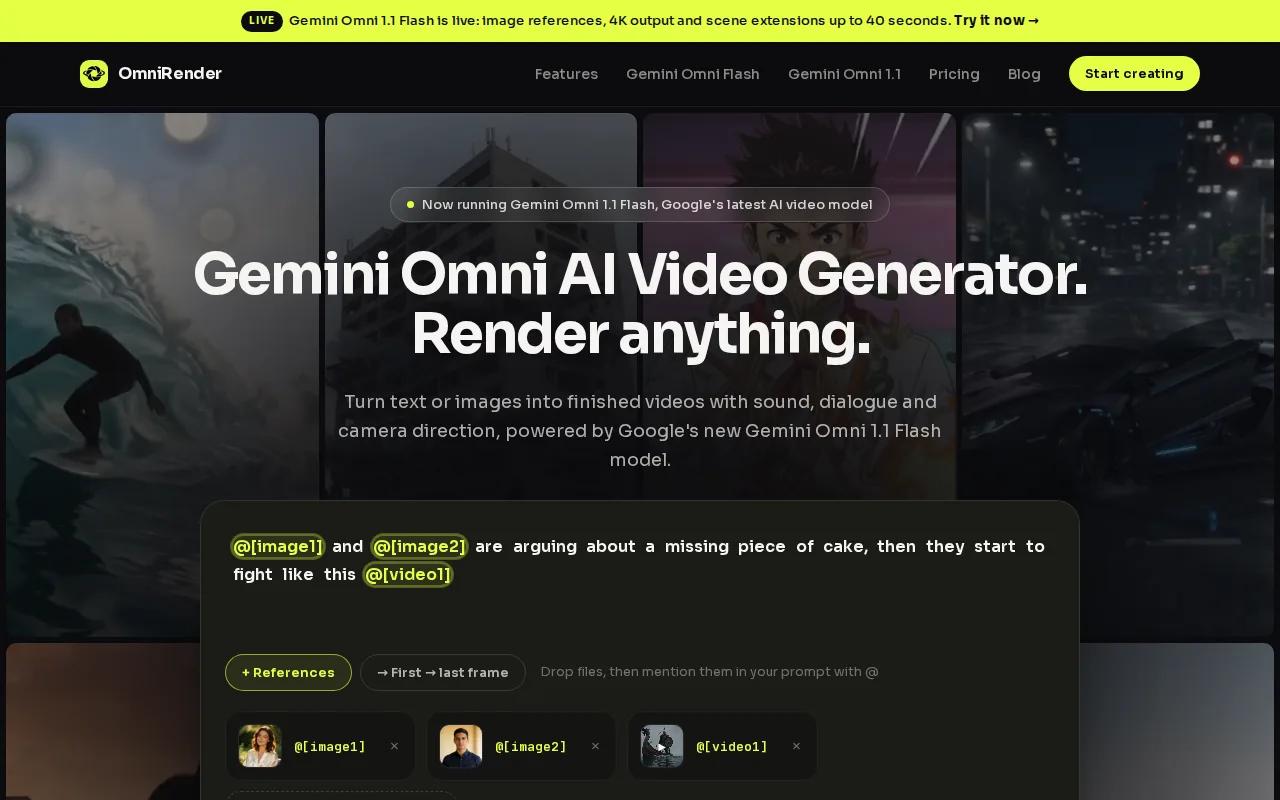
Start with a product photo, then describe the action and camera move you want. The app uses Gemini Omni models as underlying technology, but OmniRender is a separate service with its own app and plans. Google does not own or endorse it.
For a vertical social ad, set the aspect ratio to 9:16. The video can include music, sound effects, or quoted dialogue with lip sync. You can also ask for a change in plain language, then extend a generated scene up to 40 seconds total.
That edit-and-extend workflow is useful when the first render is close but a detail needs work. Instead of rebuilding the whole idea, describe the change and review the new version. The video model supports 360p, 720p, 1080p, and 4K output, with 4K upscaled.
OmniRender’s free plan includes a few 360p videos each month with no card required. Paid plans start at $14 per month, and paid plans list a commercial licence. Higher resolutions require a paid plan. Check current plan terms against your campaign before publishing.
If your brief starts with an image and needs sound or dialogue in the generated scene, OmniRender is a direct fit. Its video ads and social clips guide has more examples of that prompt-led workflow.
2. Creatify: built for high-volume paid social variations
Creatify is built for making paid social ad creative at high volume. It fits teams that have product pages ready and need multiple avatar-led versions for short-form placements.
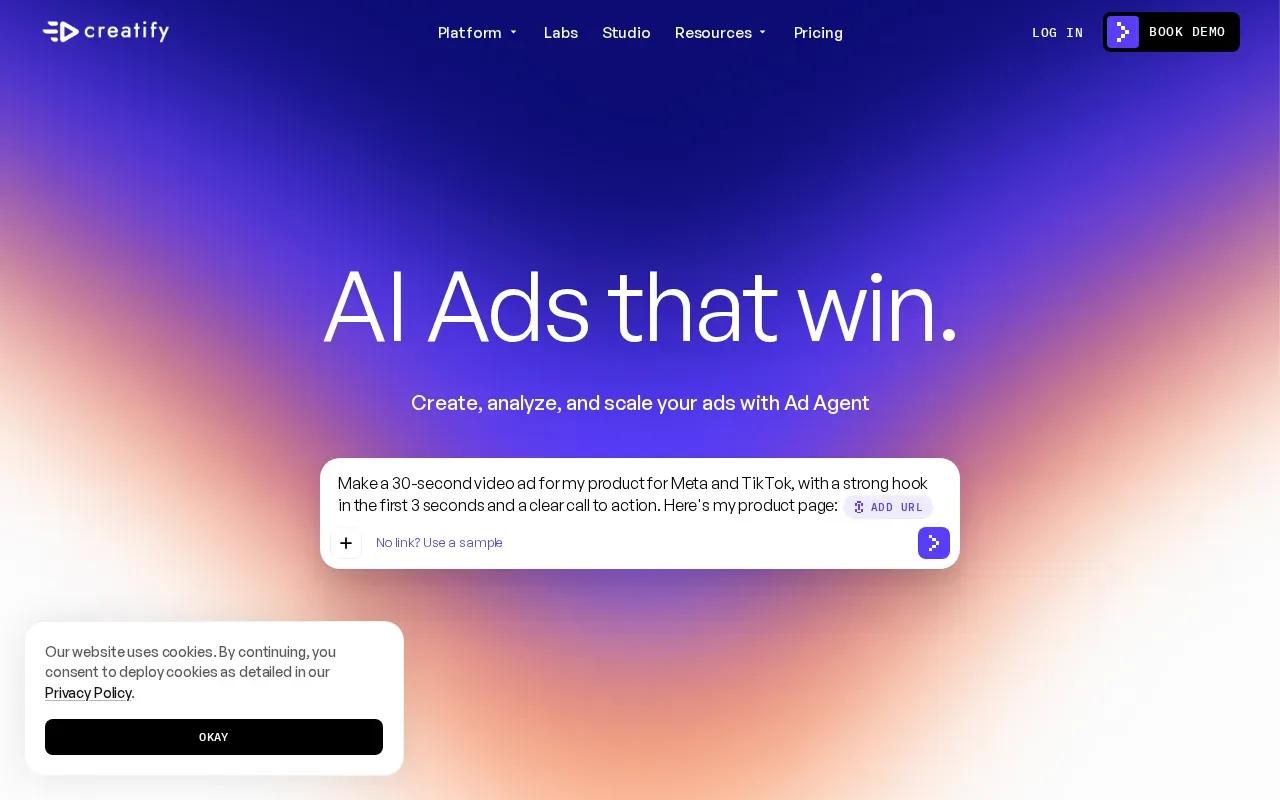
Its flagship workflow turns a product URL into a video ad. You can also generate multiple avatar-led variations in batches, with a native 9:16 format for vertical placements. That makes it a candidate when one item needs several different ad takes, rather than one carefully directed cinematic scene.
Think of a product launch with several audience angles. A team can start with the product page, generate a set of presenter-led versions, then review which message deserves further human editing or testing. The product information and creative still need review before an ad goes live, especially when claims, prices, or product details appear in the script.
Creatify has a free plan with 10 monthly credits. Its Standard plan is $15 per month ($10 billed yearly) and Pro is $55 per month ($38 billed yearly). The features make it worth considering for repeated social ad production, especially when batch output matters more than shaping a single scene frame by frame.
Choose it when your bottleneck is producing many UGC-style variations from product information. If your ad depends on a distinct setting, camera move, or generated soundscape, compare that workflow with a prompt-led video app before you commit.
3. AdsTurbo: performance-focused ad generation and analysis
AdsTurbo is an AI video ad engine built for performance marketers, rather than a general video editor. It suits teams that want to start with a product URL or examine a reference ad as part of their creative workflow.
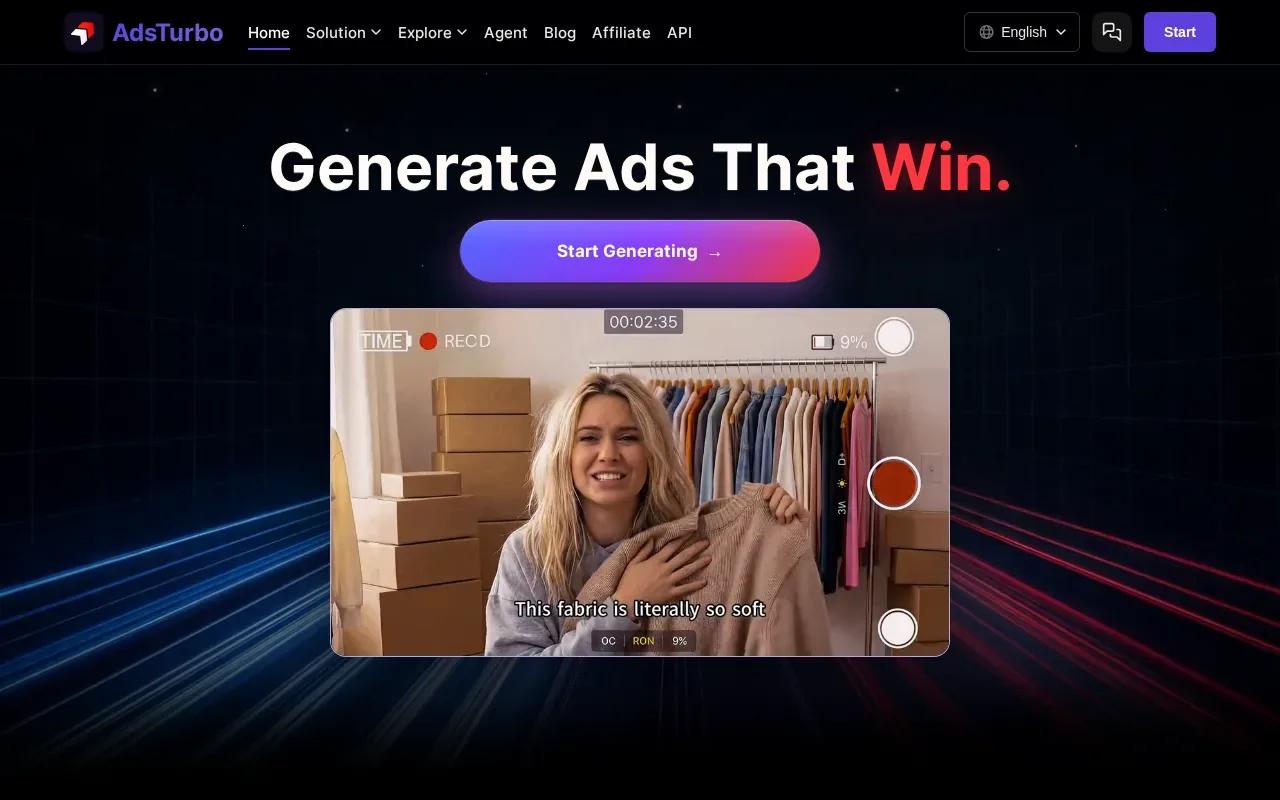
URL-to-Video turns a product link into a video concept. Ad Clone is designed to reconstruct an ad’s creative structure, while Video Analysis helps teams inspect creative elements. The workflow is oriented toward producing and refining ads, not simply generating a clip from a free-form scene prompt.
That distinction matters if you already have a campaign format you want to adapt. A team might study a reference’s hook or pacing, then build a new ad around its own product. Use reference material only when you have the rights to use it, and check each generated version against your brand and product claims.
AdsTurbo also supports multiple generation models, including Sora 2, Veo 3.1, Kling 3.0, and Seedance 2.0. Its credit-based plans mean the monthly fee alone won’t tell you how many finished ads you can make. Estimate a test batch with your expected clip lengths and output settings before choosing a plan.
The Creator plan starts at $31 per month with yearly billing. This is a focused option for teams whose work centers on reference-ad analysis and repeatable paid creative, rather than broad video editing.
4. AdCreative.ai: conversion-oriented creative generation
AdCreative.ai is an AI creative generation platform for conversion-focused ad assets. It suits marketers who want video within a broader ad-creative workflow that also includes product imagery and creative scoring.
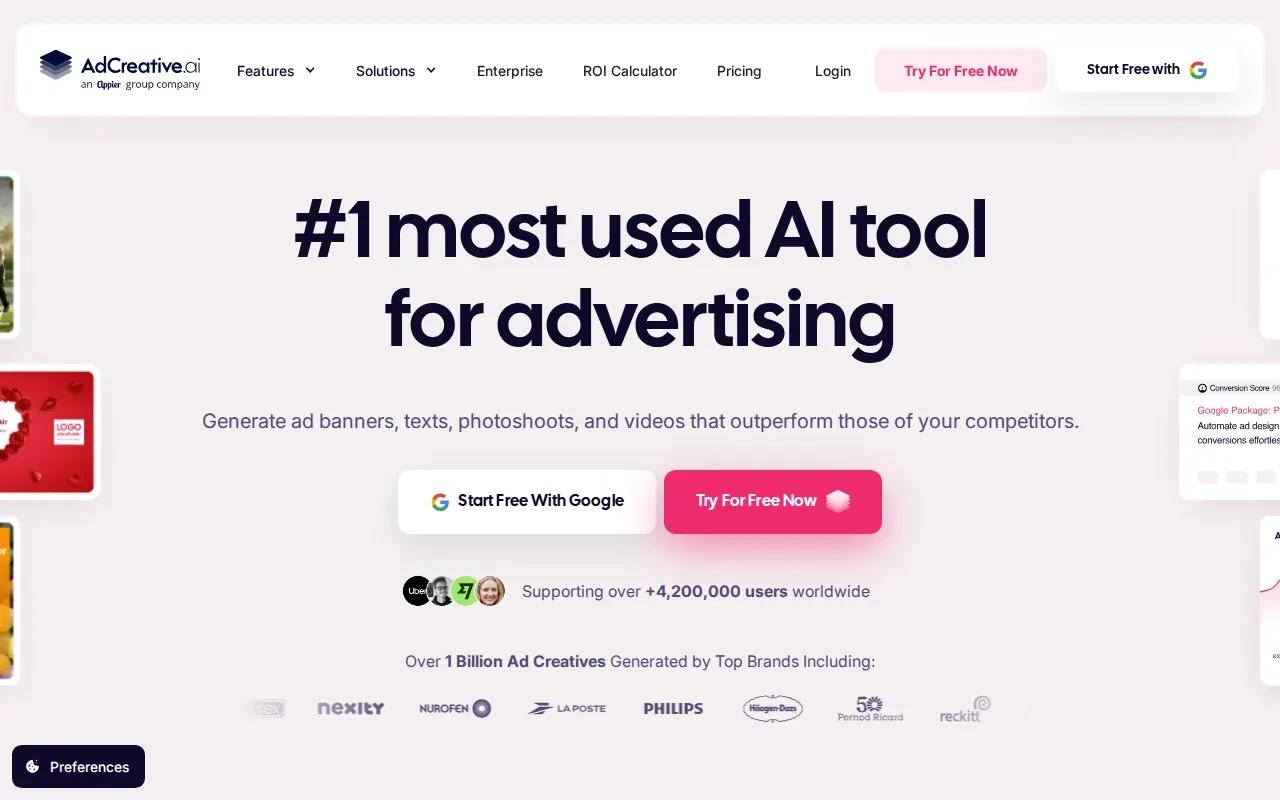
The platform generates ad creatives from brand and product information, and its features include video capabilities, performance prediction, and brand-kit integration. That mix can help when you need the visual direction to stay tied to brand assets rather than treating every video as a separate concept.
AdCreative.ai also offers a creative-scoring feature that predicts how an ad may perform. Treat a prediction as a review aid, not a promise of sales or conversions. Actual campaign results still depend on the offer, audience, landing page, and media spend.
Confirm which AdCreative.ai plan includes the video workflow you need before building a monthly budget around the entry price.
If your work combines static ads with video concepts, this broader workflow may be useful. For a more focused look at commercial video creation, compare the AI commercial generator options for video ads with your actual production brief.
5. HeyGen: avatar-led ads and multilingual video
HeyGen is an AI video platform known for realistic avatars and multilingual video production. It fits campaigns where a presenter needs to deliver a scripted message in more than one language.
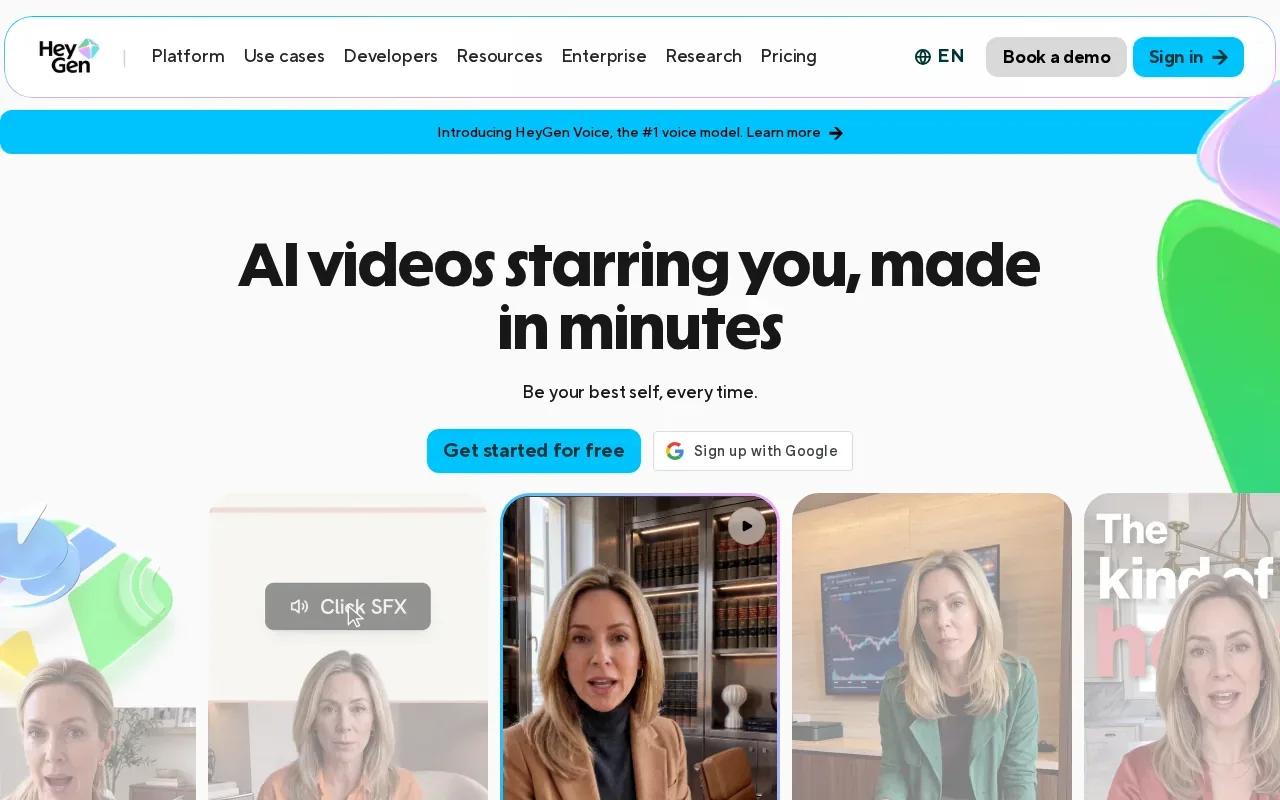
HeyGen supports custom avatar creation and voice cloning. Its translation feature supports more than 175 languages with lip sync, and the product also includes a real-time streaming avatar. Those features make it relevant for presenter-led product explainers or campaign versions adapted for different markets.
For example, a brand could prepare one scripted product message and create localized versions for different audiences. Before publishing, review names, product terms, claims, and the timing of the spoken call to action in each language. Lip sync can help the video feel matched to speech, but the script still needs a person to check it.
HeyGen has a free plan with three watermarked videos a month. The Creator plan is $29 per month with 1080p export, and Pro is $49 per month with 4K export. This gives small teams a way to test avatar-led content before budgeting for a larger production workflow.
Pick HeyGen when the presenter and language adaptation are central to the ad. If your concept is a product-only scene with no on-camera speaker, an avatar workflow may be more than you need.
How the Five AI Video Generators Compare
These tools start from different inputs, so compare them against the ad format you plan to publish. A product-photo scene, a batch of avatar ads, and a translated presenter video ask for different kinds of control.
| Tool | Good fit for | Starting point or key workflow | Price detail |
|---|---|---|---|
| OmniRender | Prompt-led product scenes and social clips | Text or image reference, with generated sound and dialogue | Free tier; paid from $14/month |
| Creatify | High-volume paid social variations | Product URL and batch avatar-led ads | Free plan; Standard $15/month |
| AdsTurbo | Performance teams working from product links or ad references | URL-to-Video, Ad Clone, and Video Analysis | Creator from $31/month with yearly billing |
| AdCreative.ai | Ad teams combining video with other creative assets | Brand and product creative with scoring features | See website |
| HeyGen | Presenter-led campaigns and language versions | Custom avatars, voice cloning, and video translation | Free tier; Creator $29/month |
For a fair test, use the same product image or brief across the tools that support it. Check product accuracy first. Then review face realism and lip sync if the ad has a speaker, and watch the motion for awkward shifts or changes in the product’s shape.
Speed and cost need a little context. Credit-based generation can make the plan price a poor stand-in for cost per finished ad. Estimate a small batch at the output length and resolution you expect to use, then include time for review and revisions.
For a campaign budget under $100 per month, monthly plans include OmniRender Creator at $14, Creatify Standard at $15, HeyGen Creator at $29, AdsTurbo Creator at $39 ($31 billed yearly), and HeyGen Pro at $49. For AdCreative.ai, confirm which plan includes video before you budget.
Frequently Asked Questions
What should I look for in an AI video generator for ads?
Choose based on the ad format and the material you already have. A product image may suit a prompt-led scene, while a product URL can speed up avatar-led variations. If a person speaks, check face realism and lip sync. Then compare output settings and how the tool charges for repeated drafts.
Can I use AI-generated videos in paid ads?
Check the tool’s licence and plan terms before you publish. OmniRender’s paid plans list a commercial licence, so check the free plan’s terms before using a free render in an ad. For any campaign, review the current terms and make sure the generated video and the assets you supplied are cleared for your intended use.
Which tool is suited to making many social ad versions?
Creatify is built for high-volume paid social creative and supports batch generation of avatar-led variants in native 9:16 format. That workflow fits teams testing different presenter-led messages. If you want to vary a product scene, sound, or camera direction instead, compare a prompt-led workflow such as OmniRender.
Can AI video tools make ads in other languages?
Yes. HeyGen supports video translation in more than 175 languages with lip sync. That can help with presenter-led campaigns, but have someone review each version for brand names, product details, and call-to-action timing before it goes live.
How can I keep AI video ad costs under control?
Start with a short draft and a clear brief. Generate only a few versions that test distinct hooks or audiences, then spend more on the ideas worth refining. Check how each plan uses credits and whether the resolution you need requires a paid tier. A low monthly price may not equal a low cost per finished ad.
Conclusion
If you want to make a short product or social ad from a prompt or image, start with OmniRender’s free 360p tier and test one brief. When you’re ready, try OmniRender in your browser and review the current plan details before moving a draft into a campaign.