An AI video generator for advertising can turn a prompt or product image into a short campaign clip, but each tool handles the work differently. Here are five options, starting with OmniRender, with details to help you match the workflow to your ad.
We analyzed 60 comments and questions from Reddit, YouTube and Quora about AI Video generators for advertising and found that 45% mentioned feature differences between tools.
1. OmniRender
OmniRender is an independent, browser-based app for turning prompts and image references into short videos. It suits marketers, ecommerce teams, and social creators who want a product shot or idea to become a moving ad without setting up a shoot.
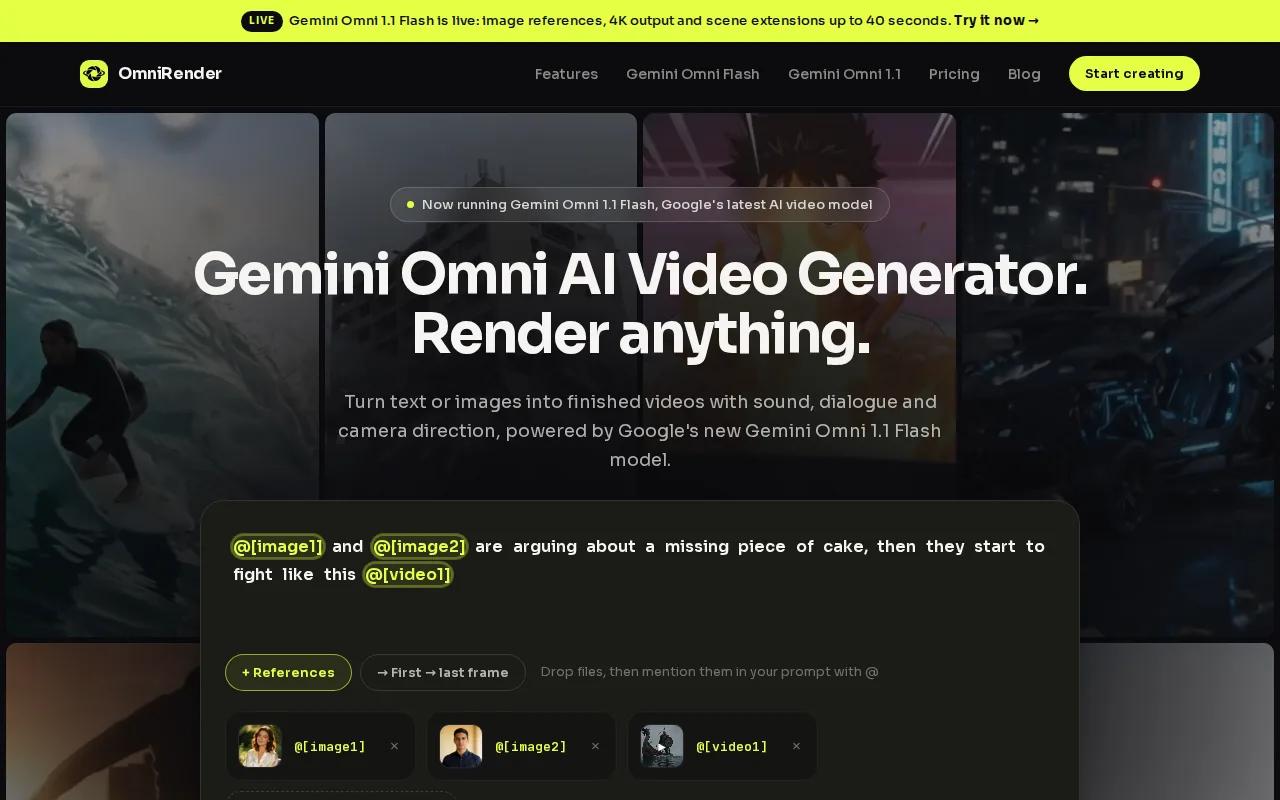
Attach a product image, then describe the action, camera direction, and setting. The Gemini Omni model can generate music, sound effects, and dialogue with lip sync in the same video. You can also keep characters consistent, revise a generated scene with a written prompt, and extend a clip to a total of up to 40 seconds.
That workflow helps when a small team needs a few short scenes with the same on-screen character. For example, start with a product image and ask for a close camera move, then adjust the scene with a sentence if the first version needs a change. For more on that image-led workflow, see AI video ad generator ideas and tools.
OmniRender is separate from Google and its underlying Gemini technology. The app has a free plan with a few 360p videos per month and no card required. Paid plans start at $14 per month and include higher resolutions, with output up to 4K. Paid plans list a commercial licence, so use one of them for a campaign export.
2. Runway: for motion control and cinematic ad visuals
Runway is a video creation and editing platform with generative tools. It can suit a creative team that needs a distinctive opening shot, a visual product scene, or more control over how a shot looks and moves.
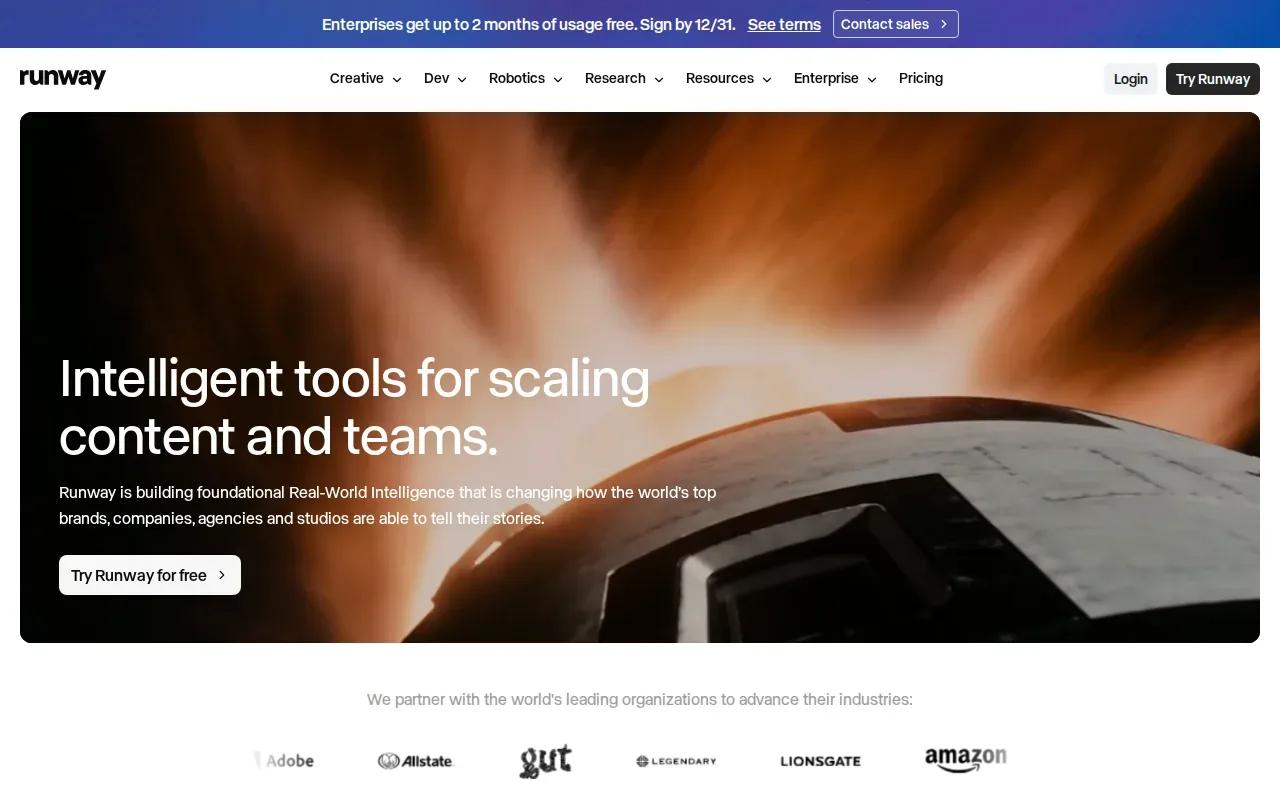
Its current video models, such as Gen-4.5, are built for cinematic visuals.
For an ad, that can mean turning a plain product image into a scene with a different mood, or changing a detail in footage without rebuilding the whole sequence.
Paid plans include 4K upscaling. The Standard plan starts at $12 per month with annual billing, or $15 month to month. Check the plan’s current model access and credit use against your expected number of renders. If you need a shot shaped through repeated visual edits, Runway may fit better than a workflow built mainly around ready-made ad layouts.
3. Krea: for generating and editing campaign creative
Krea is a creative tool for generating, editing, and enhancing images, videos, and 3D work. It fits marketers who want to explore a campaign look and make visual assets in one creative workflow.
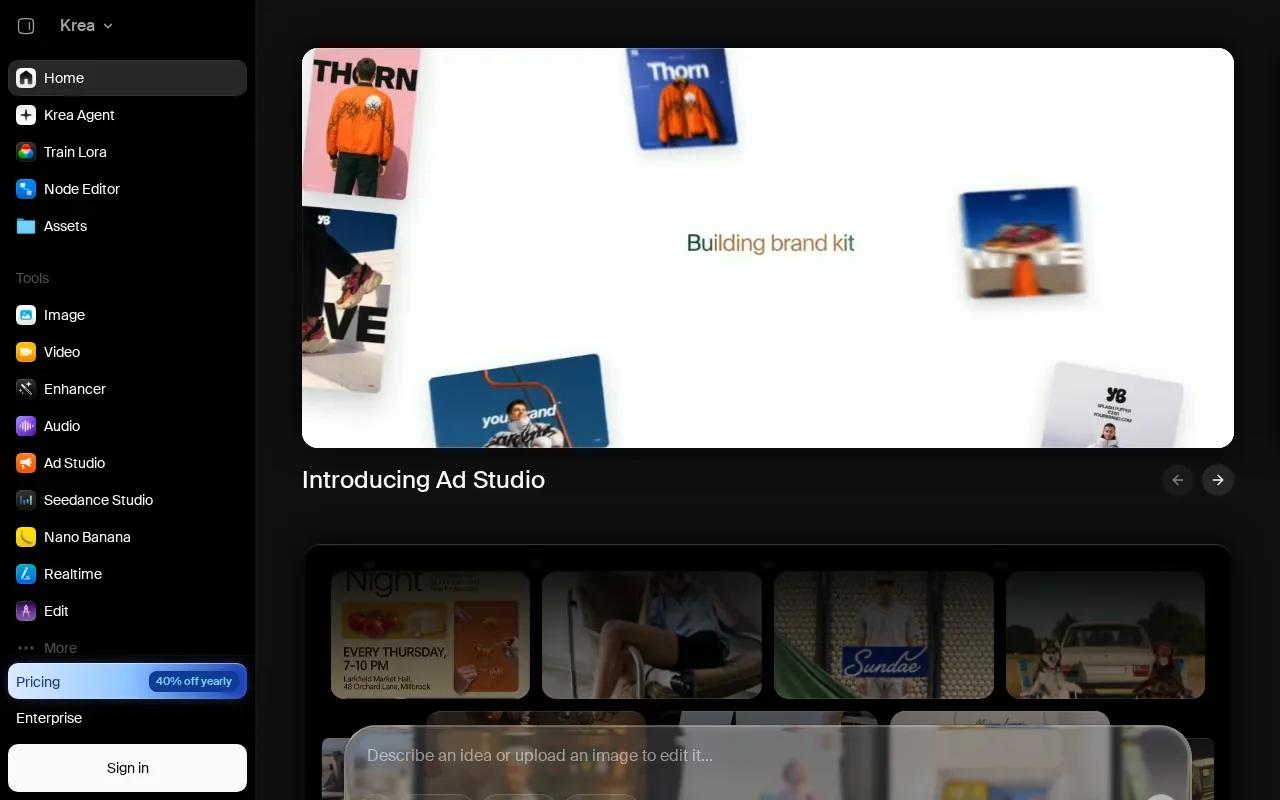
Krea offers text-to-video and image-to-video generation, alongside ad campaign creation and live canvas rendering. A live canvas can help you explore a visual direction as you work, rather than treating the first prompt as the final answer. You can also use Krea to generate or refine images before moving to video.
That makes it worth considering for a campaign that needs a set of related visual concepts. A team might test different looks for a seasonal promotion, then develop a chosen direction into a video. Krea’s ad creation message is aimed at complete campaign work, while its broader image, video, and 3D tools support asset development around that work.
If you’re choosing between a general creative workspace and an ad-specific workflow, focus on where your team spends time. Krea fits when image and video exploration are central. For an overview of how different ad workflows compare, compare AI video generators for ad production.
4. AI Ad Generator by Topview: for ad-focused video creation
AI Ad Generator by Topview is built around making advertising videos from a product URL, image, or campaign brief. It suits ecommerce and paid-social teams that need ad concepts and variations from existing product information.
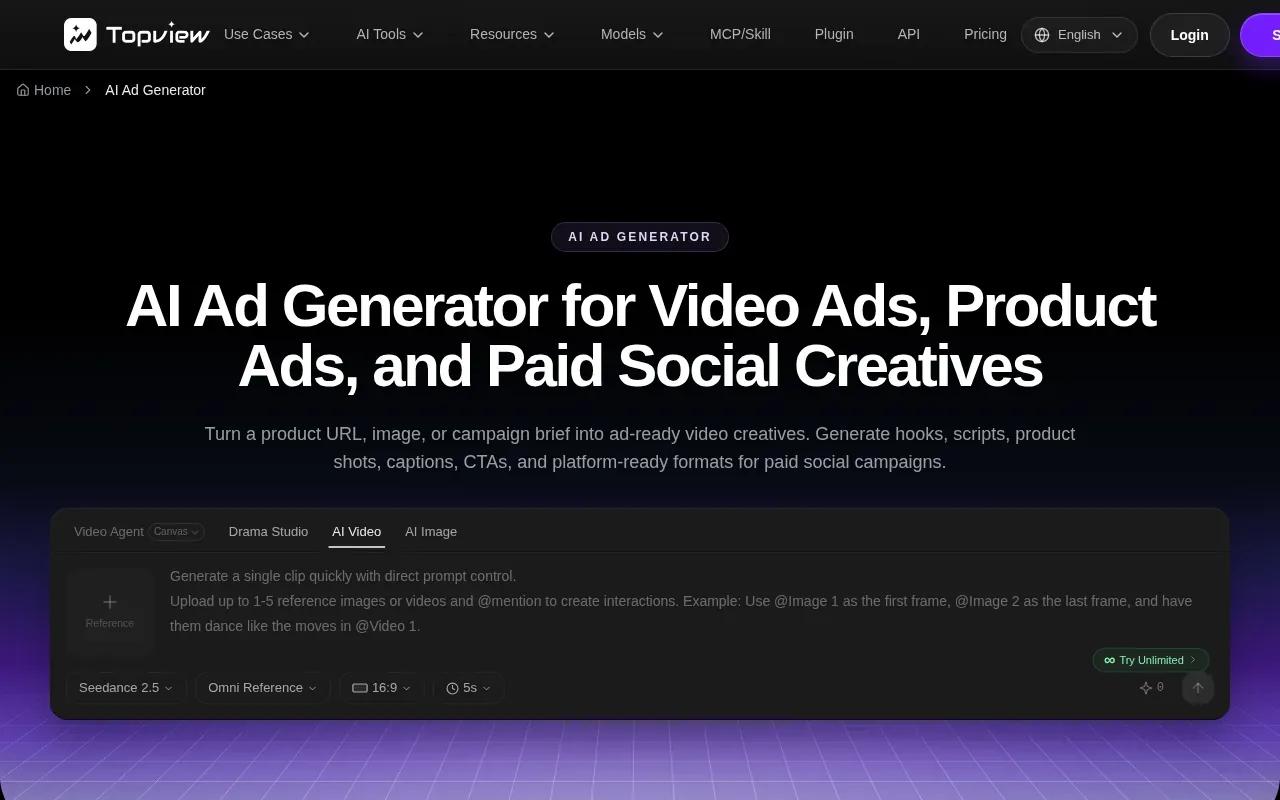
Topview’s workflow can draft hooks, scripts, scenes, captions, voiceovers, and calls to action. It supports product-focused ads as well as UGC-style cuts and commercial-style campaign videos. Teams can generate different openings or CTA versions from one brief, then choose which ideas to test.
Topview’s workflow is more ad-directed than a prompt-only video generator. You provide product details or a URL, review the drafted creative, then refine the parts that need to match your brand voice. Before running a paid campaign, check the product claims and offer details in every generated variation.
5. AI Ad Generator by VEED: for creating advertising videos in an editing platform
AI Ad Generator by VEED combines ad generation with a video editor. It can suit a marketer who wants to generate a draft, add brand elements, and prepare an export in the same editing workflow.
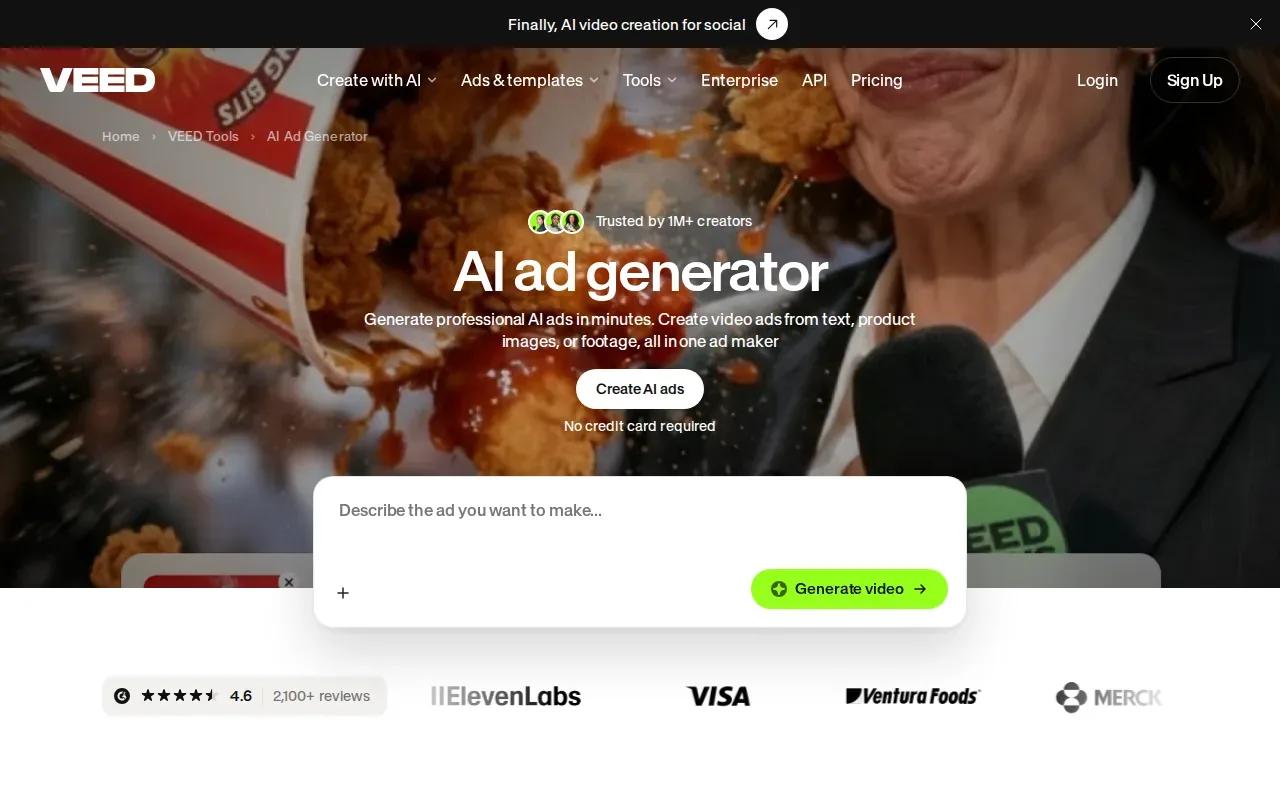
It offers text-to-video, image-to-video, and video-to-video modes, with aspect ratios for vertical, square, and landscape placements. You can then edit the result with a logo, brand colors, fonts, voiceover, captions, and other graphics.
That editing layer matters when the generated scene is only one part of the ad. For example, a product clip may need a short voiceover and captions before it is ready for viewers who watch with sound off. VEED also supports turning one product image into multiple ad variations, which can help a team test different creative versions.
VEED uses a credit system for AI models and shows the credit cost before generation. Free ad creation is available through its Gen-AI Studio, while premium plans add access and remove watermarks. Check the current plan and export conditions before using a video in a paid campaign.
Quick comparison: the five AI video generators for advertising
The main difference is where each tool puts its effort: generated scenes, visual exploration, or ad assembly. Use the table to narrow your shortlist, then check the output settings and usage terms for the campaign you’re planning.
| Tool | Good fit for | Useful detail | Check before you commit |
|---|---|---|---|
| OmniRender | Short product and social video scenes | Image references, generated sound, lip sync, prompt edits | Commercial licence on paid plans from $14 a month |
| Runway | Directed motion and cinematic visuals | Gen-4.5 video model, 4K upscaling | Plan cost and model access for your render volume |
| Krea | Campaign visual exploration | Text-to-video, image-to-video, live canvas | How its workflow fits your ad assembly needs |
| AI Ad Generator by Topview | Product-led paid-social variations | URL, image, or brief can guide ad drafts | Review each claim, caption, and CTA |
| AI Ad Generator by VEED | Generation plus editing and branding | Voiceovers, captions, brand graphics, aspect ratios | Credit use and export conditions |
FAQ: AI Video Generators for Advertising
What is an AI video generator for advertising?
An AI video generator for advertising turns inputs such as a prompt, script, product image, or product URL into an ad video. Some tools focus on generating a scene, while others build a more complete ad with captions or a CTA. You still need to review the result for accurate product details, brand fit, and the right format for your placement.
Can I make ads for TikTok and YouTube?
Yes, several tools in this list support formats for short-form social platforms. OmniRender supports portrait video. VEED includes vertical, square, and landscape aspect ratios. Check the export settings for the exact placement, since aspect ratio and safe areas can affect how the finished ad looks.
Can AI video generators keep a character consistent?
Some tools offer features for character consistency, but the available controls differ. OmniRender supports consistent characters across scenes, which can help when the same person appears in more than one shot. Use clear image references and review each generated scene before publishing, especially when the character represents a recognizable brand identity.
Can I use AI-generated videos in paid ads?
Usage rights depend on the tool and plan, so check the current terms before you publish. OmniRender’s paid plans list a commercial licence; the free plan is for testing. Other tools may have plan or export conditions to review. You should also confirm you have permission to use any product images, logos, music, or footage you upload.
Conclusion
Choose OmniRender if you want prompt-led product or social clips with generated sound and dialogue; choose an ad-focused workflow when you need scripts and platform variations. Start with one product image and a single placement, then review the render before expanding the campaign. See AI video ad creator tools and workflows for more ways to shape that first draft.